Creative embroidering
150
15.6 Combining embroidery motifs
Combining embroidery motifs
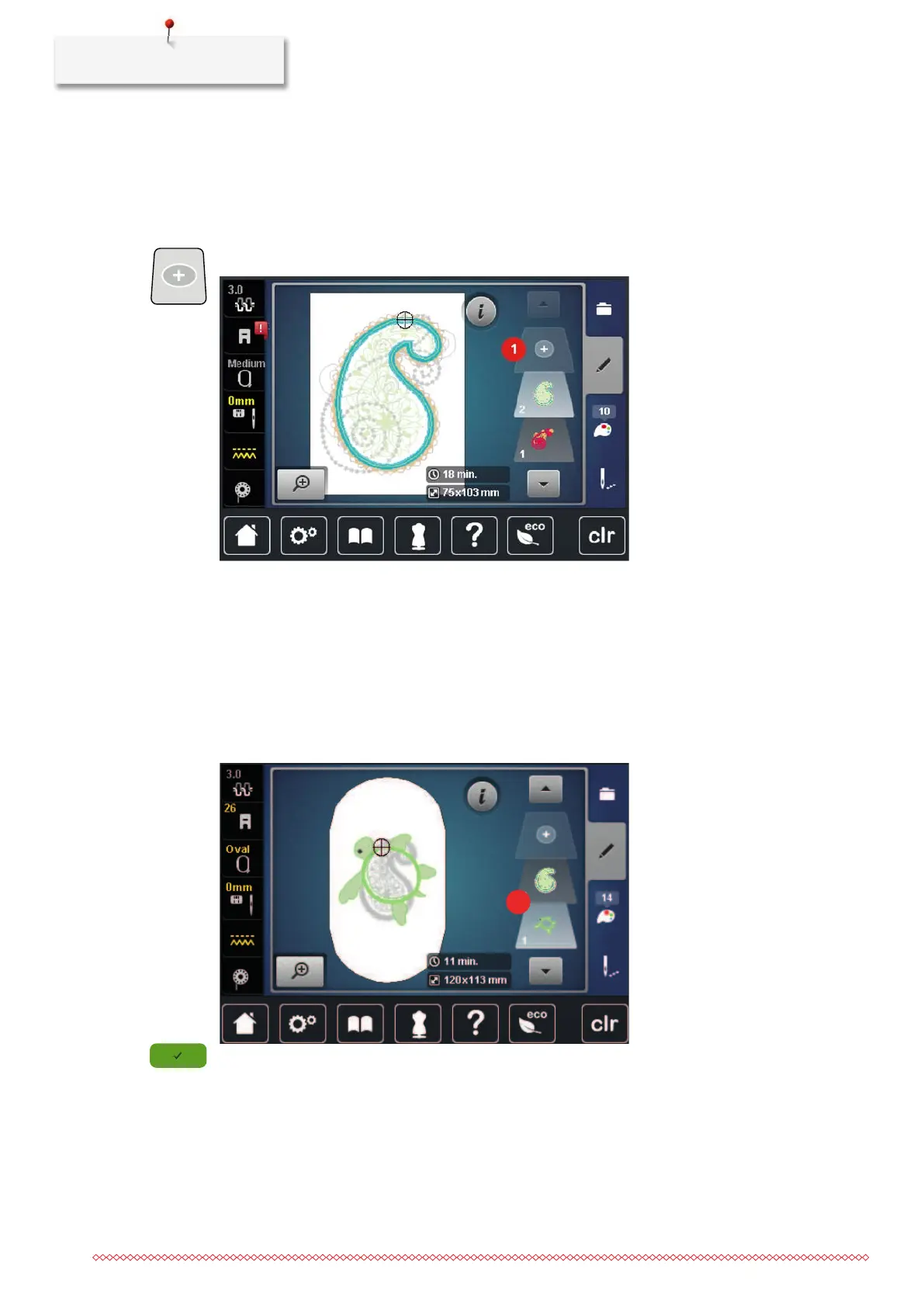
In the Combi-mode several embroidery motifs can be combined.
> Select an embroidery motif.
> Tap «Add Embroidery Motif».
> Select another embroidery motif.
Deleting a single embroidery motif
Prerequisite:
• A combination of embroidery motifs has been created.
> Tap the desired embroidery motif in the area of the embroidery motif level(1), keep it touched and drag
it outwards.
– A new window opens.
> To delete the selected embroidery motif, tap «Confirm».



 To Next Page