Sewing preparation
40
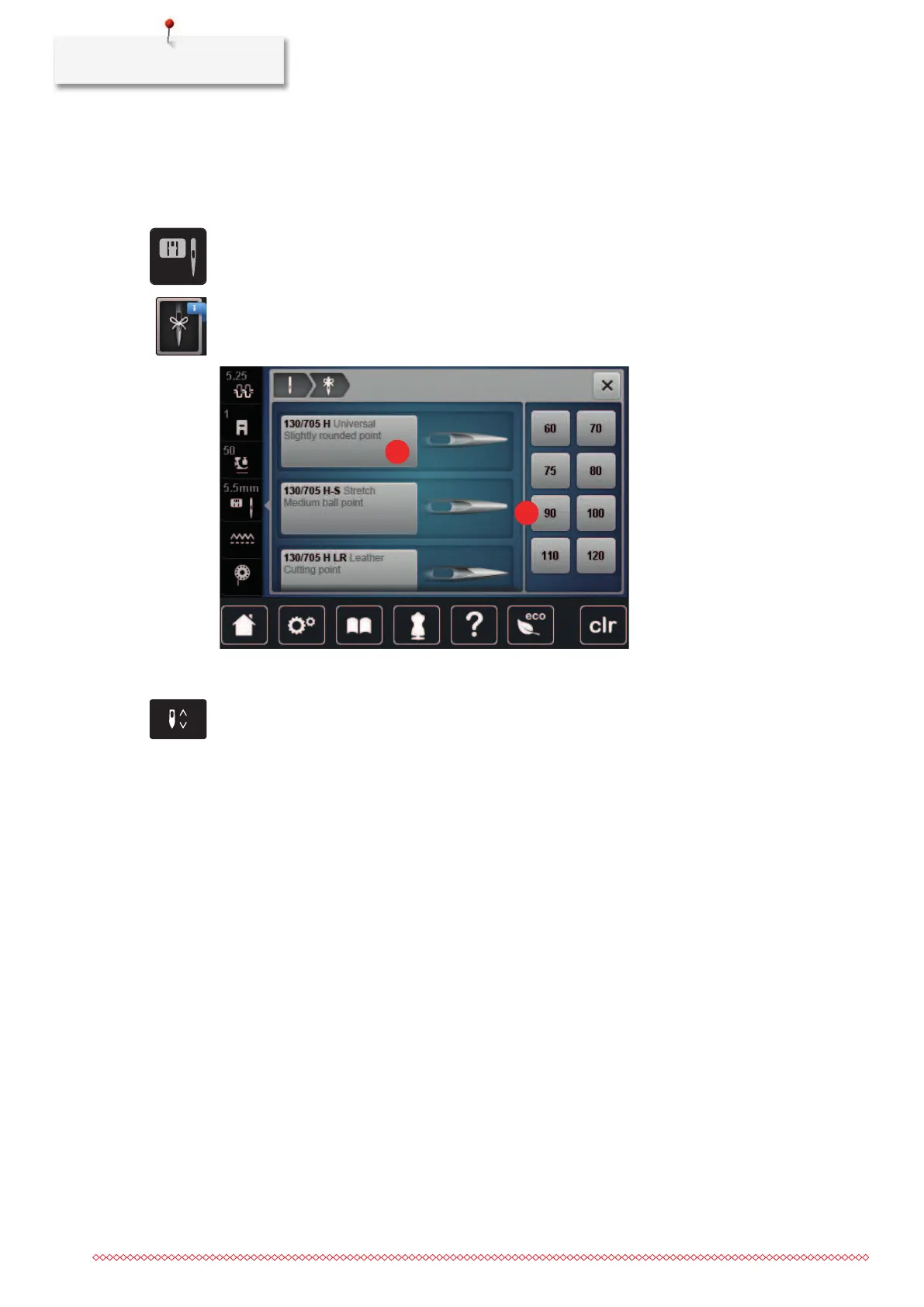
Selecting the needle type and the needle size
Useful reminder function: So that no information is lost, the needle type and needle thickness can also be
saved on the machine. This means that the saved needle type and needle thickness can be checked at any
time.
> Tap «Stitch Plate/Needle Selection».
> Tap «Needle Selection».
> Select the needle type (1) of the fitted needle.
> Select the needle thickness (2) of the fitted needle.
Adjusting the needle position up/down
> To lower the needle, push the button «Needle Up/Down».
> To raise the needle, push the button «Needle Up/Down» again.
Adjusting the needle position left/right
There is a total of 11 needle positions. The needle position is indicated by the needle position number in the
display.
> To position the needle position to the left, push the button «Needle left»(1).



 To Next Page