Embroidery
162
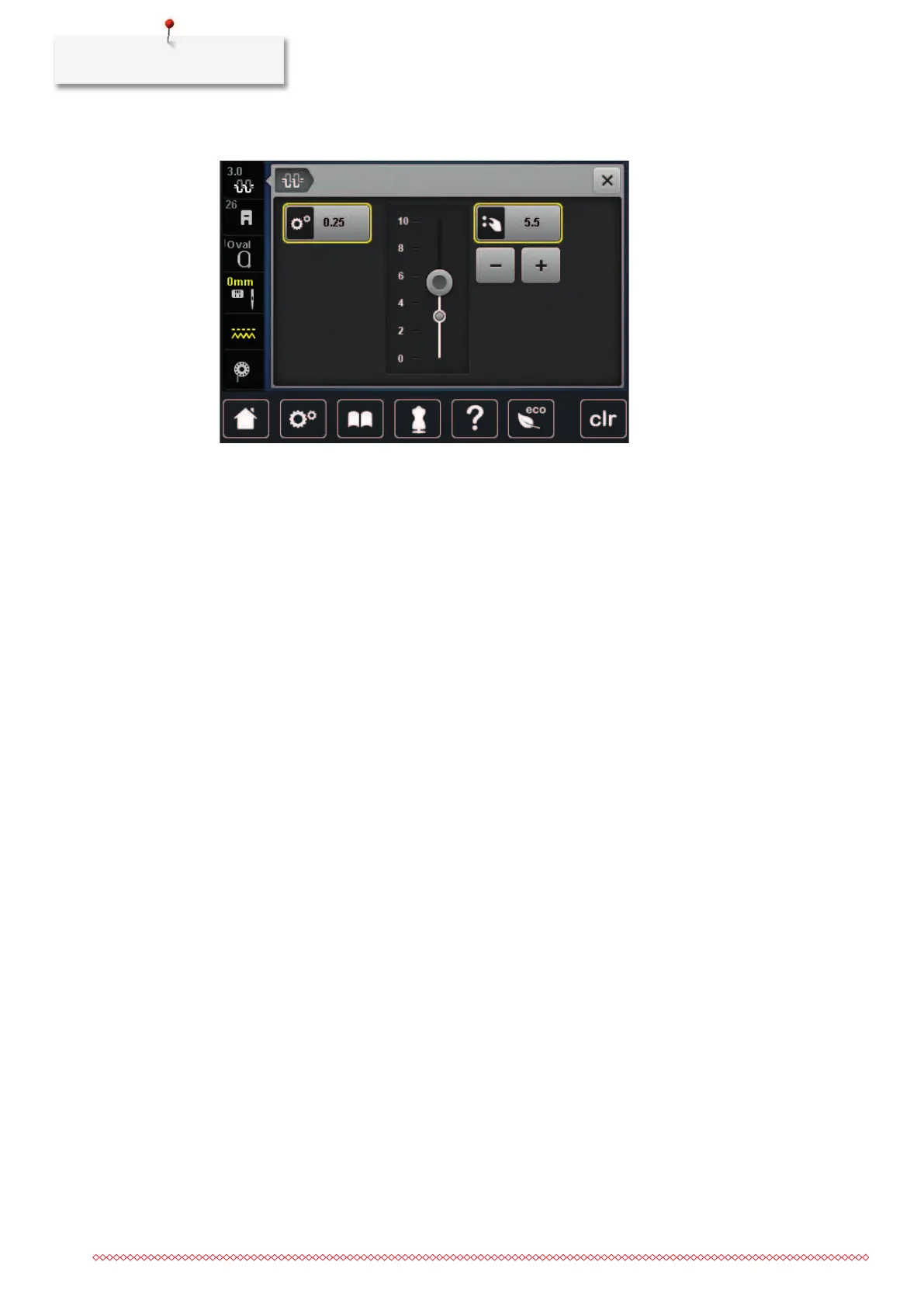
> Adjust the upper thread tension.
> Tap the yellow-outlined icon on the right side to reset the alterations to the default setting.
> Tap the yellow-outlined icon on the left side to reset the alteration to default setting in the Setup
Program.
16.4 Embroidering via the foot control
Embroidering via the foot control is recommended when only a short sequence has to be embroidered.
While embroidering, the foot control must be pressed down all the time.
> Press the foot control to start embroidering.



 To Next Page