Setup Program
53
Programming the button «Quick reverse»
You can choose between «Reverse sewing» and «Stitch-specific reverse sewing».
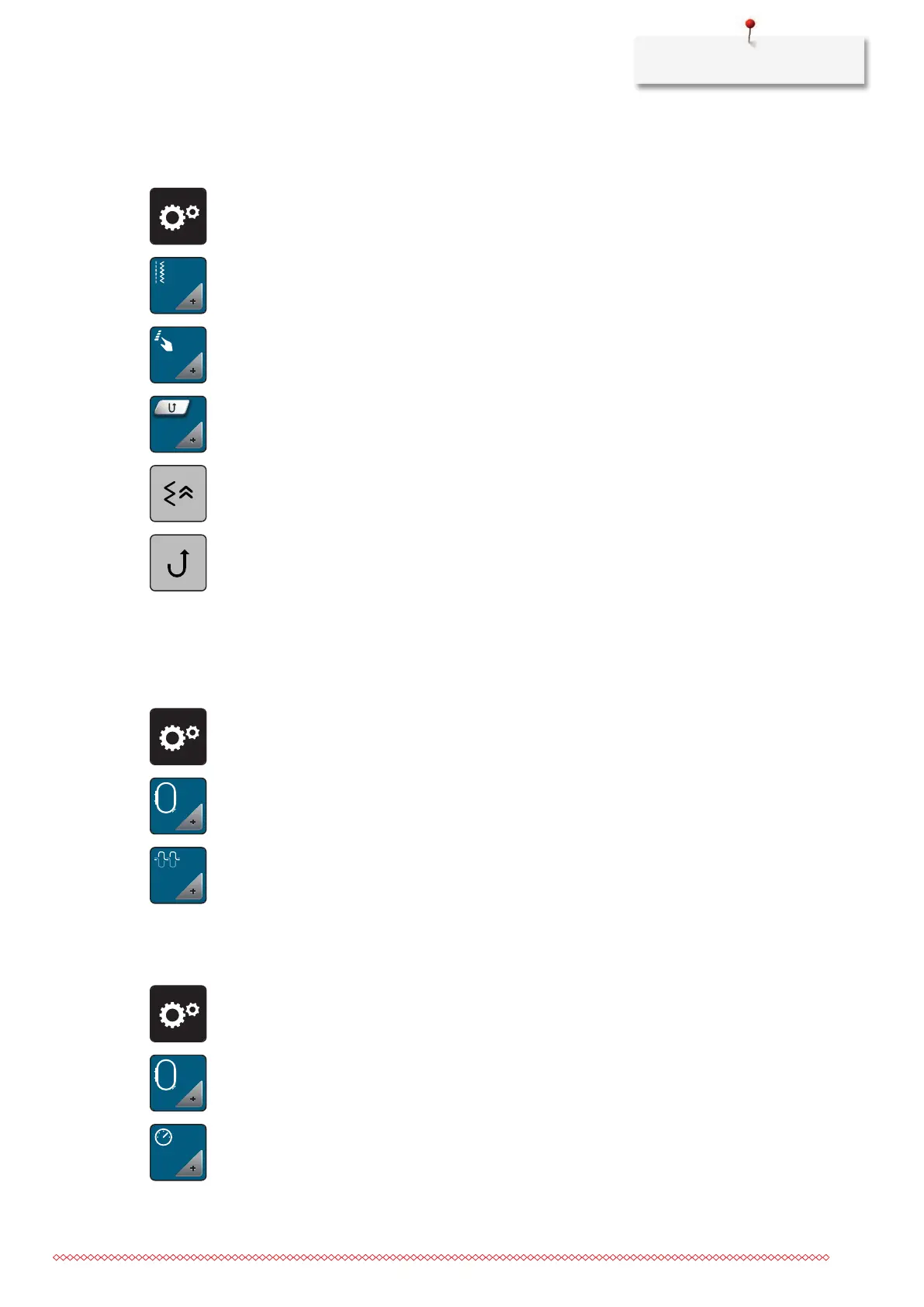
> Tap «Setup Program».
> Tap «Sewing settings».
> Tap «Programming buttons and icons».
> Tap «Programming the button Quick reverse».
> To set the stitch-precise reverse sewing, tap «Backstepping».
> To set the stitch-precise reverse sewing, tap «Permanent Quick Reverse».
3.2 Embroidery settings
Adjusting the upper thread tension
Changes to the upper thread tension in the Setup Program affect all of the embroidery motifs.
> Tap «Setup Program».
> Tap «Embroidery settings».
> Tap «Adjusting the upper thread tension».
> Adjust the upper thread tension.
Adjusting the maximum embroidering speed
You can use this function to reduce the maximum speed.
> Tap «Setup Program».
> Tap «Embroidery settings».
> Tap «Maximum Embroidery Speed».
> Set the maximum sewing speed.



 To Next Page