Creative embroidering
153
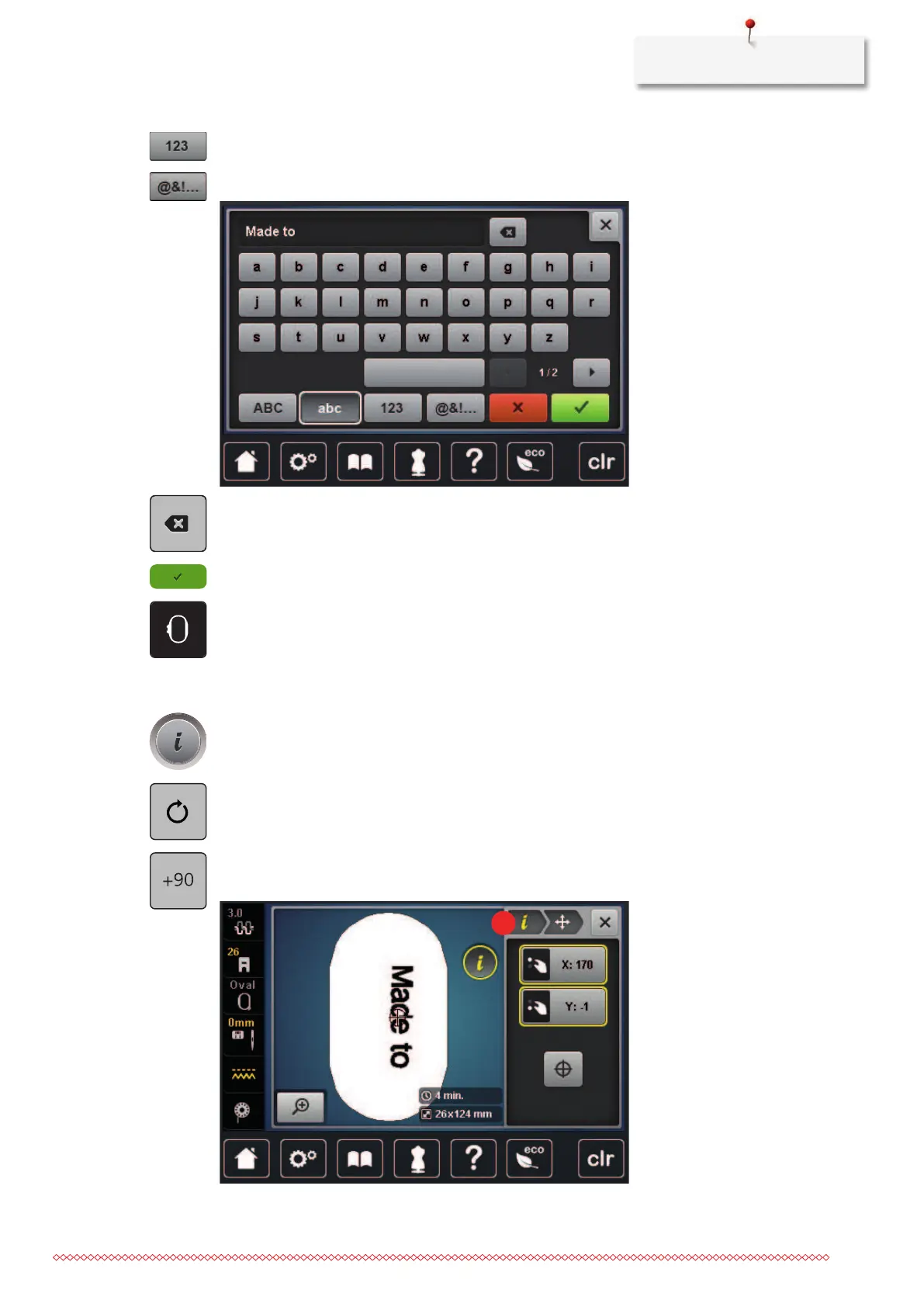
> To use figures and mathematical symbols, tap «Numbers and Mathematical Characters».
> To use special characters, tap «Special Characters».
> To delete single letters of the entered text, tap «Delete».
> To accept the text, tap «Confirm».
> Tap «Hoop Indicator/Select Hoop».
> Select the hoop.
> To get back to the Edit Mode, tap, «Hoop Indicator/Select Hoop» again.
Editing words/sentences
> Tap «i-Dialog».
> Tap «Rotate Embroidery Motif».
> To rotate the text by 90°, tap «Rotate the embroidery motif +90°».
> Tap «i»(1).



 To Next Page