“ICON 2000v4"
instruction and operating manual
© Copyright by BIFFI Italia. All right reserved. Section 618/42 Page 10
Contents may change without notice
8. ICON2000v4_DPV1 power-up
On power-up the module checks the baud rate and then it waits for the “parameterization”
telegram from the Master. The parameterization message contains user information needed for
actuator operation and listed in the chapter 9: ‘Data exchanged during parameterization‘.
After that the module waits for the “configuration” telegram from Master. The configuration
message contains the number of input and output bytes reserved in the memory of the Master device
for each slave. Only the number of bytes determined in the configuration is transmitted between
Master and Slave. This information is called “module”. The ICON2000v4_DPV1 board
implements the following modules:
Module 1 : 1 byte output; 2 bytes input
Module 2 : 4 byte output; 8 bytes input
Module 3 : 1 byte output; 2 bytes input - Consistent
Module 4 : 4 byte output; 8 bytes input - Consistent
Consistent is an attribute that specify the capability of the module to maintains data consistency
over the entire data length. In this way the data will not change during the reading by the
PROFIBUS DP-Master.
For example, if module 2 is selected, the output telegram consists in 4 bytes, and the input telegram
in 8 bytes.
When parameters and configuration are correct, the module enters in “data exchange mode” and
starts with normal operation. The Master cyclically sends commands to the Slave and read its status.
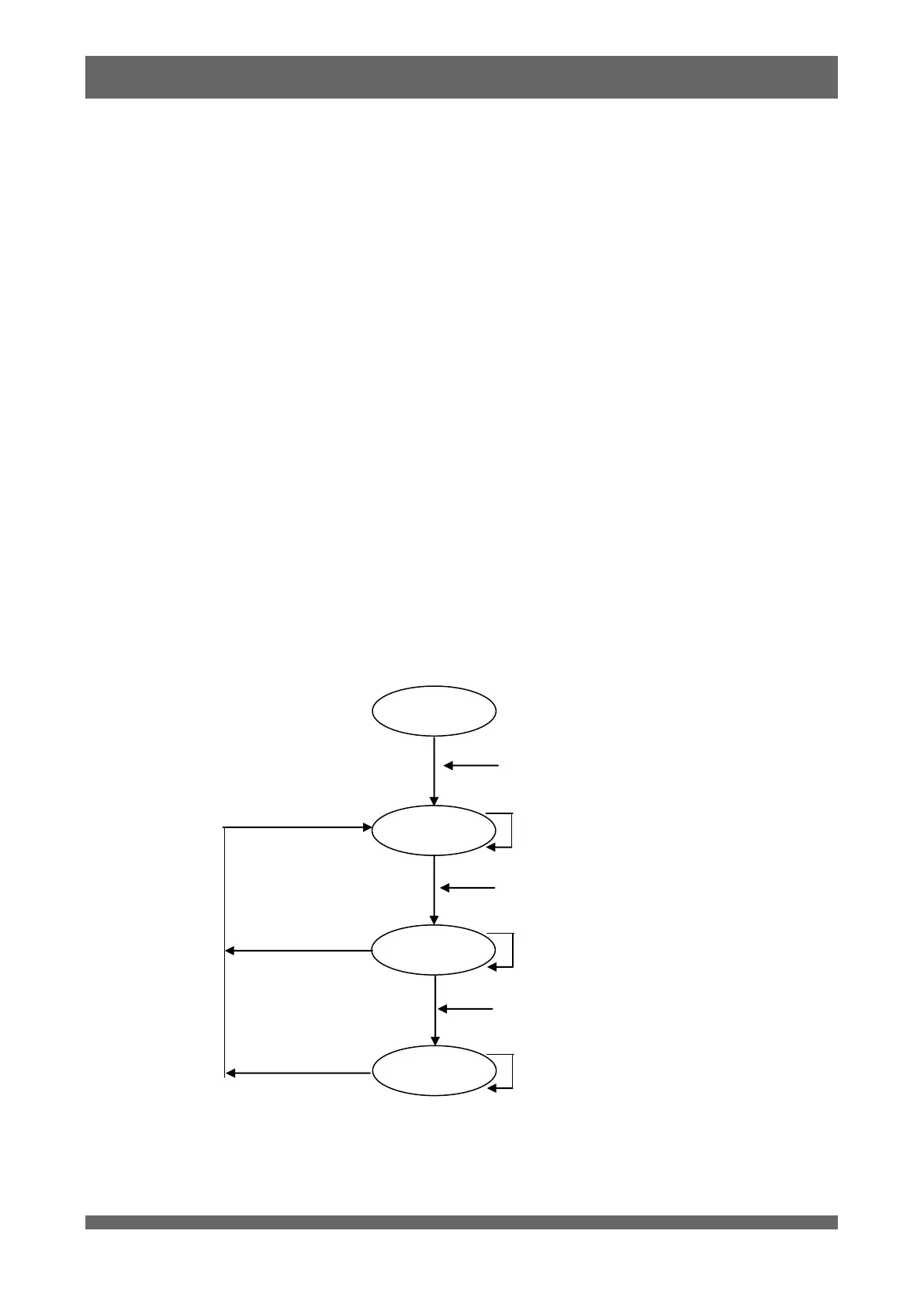
The following figure shows the state machine of a DP slave:



 To Next Page