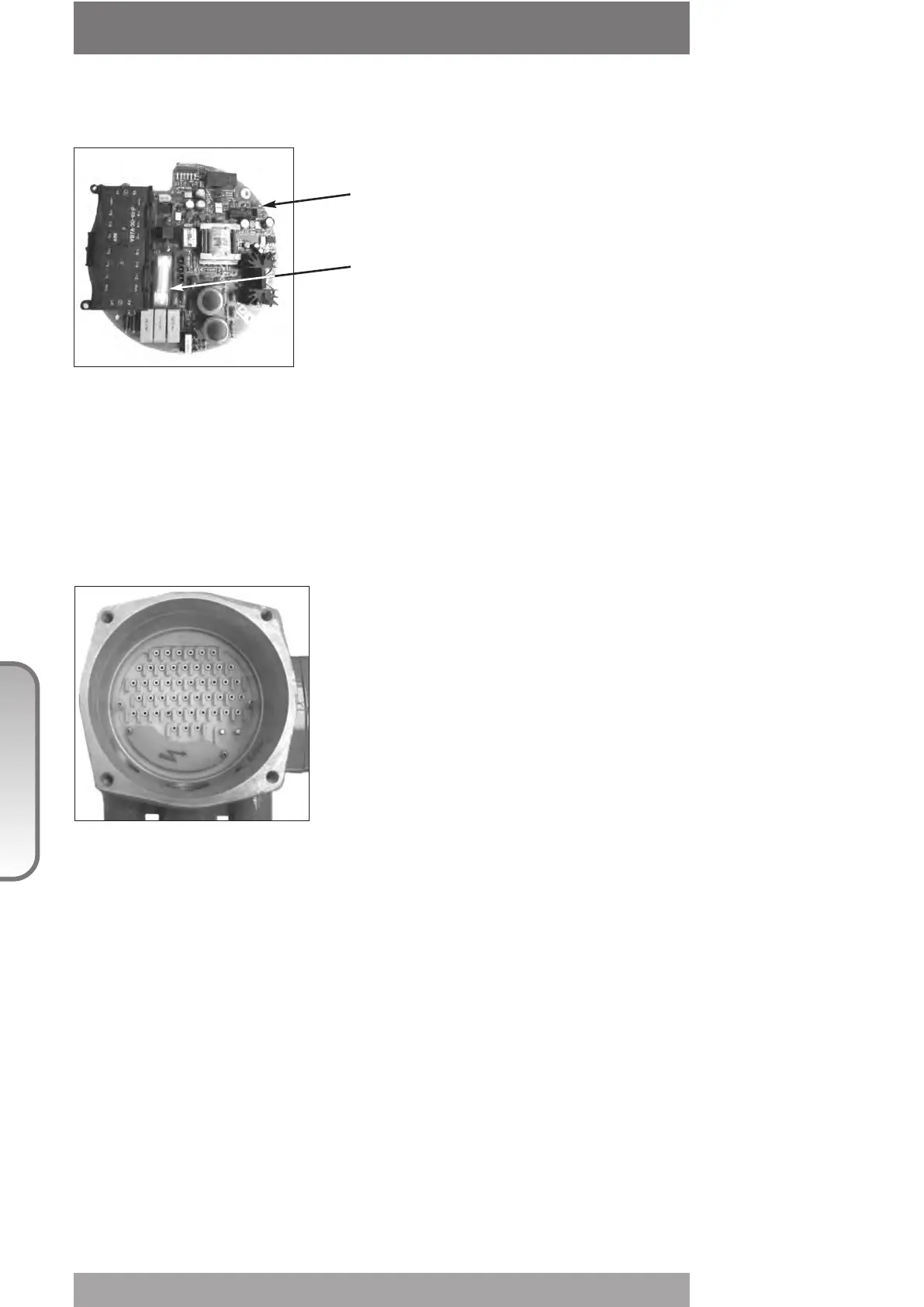
1. The electronics do not switch on when powered
- Check that the value of the main voltage on terminals L1, L2, L3 is correct
- Remove the cover of the compartment where the electronic cards are located
- Check the fuse mounted on the power card. Replace it if burnt.
- If the fuse is OK, check the wires between terminals L1, L2, L3 and connector M1 of the
power card. If it is correct, replace the power card.
2. DC output voltage not available
at the terminals
-witch off the main power supply and disconnect all
wires from terminals B1-B2 and C1
- switch on the main power supply and check if the
voltage on the terminals B1-B2 and C1 is between
23 and 27 Vdc
- if the voltage is correct check the external wiring
and the electrical load. It should not exceed 4W.
- if the voltage is not correct replace the power card
3. The actuator does not work from remote controls
- Move the 3-position selector to LOCAL and check that the actuator works from local
controls.
- Move the local selector to REMOTE. If the ESD signal is active, the alphanumeric display
indicates “ESD On”. Check the signal on terminals C3 and C4 and adjust the ESD
configuration. If the alphanumeric display indicates “INT”, an interlock control is present.
Check the signal on terminals B3, B4 and B5, and adjust Interlocks configuration.
- Check that:
• the wiring to terminals B1-B2 and C1 is correct
• there is no short-circuit between wires
• the electrical load does not exceed 4W
• the value is in the range 20-120 Vac 50/60Hz or 20-125 Vdc, if external voltage supply is
used
96
© Copyright by BIFFI Italia. All rights reserved.
“ICON2000”
instruction and operating manual
Section 618/3 chapt. N
Section 618/3
2. DC output voltage not available
at the terminals
- Switch the main power supply off and disconnect all
wires from terminals B1-B2 and C1
- Switch the main power supply on and check if the
voltage on the terminals B1-B2 and C1 is between
23 and 27 Vdc
- If the voltage is correct check the external wiring
and the electrical load. It should not exceed 4W.
- If the voltage is not correct replace the power card
Power card
Fuse



 To Next Page