98
© Copyright by BIFFI Italia. All rights reserved.
“ICON2000”
instruction and operating manual
Section 618/3 chapt. N
Section 618/3
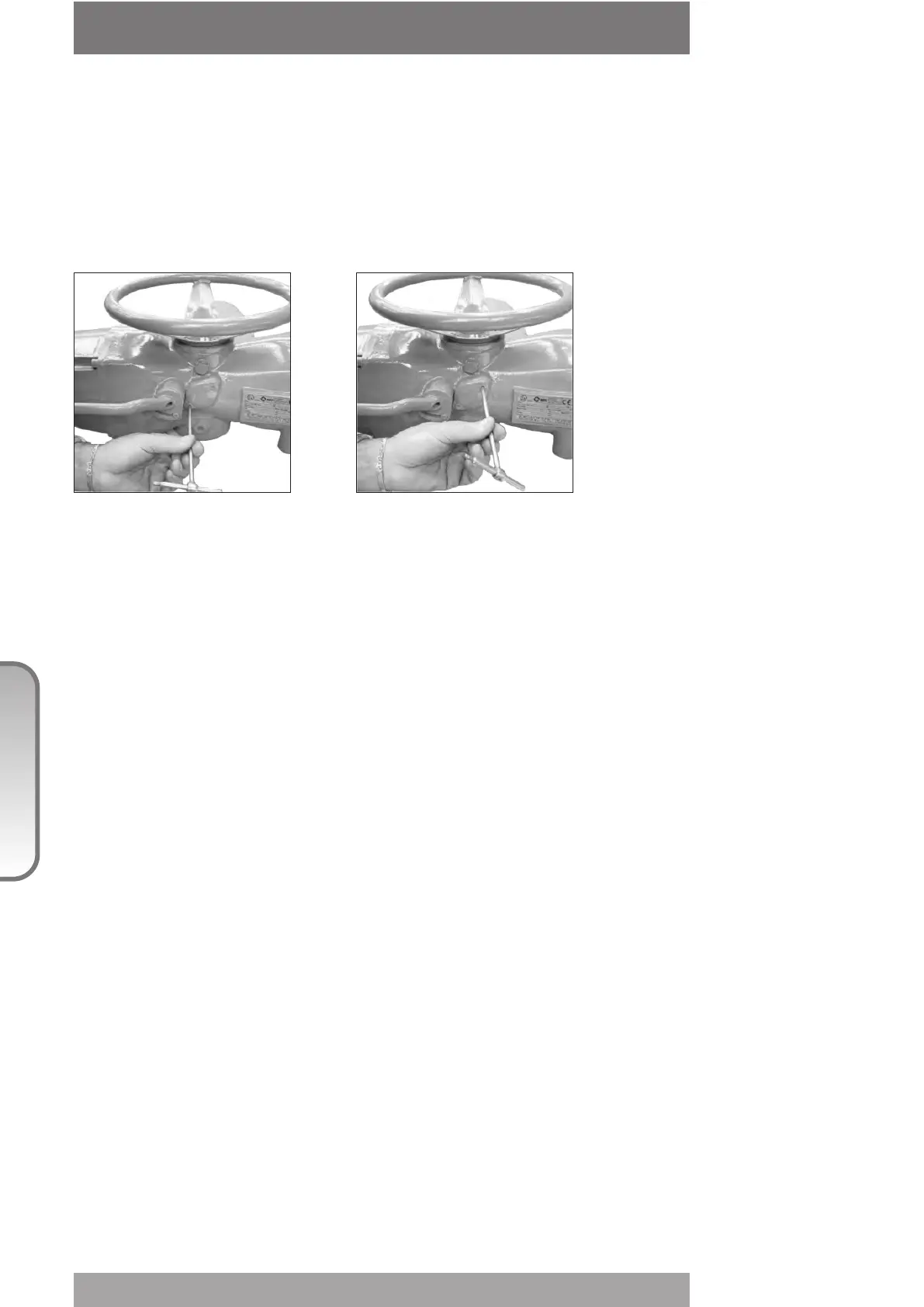
6. The manual override cannot be engaged
In case the engagement of the lever is too difficult, check whether the drive sleeve is stuck
and proceed as follows:
- Open the cover
- Try to move the drive sleeve by a screw-driver
- Reassemble the cover
7. The valve does not seat correctly
- If the valve is stopped by the torque limit in closing, increase the actuator output torque
limit.
- If the valve is stopped by the position limit in closing, check that the valve reaches its seat
position, then readjust the setting of the position limit.
- The internal trim of the valve may be damaged.
8. Excessive torque for valve operation
- Clean, lubricate and check the valve stem.
- Valve packing too tight: loosen the gland bolt nuts.
- Coupling type “A”: tight fit between bush and stem: increase the thread clearance on the
drive coupling.
- Coupling types “B1”, “B2”, “B3” and “B4”: ensure there are no axial forces on the valve
stem by leaving an adequate axial clearance between the stem and the drive bush. Also
check that all transmission shafts, universal joints or bulkhead passages have sufficient
lubrication and check that the transmission shafts are not bent.
- Check that the internal valve trim or the reducer gears are well lubricated and not
damaged.
- Check the alphanumeric display for diagnostic messages, and proceed with the suitable
corrective actions as described in this Chapter, par. 11.
9. The actuator does not stop in fully open or fully closed
position
- Check that the actual open and close positions of the valve respectively correspond to
100% and 0% on the actuator display
- Make sure that the torque and travel limits are correctly set (see Sect. 618/2 chapt. I par.
1.1 & 1.2).
10. The numeric position display indicates "E01"
- It is necessary to re-calibrate the stroke limits (see Sect. 618/2 chapt. I).



 To Next Page