CHAPTER
E
29
© Copyright by BIFFI Italia. All rights reserved.
“ICON2000”
instruction and operating manual
Section 618/2 chapt. E
Section 618/2
OPERATING THE ICON2000
1. Operation by handwheel
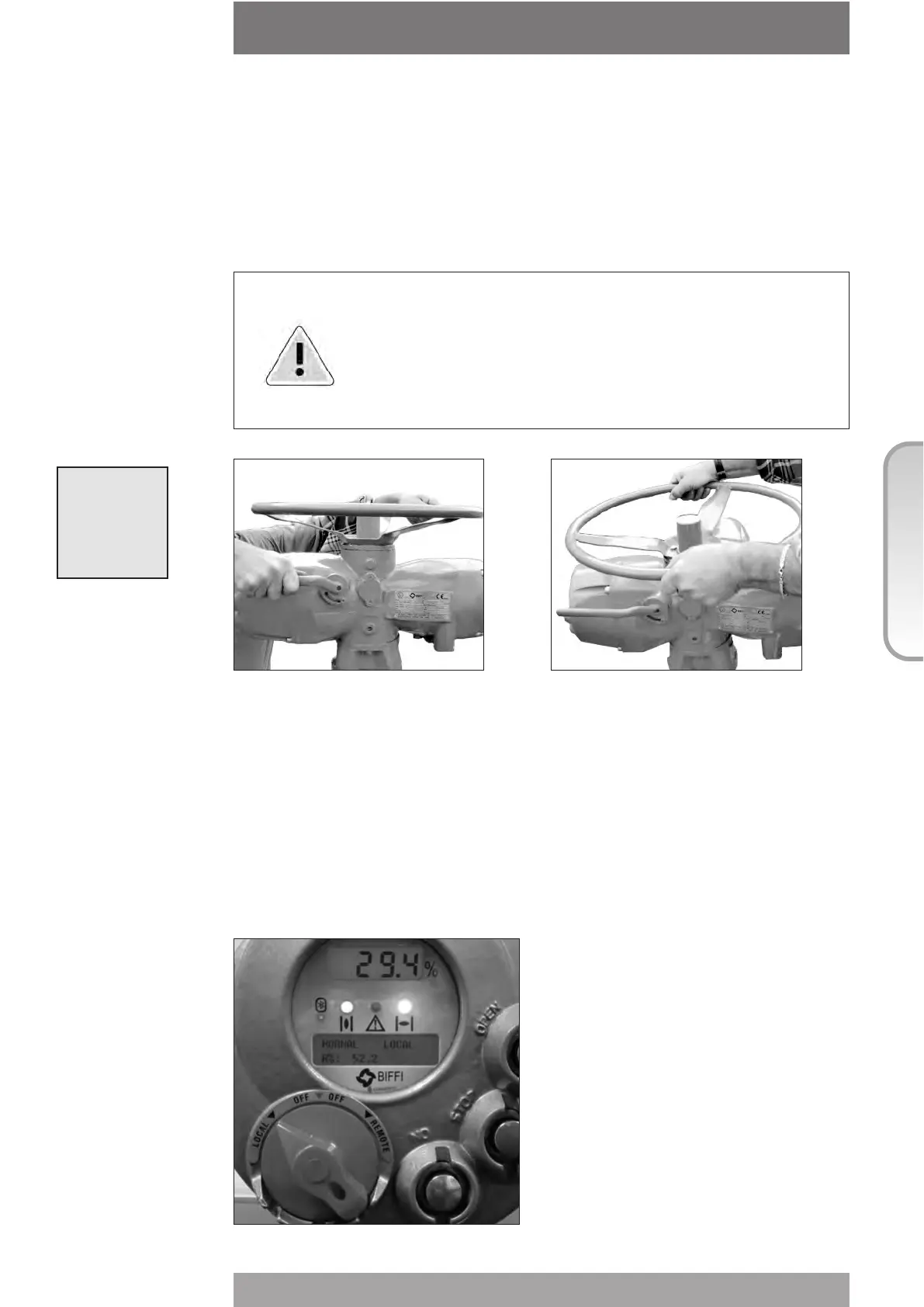
To operate the actuator by handwheel, press the lever and at the same time rotate the
handwheel until the clutch is engaged. Release the lever and move the valve by handwheel.
The actuator will return to electrical operation only by energising the motor.
Warning: Do not manually operate the actuator with devices other than
the handwheel and the declutch lever. Using cheater bars,
wheel wrenches, pipe wrenches, or other such devices on the
actuator handwheel or declutch lever may cause serious
personal injury and/or damage to the actuator or valve.
2. Electrical operation
Before connecting power to the actuator check that the voltage is correct and according to
the indications on the nameplate. Wrong power supply could cause a permanent damage to
the electrical components. Check of phase rotation is not necessary since the unit is
provided with automatic phase rotation correction. Place the 3-position selector in OFF and
then switch on the power. Do not operate the actuator without first checking that the
configuration is according to the required application. Using the "VIEW and SET-UP"
features can do this (see Sect. 618/2 chapt. F par. 4).



 To Next Page