Entering Text on Screen
Entering Text on Screen
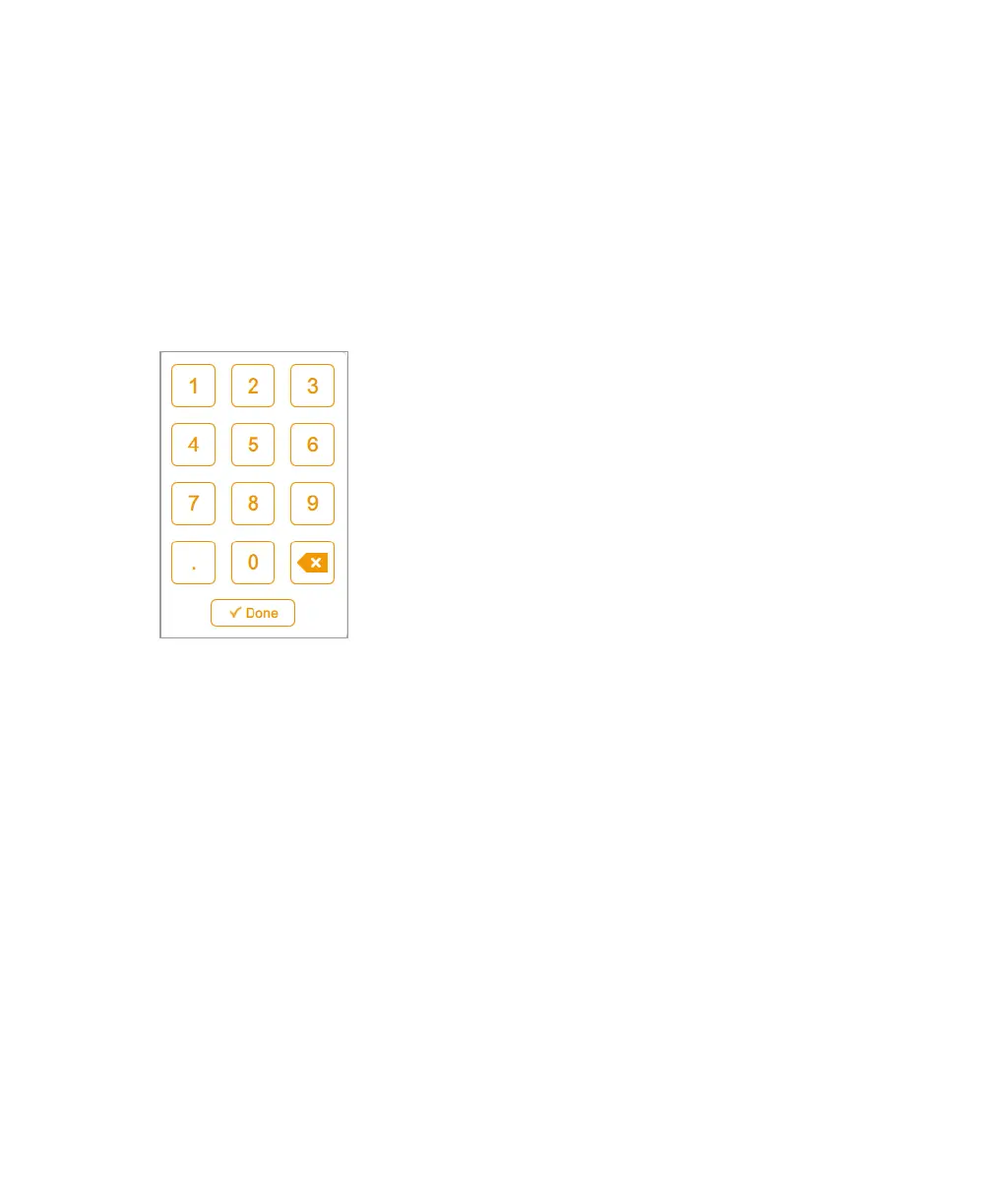
In text boxes you can enter or edit text with an on-screen keyboard or keypad. When you
tap a box, the appropriate input object appears. Tap keys to enter your input. Alternatively,
you can type text on a USB keyboard.
Using the On-Screen Keypad
Tips
n Tap a box to display the range of valid values below the box.
n You cannot enter an invalid number. If a number you tap does not appear on the
screen, verify that the number is within the range of valid values.
If the box turns red when you enter a number and tap Done, you entered an invalid
number.
n Some properties are set by entering data in multiple boxes. Enter data in the first box
and then tap the next one and enter the next setting. The software saves your entries.
n Tap Done or tap anywhere else on the screen to close the keypad.
User Guide | 39



 To Next Page