Chapter 3 Acquiring an Image
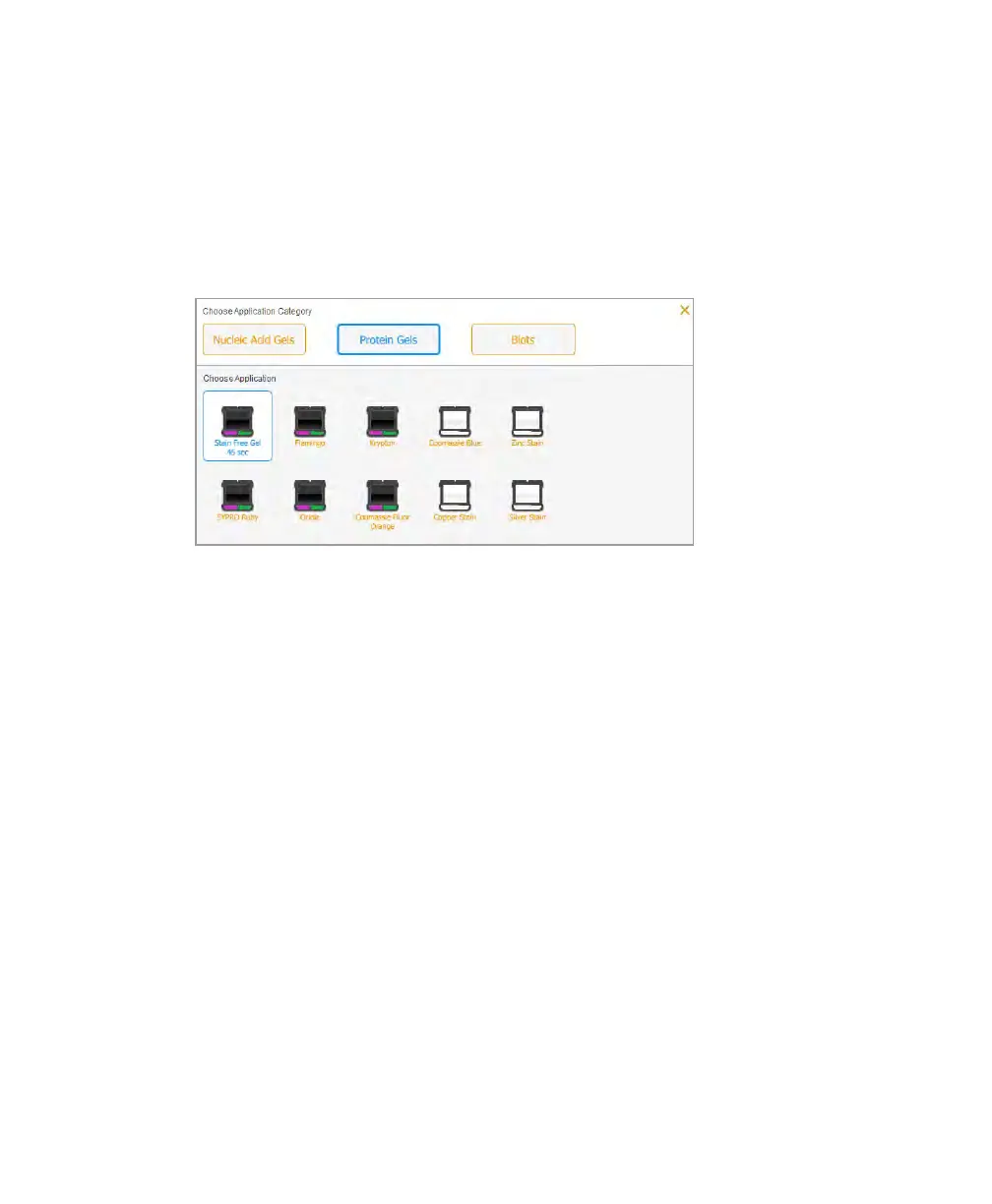
To choose a gel or blot
1. In Live View, tap APPLICATION.
2. Tap an application category.
3. Tap an application.
Setting the Exposure Time
To set the exposure time for a gel or blot
1. In Live View, tap EXPOSURE.
2. (For stain-free gels only) If you are imaging a stain-free gel, choose one of the
following gel activation times:
n No Activation — choose No Activation if you do not want to activate the gel.
n 45 sec — use this setting when you choose western blotting followed by
immunodetection.
n 5 min — use this setting to detect proteins in low concentrations. This duration
provides an optimal signal-to-noise ratio because the gel activation is close to
completion at the end of 5 minutes.
3. Tap Set Exposure Automatically to have the software determine the exposure time.
64 | ChemiDoc Touch Imaging System



 To Next Page