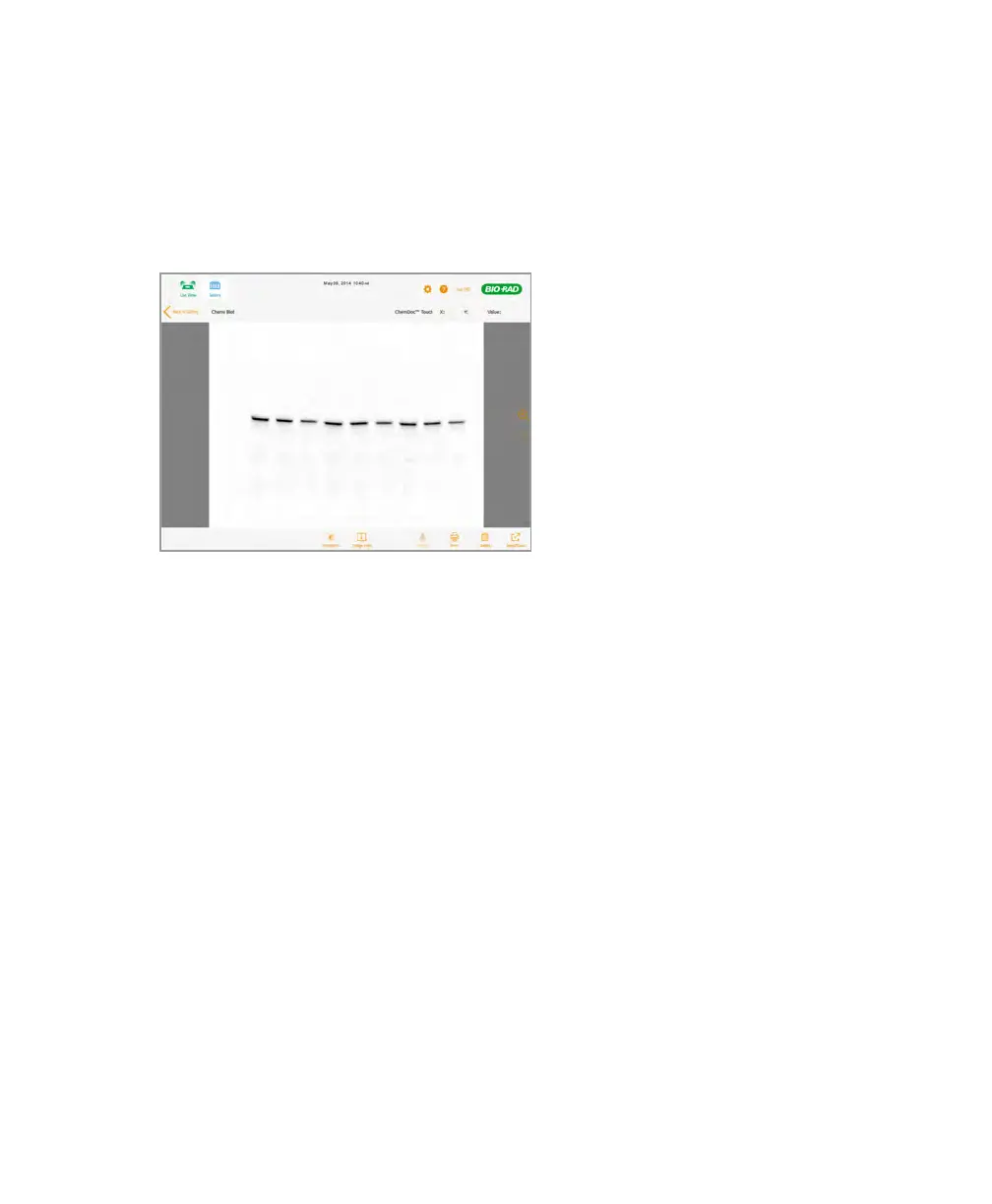
About Image View
To open an image in the Gallery
u Double-tap a thumbnail image.
The image opens in Image View.
About Image View
In Image View, you can do the following:
n Focus on a smaller area by zooming in or focus on a larger area by zooming out.
n Pan across the image from left to right or up and down.
n Restore the image to its original view with a double tap.
n Merge two images. See About Merging Images on page 80 and Merging Images on
page 85.
n Change the image appearance using the Transform feature. See See Adjusting How
Images Are Displayed.
n Copy transform or zoom and pan settings from one image to other images.
n Delete the image. See See Deleting Images.
User Guide | 69



 To Next Page