Merging Images
Merging Images
A merged image consists of two images of the same sample combined into a single image.
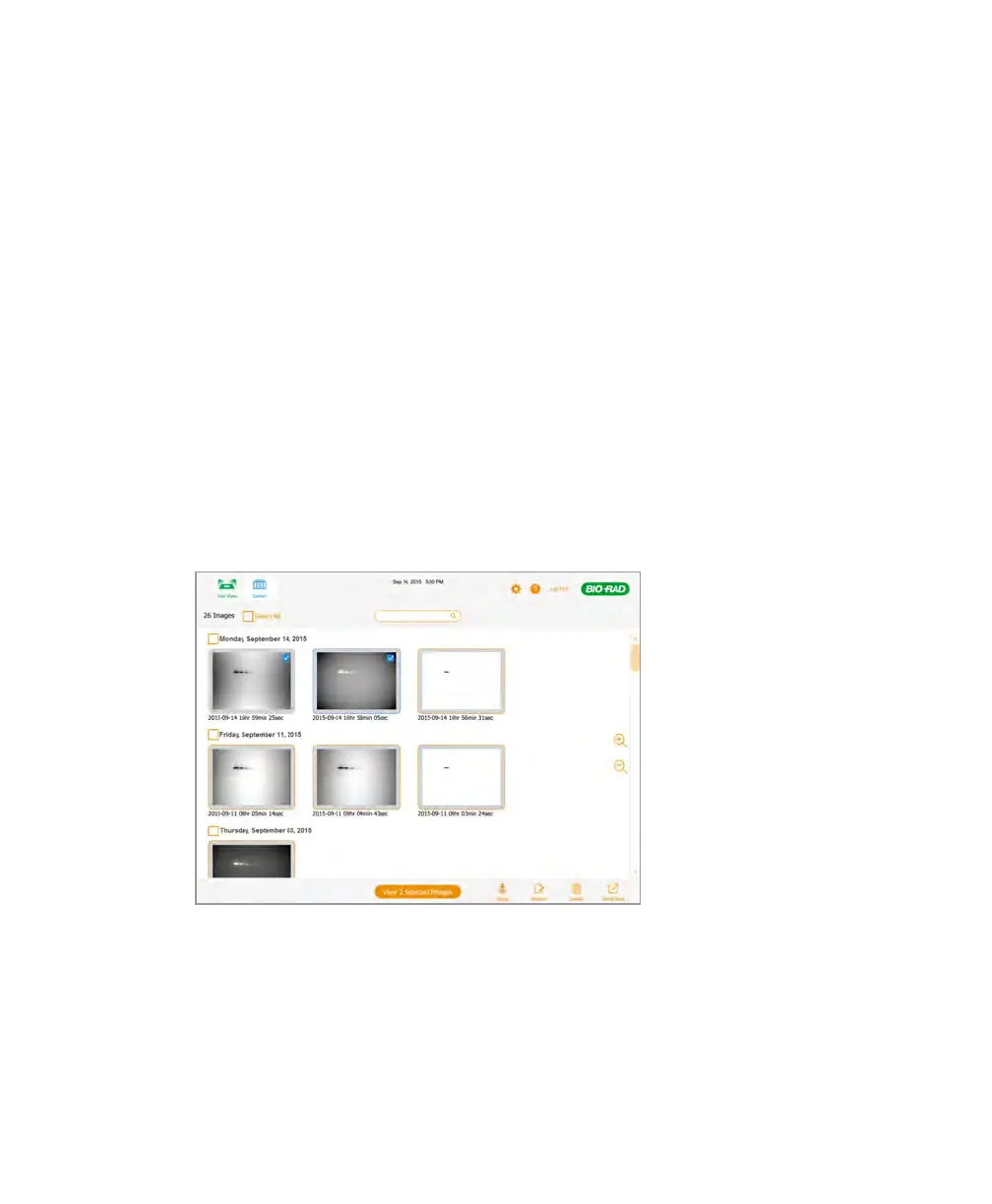
You can merge two images in the Gallery or in Image View.
Tip: You can select up to four images in the Gallery, switch to Image View, closely
compare them, and then choose two for merging.
Note: You can merge two images with the same binning setting or merge one image
with a 1x1 binning setting and another image with any binning setting. However, you
cannot merge two images with any other combinations of binning settings. For more
information about binning, see The Image Resolution/Sensitivity Scale on page 49.
For more information about merging images, see About Merging Images on page 80.
To merge images in the Gallery
1. Select two images.
2. Tap Merge.
User Guide | 85



 To Next Page