Chapter 3 Acquiring an Image
Configuring Signal Accumulation Mode
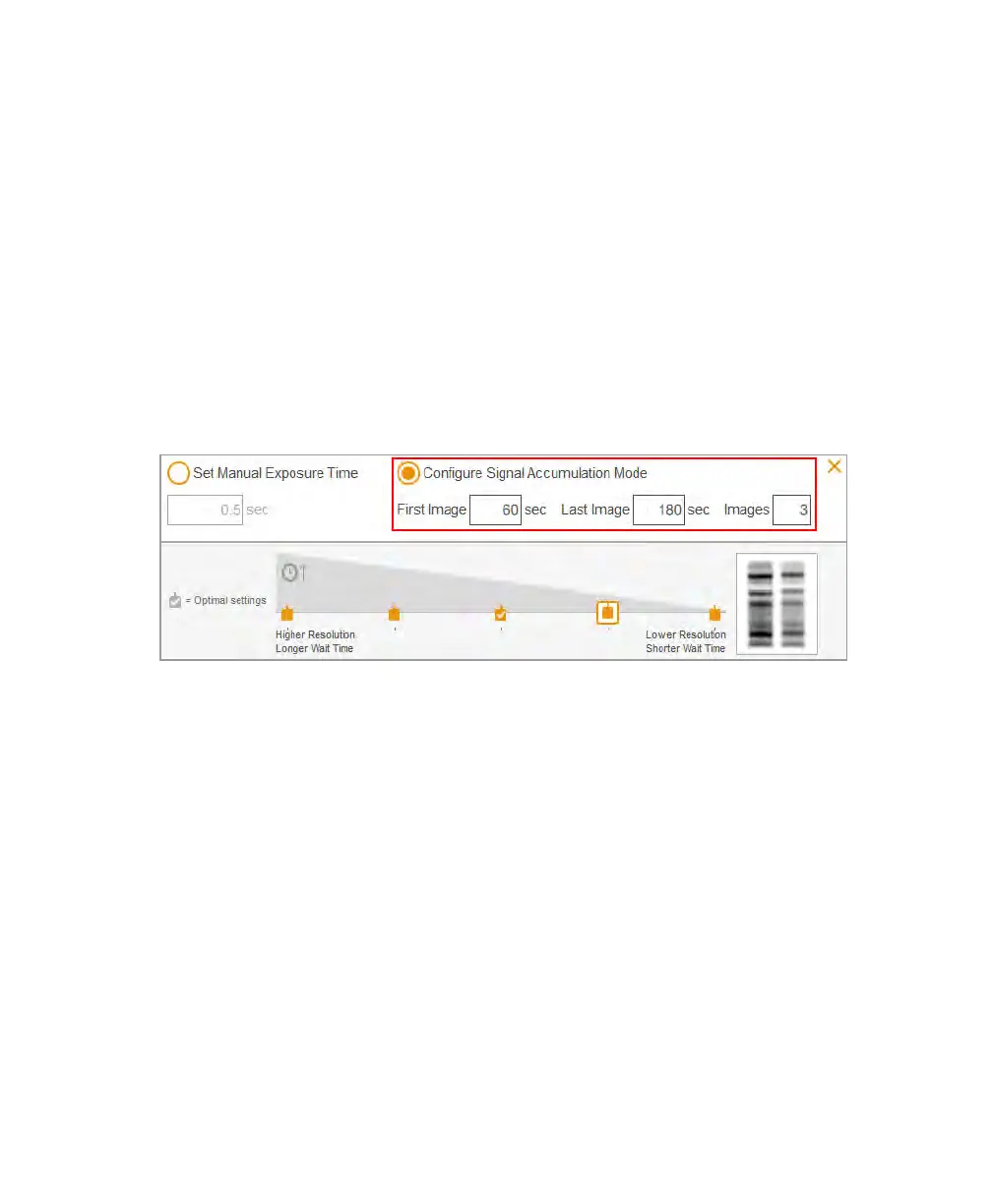
To configure signal accumulation mode
1. In Live View, tap EXPOSURE.
2. Tap Manual. Then tap Configure Signal Accumulation Mode.
3. Enter the exposure times, in seconds, in the First Image and Last Image text boxes.
Tip: Allow a minimum of 60 seconds to acquire each image. For example, if you
specify three images to be acquired, specify a minimum of 60 seconds exposure
time for First Image and a minimum of 180 seconds for Last Image.
4. Enter the total number of images in the Images text box.
Tip: The recommended total is 3–5 images.
5. Tap Done.
Acquiring Images
After you have specified the settings for the image, you can acquire the image. Be sure the
transilluminator drawer is pushed in all the way and the main door is closed.
Note: When you take a series of SAM images, the main door must remain closed until
all images are acquired. If the door opens during the acquisition process, an error
60 | ChemiDoc Touch Imaging System



 To Next Page