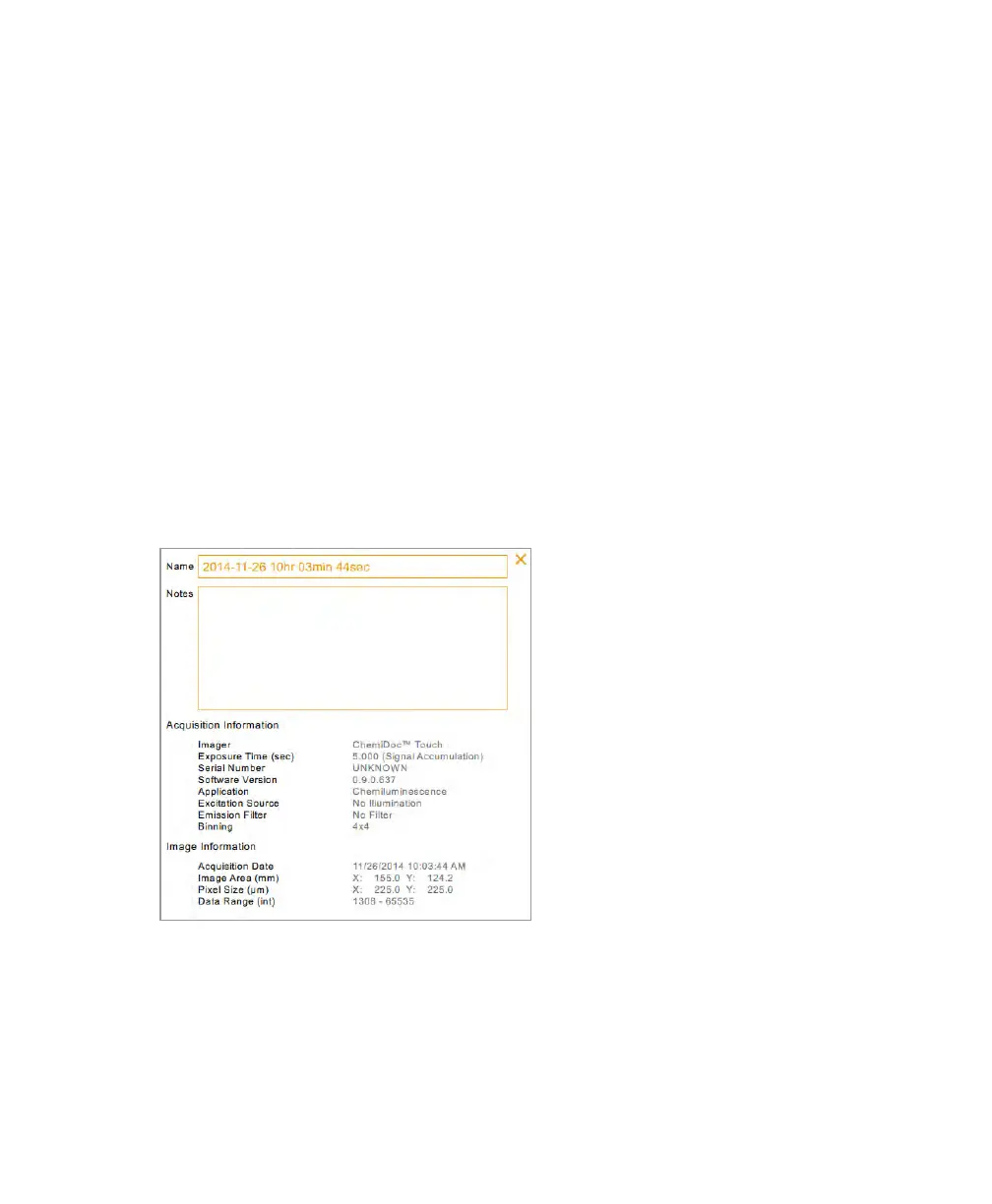
Viewing Image Information
To delete an image in Image View
1. Do one of the following:
n If one image is open in Image View, tap Delete.
n If more than one image appears in Image View, select the image you want to
delete and tap Delete.
2. To confirm the deletion, tap OK.
Viewing Image Information
The Image Info dialog box displays information such as the image name, the acquisition’s
exposure duration and date, and the application type. You can add more information about
the image and change the name.
User Guide | 89



 To Next Page