Chapter 2 Image Lab Touch Software Overview
The Image View Toolbar
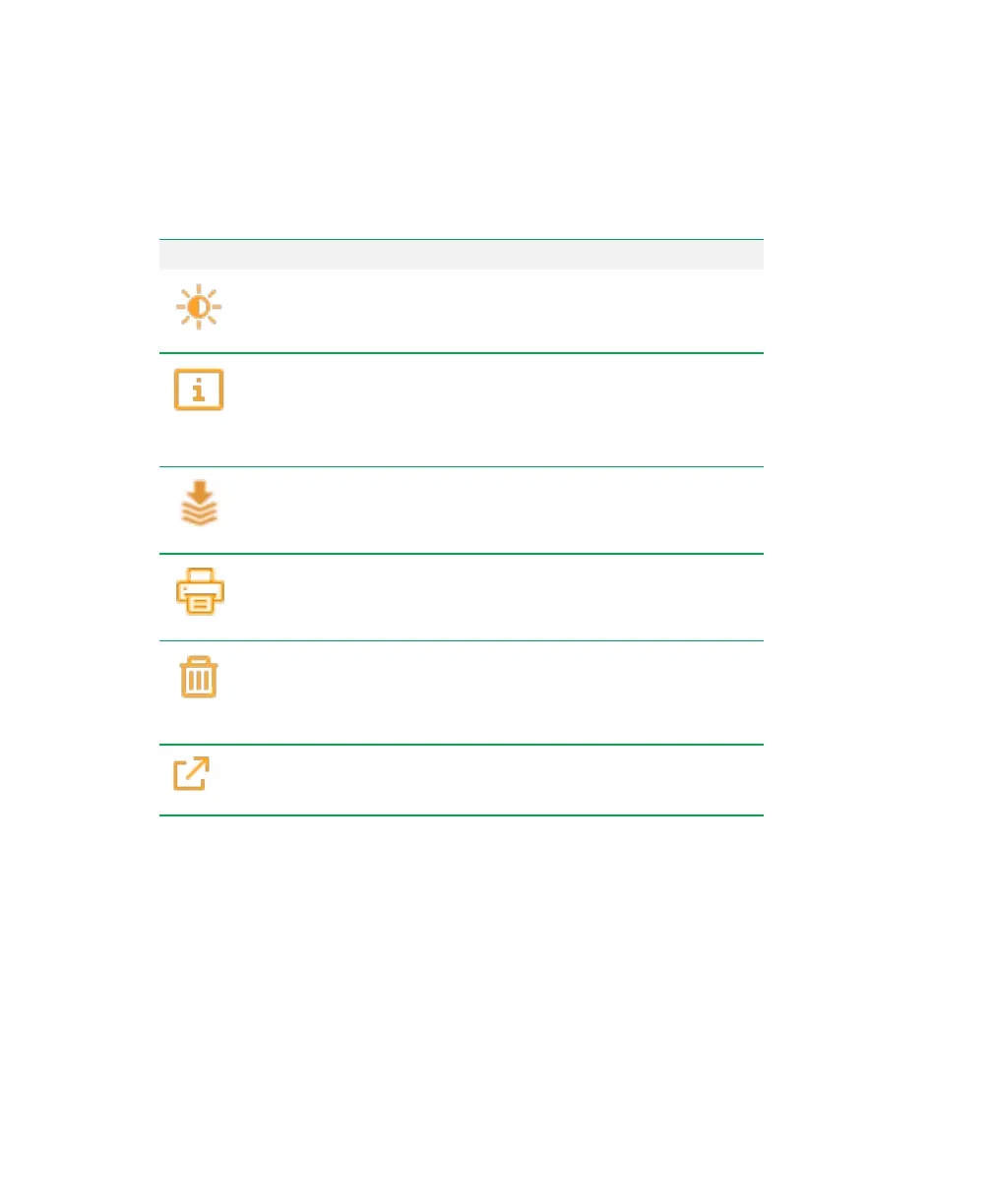
The Image View toolbar displays the following icons.
Icon Description
Transform
— optimizes image appearance by adjusting the
image brightness and contrast.
Image Info
— provides information about the active image.
Image information includes the date of acquisition, name of the
acquisition application, and login name of the user who acquired
the image. You can rename the image and add notes.
Merge
— combines two images of the same sample into a single
image.
Print
— prints the image(s) in Image View to the Mitsubishi
thermal printer.
Delete
— deletes the displayed image.
Send/Save
— saves the displayed image to a USB flash drive
or network drive.
The Gallery
The Gallery displays thumbnail images of all acquired images organized by the date they
were acquired, with the most recent acquisition date shown first. In this view, you can open
an image in Image View, delete selected images, and save selected images to a USB flash
drive or network drive.
36 | ChemiDoc Touch Imaging System



 To Next Page