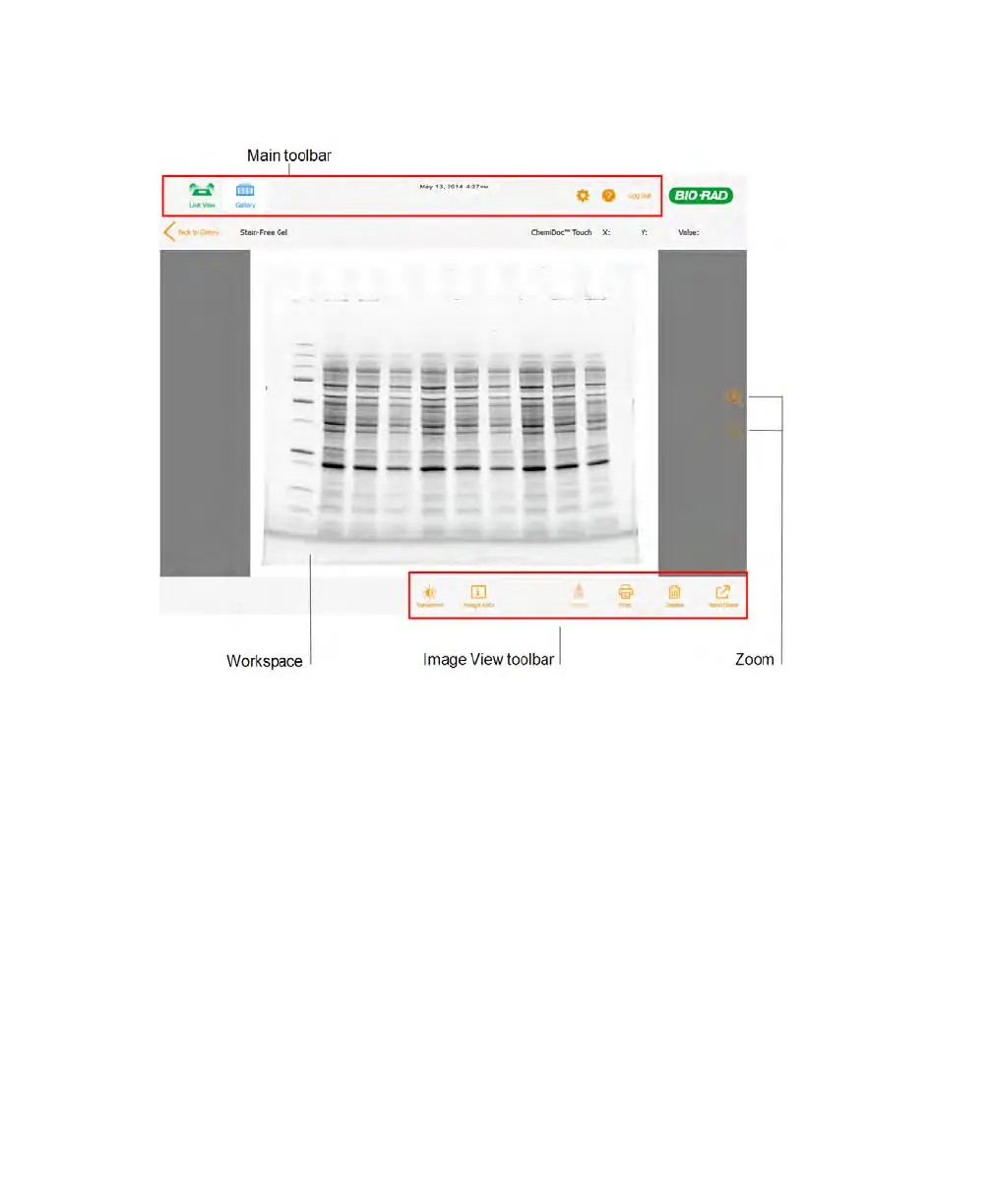
About the Image View Screen
n Main toolbar — accesses the Live View, Gallery, and Help screens, the Settings
menu, and the Logout icon. For more information about toolbar icons, see The Image
Lab Touch Main Toolbar on page 32.
n Workspace — displays the acquired image.
n Image View toolbar — optimizes images, views information about images, merges two
images, prints the image(s) being viewed, deletes and saves images. For more
information about toolbar icons, see The Image View Toolbar on page 36.
n Zoom icons — zoom in and out to focus on an area of the sample.
User Guide | 35



 To Next Page