Acquiring an Image
4. Choose the bands you want optimized in the image and tap Intense Bands or Faint
Bands.
Note: To set a specific exposure time, tap Set Manual Exposure Time and enter
the time in the text box.
Acquiring an Image
After you specify the settings for the image, you can acquire the image. Be sure the
transilluminator drawer is pushed in and the main door is closed.
To acquire the gel or blot image
u Tap the Camera icon.
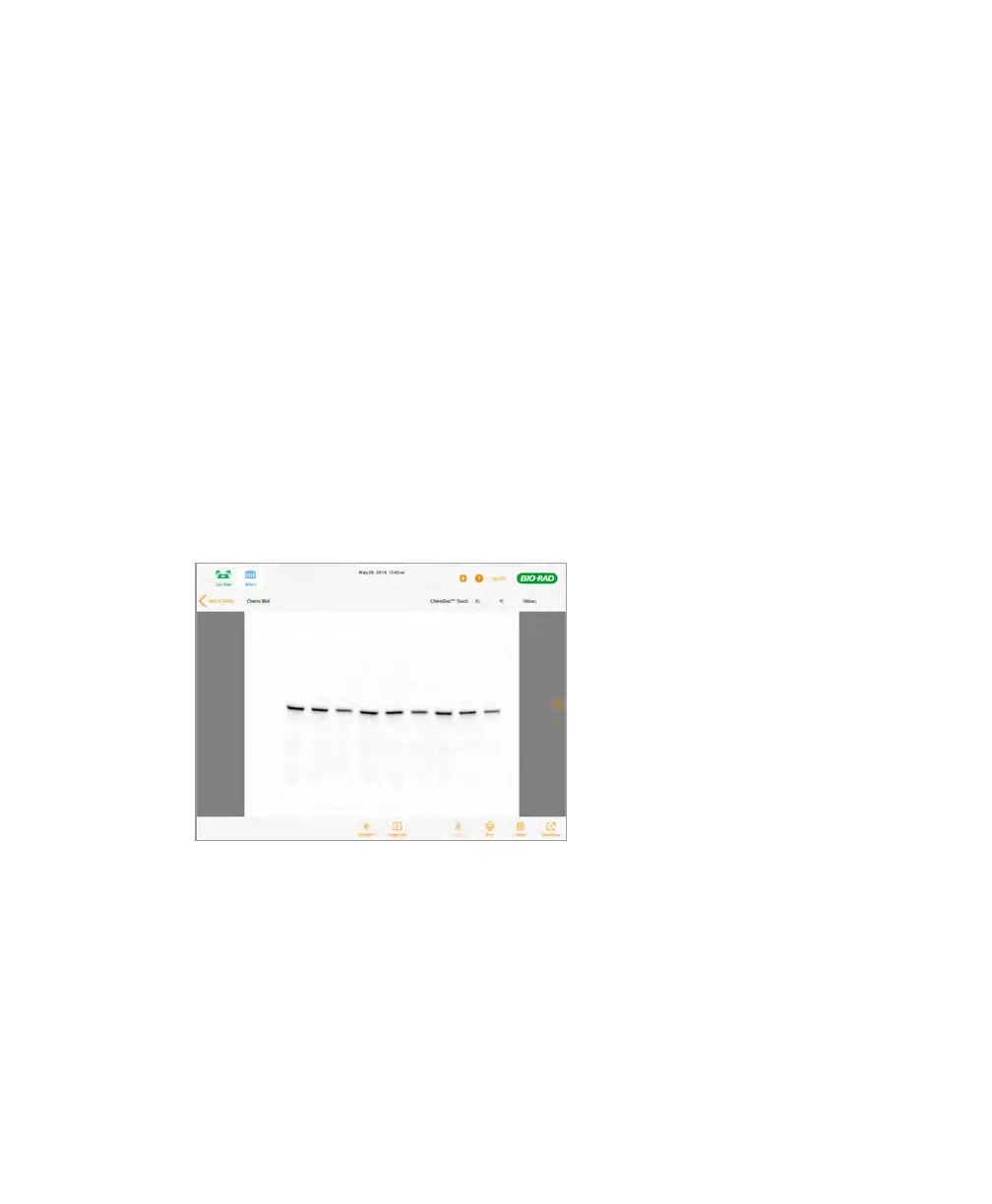
A progress bar monitors the image acquisition. When the image is acquired, it appears
in Image View.
Now you can adjust the appearance of the image and print, rename, or delete the
image. For more information, see Chapter 4, Viewing Images.
User Guide | 65



 To Next Page