Safety and Regulatory Compliance
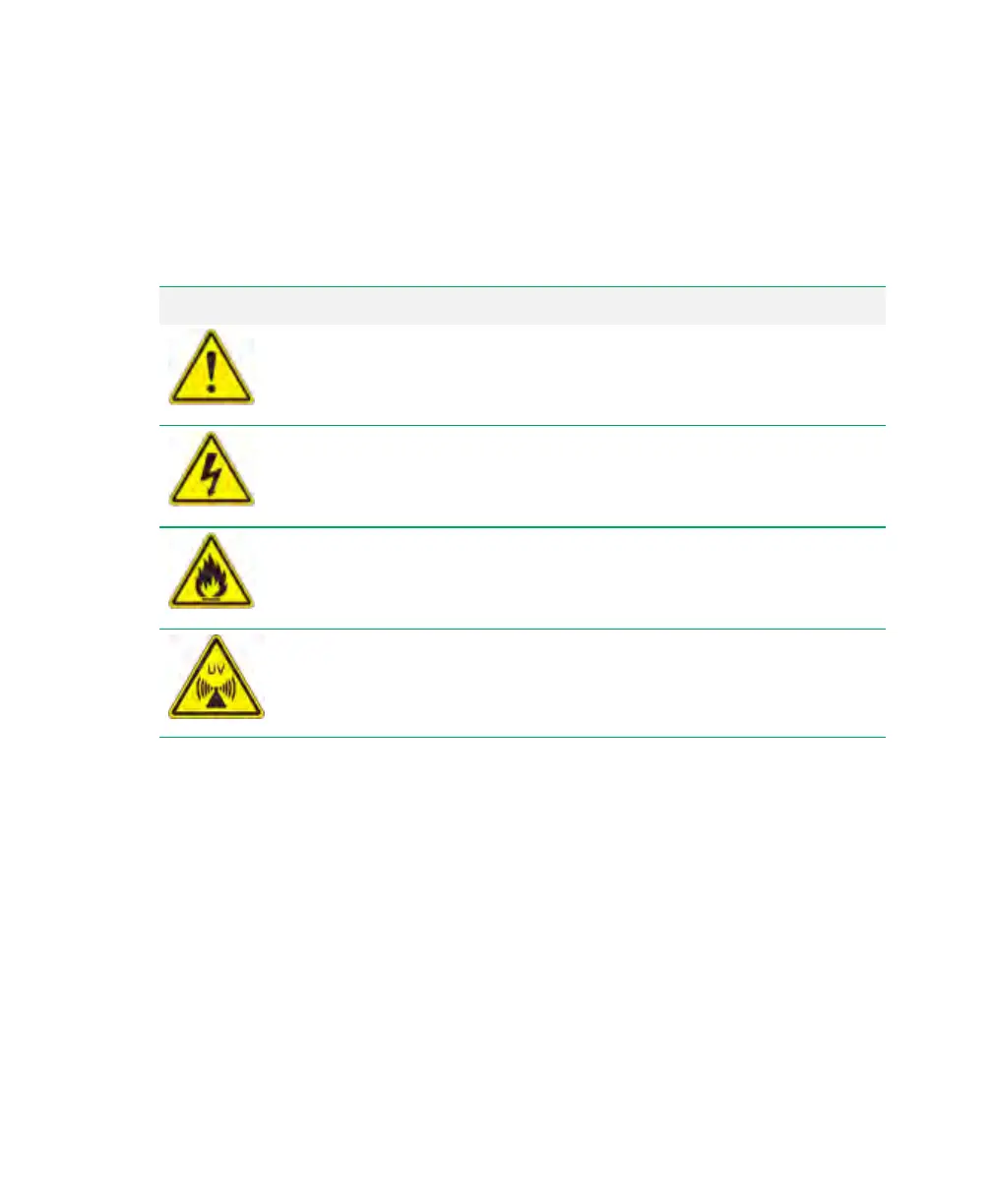
Alert Icons
Alert icons call attention to caution and warning paragraphs. The icon indicates the type of
hazard addressed.
Icon Explanation
General
Indicates a potential hazard requiring special attention. This icon is
used when the hazard or condition is of a general nature.
Electrical Hazard
Indicates a potential hazard requiring special attention when you are
working with electricity or electrical equipment.
Extreme heat and flammable materials
Indicates a potential hazard requiring special attention when you are
working with extreme heat and flammable materials.
Radiation hazard
Indicates a potential hazard requiring special attention when you are
working with UV radiation.
Table 1. How alert icons are used
Cautions
A caution alerts you to take or avoid a specific action that could result in loss of data or
damage to the instrument. A caution can also indicate that, if the precaution against a
potential hazard is not taken, minor or moderate injury might occur.
10 | ChemiDoc Touch Imaging System



 To Next Page