Chapter 4 Viewing Images
Other Display Options
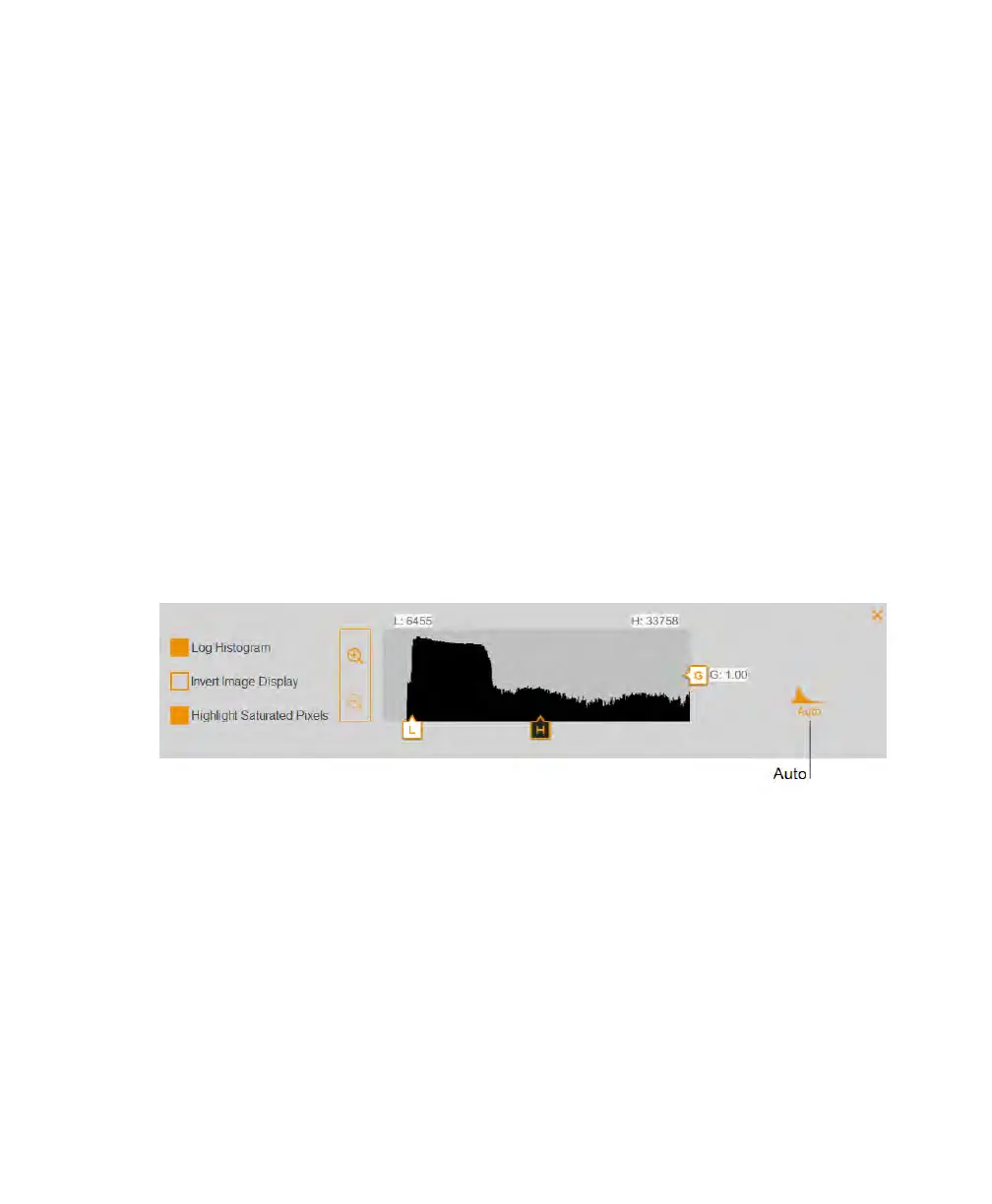
n Zoom in and out — displays greater detail about the intensity range.
n Highlight saturated pixels — displays areas with saturated signal intensity (higher
than a measurable range) in red.
n Invert image display — inverts dark and light areas. Clear the box to return to the
original display.
Restoring Default Settings
You can adjust the light intensity range and grayscale settings to enhance the contrast in
images that have faint bands. After changing the intensity and contrast, you can return to
the default settings.
To return to the default settings
u Tap Auto.
78 | ChemiDoc Touch Imaging System



 To Next Page