Chapter 3 Acquiring an Image
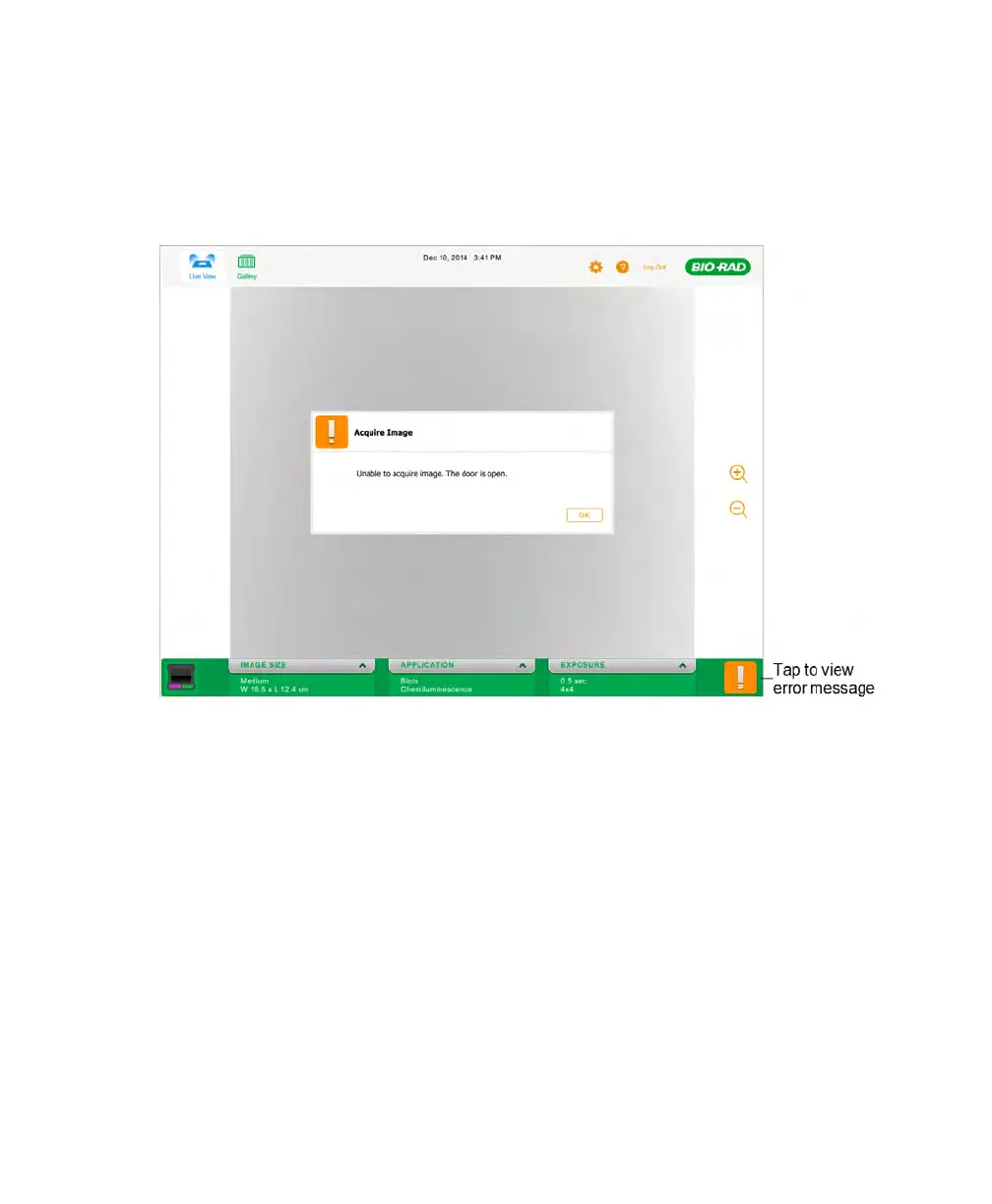
If an exclamation point appears in place of the Camera icon, a problem has prevented
image acquisition. The exclamation point appears in orange or reddish brown depending
on the severity of the problem. Tap the exclamation point to display the error message.
Deleting Images
You can discard unnecessary images as they are acquired.
To delete an image in Image View
1. In Image View, tap Delete.
The software prompts you to confirm the deletion.
2. Tap OK to delete the image.
66 | ChemiDoc Touch Imaging System



 To Next Page