Comparing Images
Comparing Images
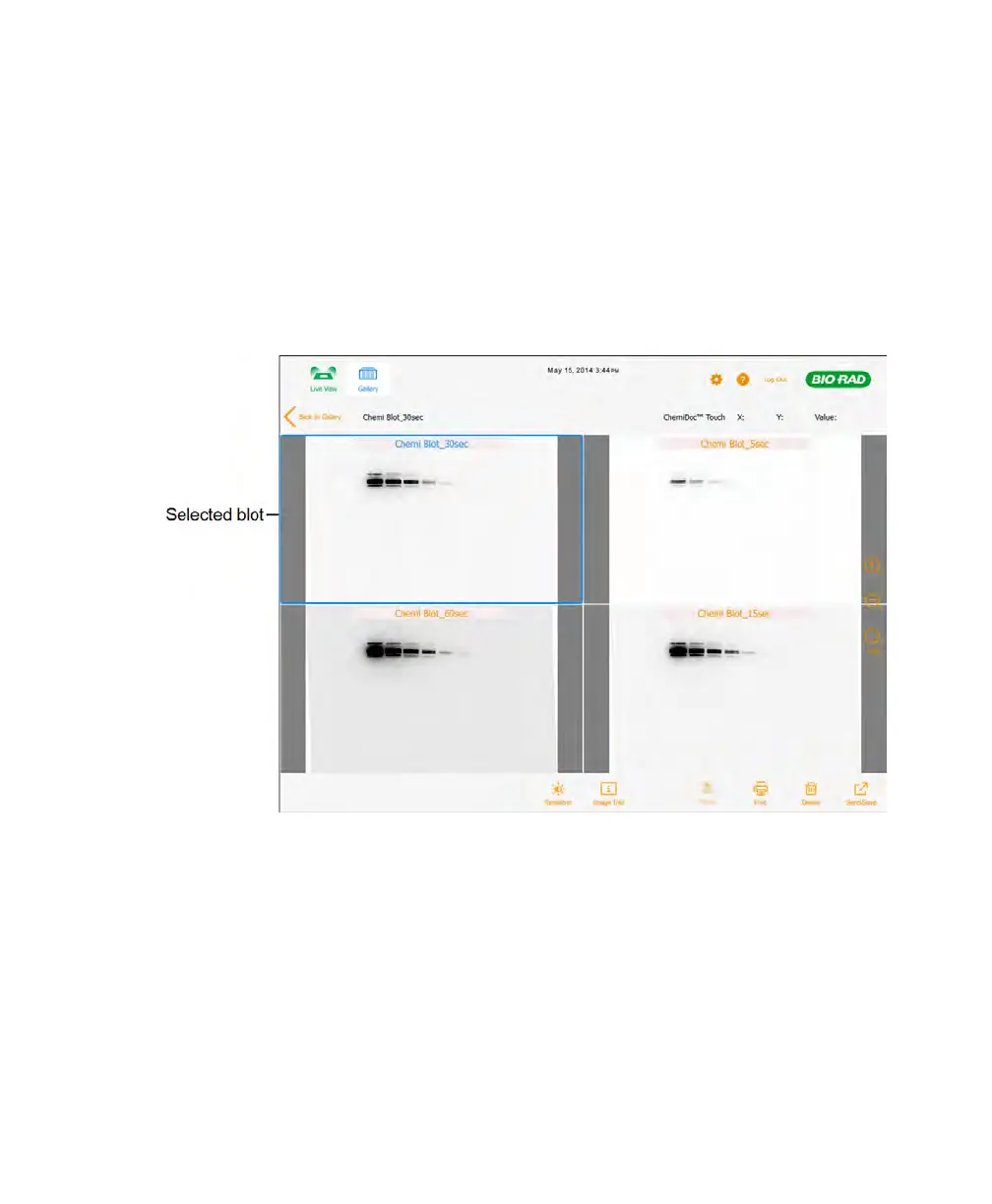
You can open and compare up to four images of a gel or blot at a time in the Gallery.
The selected images appear in Image View. Each image is labeled with its name. A blue
border surrounds the currently selected image.
For more information, see To open 1–4 images in the Gallery on page 74.
Tip: It is easier to compare images with identical transform and zoom settings. You can
copy the settings from one image to the others.
User Guide | 81



 To Next Page