Chapter 4 Viewing Images
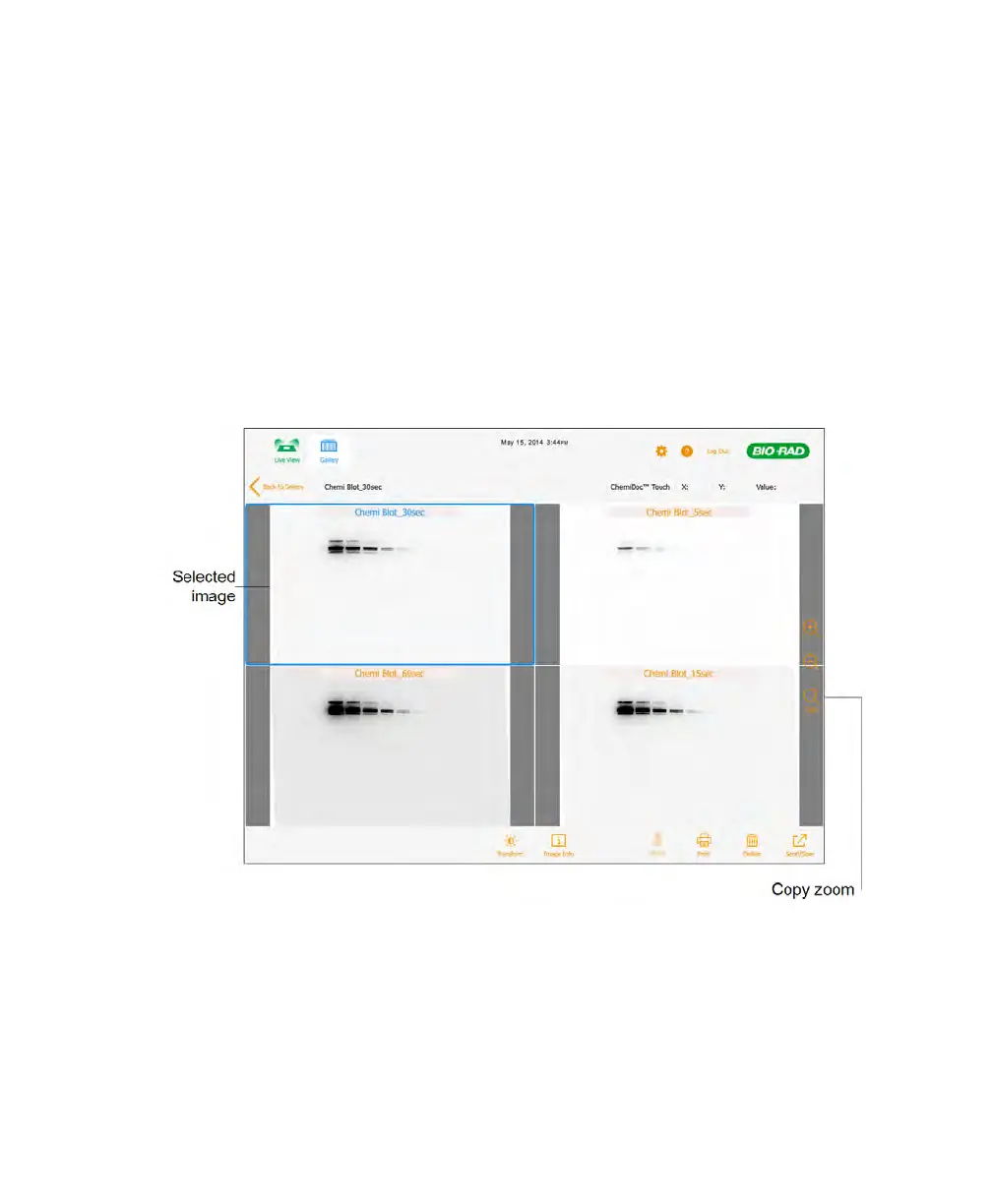
To copy zoom settings to the other images
1. In the Gallery, select the image whose zoom settings you want to copy.
2. Select 1–3 other images to which you want to copy zoom settings.
3. Click View x Selected Images where x is the number of images selected.
4. In Image View, select the image whose zoom settings you want to copy.
5. Tap Copy Zoom on the right side of the screen.
The pan and zoom settings of the selected image are copied to the other images.
82 | ChemiDoc Touch Imaging System



 To Next Page