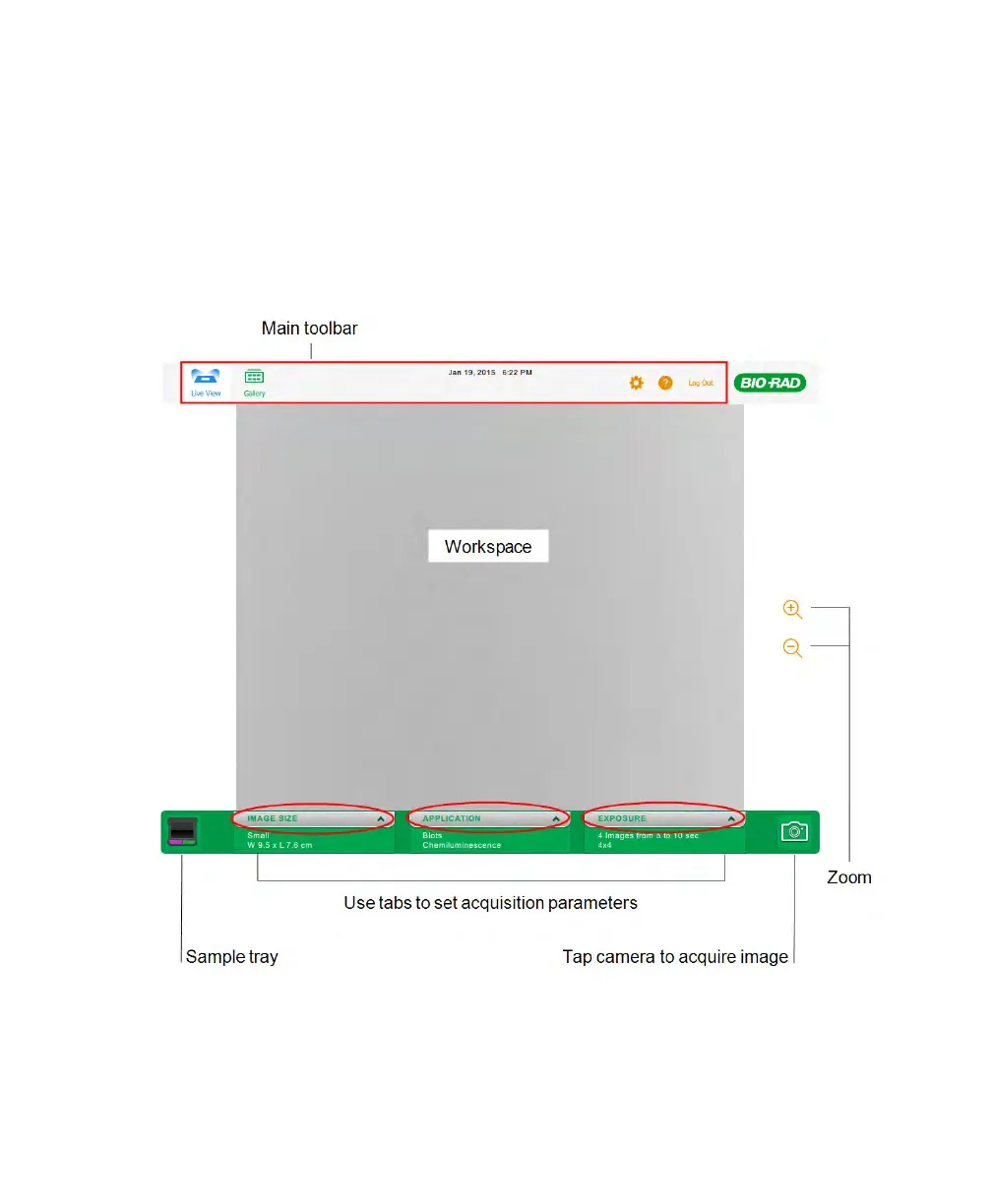
About the Live View Screen
About the Live View Screen
The Live View screen appears when you start Image Lab Touch. In Live View you specify
the image size, select an application, and set the exposure. Once these parameters have
been set, the system is ready to acquire the image.
User Guide | 31



 To Next Page