Chapter 2 Image Lab Touch Software Overview
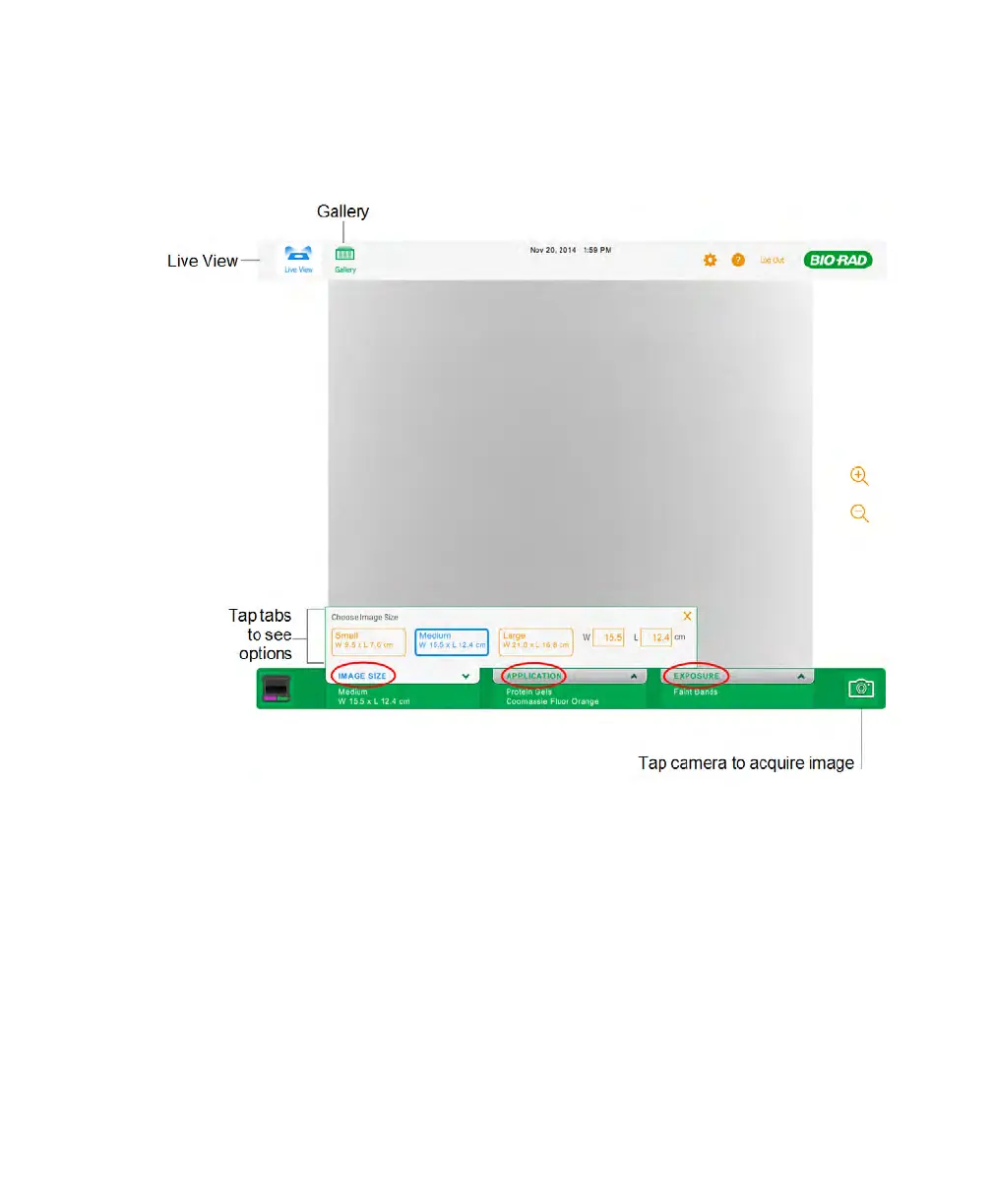
The Live View screen is annotated with the interface elements you can access by tapping.
Alternatively, you can use a USB mouse to click on tabs and icons or click in text boxes and
enter data with a USB keyboard.
Note: If you are using a USB mouse, replace any instruction to tap with click.
30 | ChemiDoc Touch Imaging System



 To Next Page