Chapter 3 Acquiring an Image
This chapter describes the steps to acquire an image using the following workflows:
n Workflow for Acquiring a Chemiluminescent Image on page 46
n Workflow for Acquiring Gel and Blot Images on page 62
Note: This chapter focuses on chemiluminescent blots. It explains how to specify the
area of focus to shorten the exposure time required and how to use the different
exposure options to get the result you want.
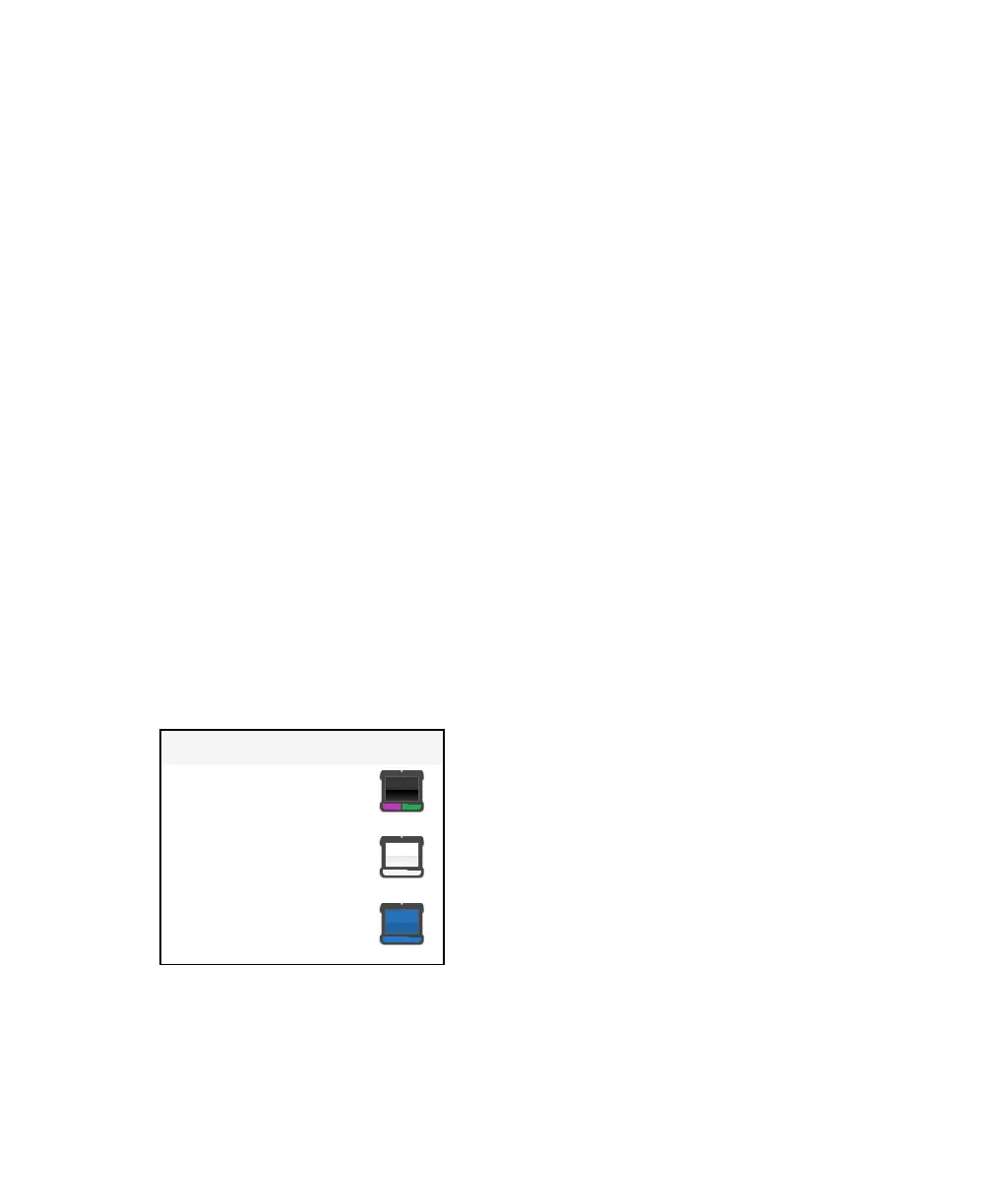
About Sample Trays
Each application must be used with the appropriate sample tray. The ChemiDoc™ Touch
imaging system supports the following sample trays:
Tray Name Icon
Chemi/UV/Stain-Free tray
White tray
Blue tray
Table 4. Sample trays
User Guide | 43



 To Next Page