Chapter 3 Acquiring an Image
For information on the applications to use with these trays, see Supported Tray Types on
page 20.
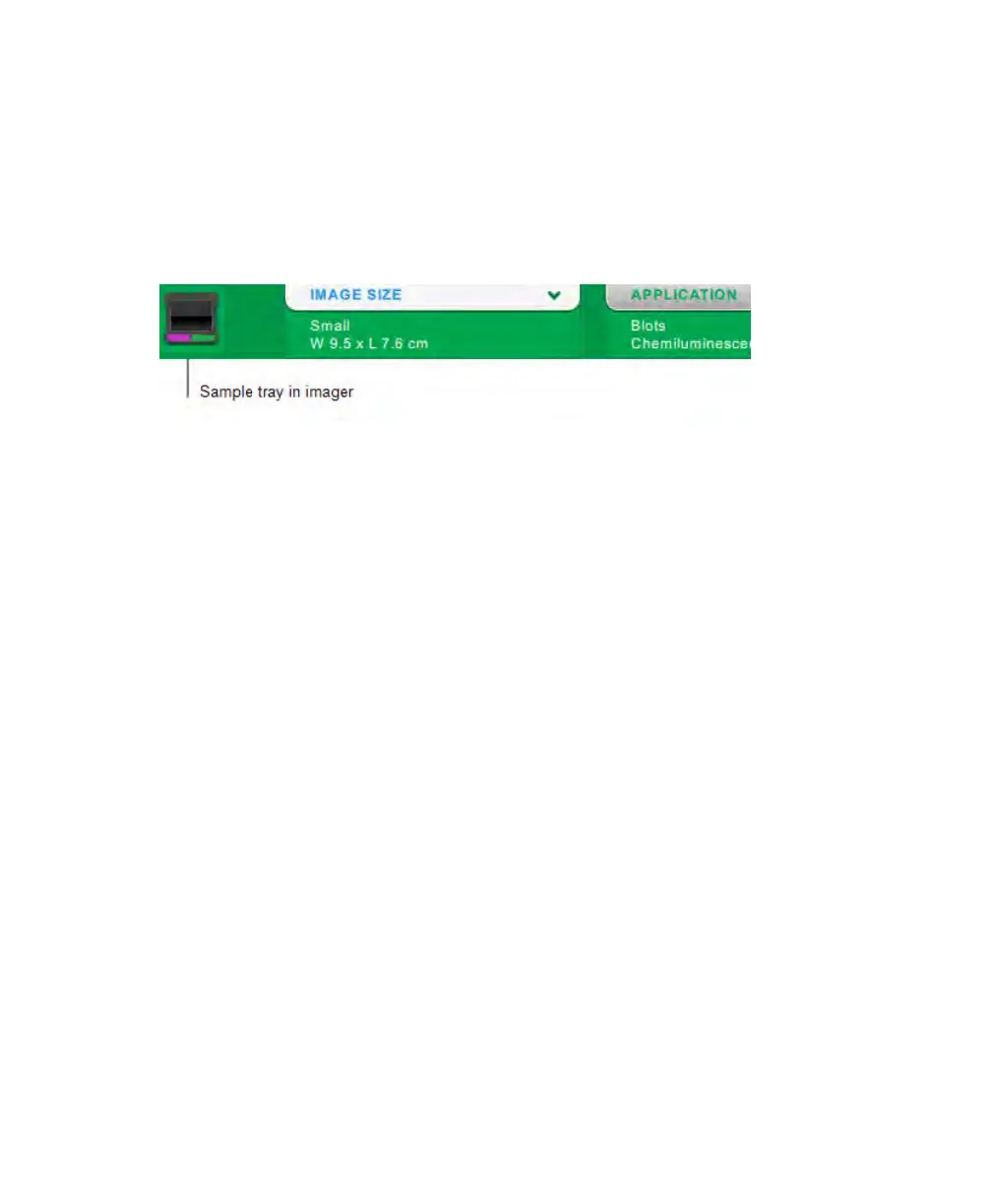
In Live View, the toolbar displays a thumbnail of the sample tray in the transilluminator
drawer. When no tray is in the drawer, the image displays the words NO TRAY.
Important: You must use the correct tray with the application you select.
The ChemiDoc Touch imager detects the type of sample tray on the imaging stage. If the
tray in the transilluminator drawer does not support the application, an error message
appears and the imager does not acquire the image.
Some fluorescent reagents have excitation peaks in both UV and blue wavelengths. In this
case, either excitation source can be used. However, the resulting images are not identical.
Using the recommended tray with these fluorescent reagents provides a better signal-to-
noise ratio, which increases sensitivity. When two tray types can be used, both are shown.
An asterisk identifies the recommended tray.
44 | ChemiDoc Touch Imaging System



 To Next Page