Chapter 3 Acquiring an Image
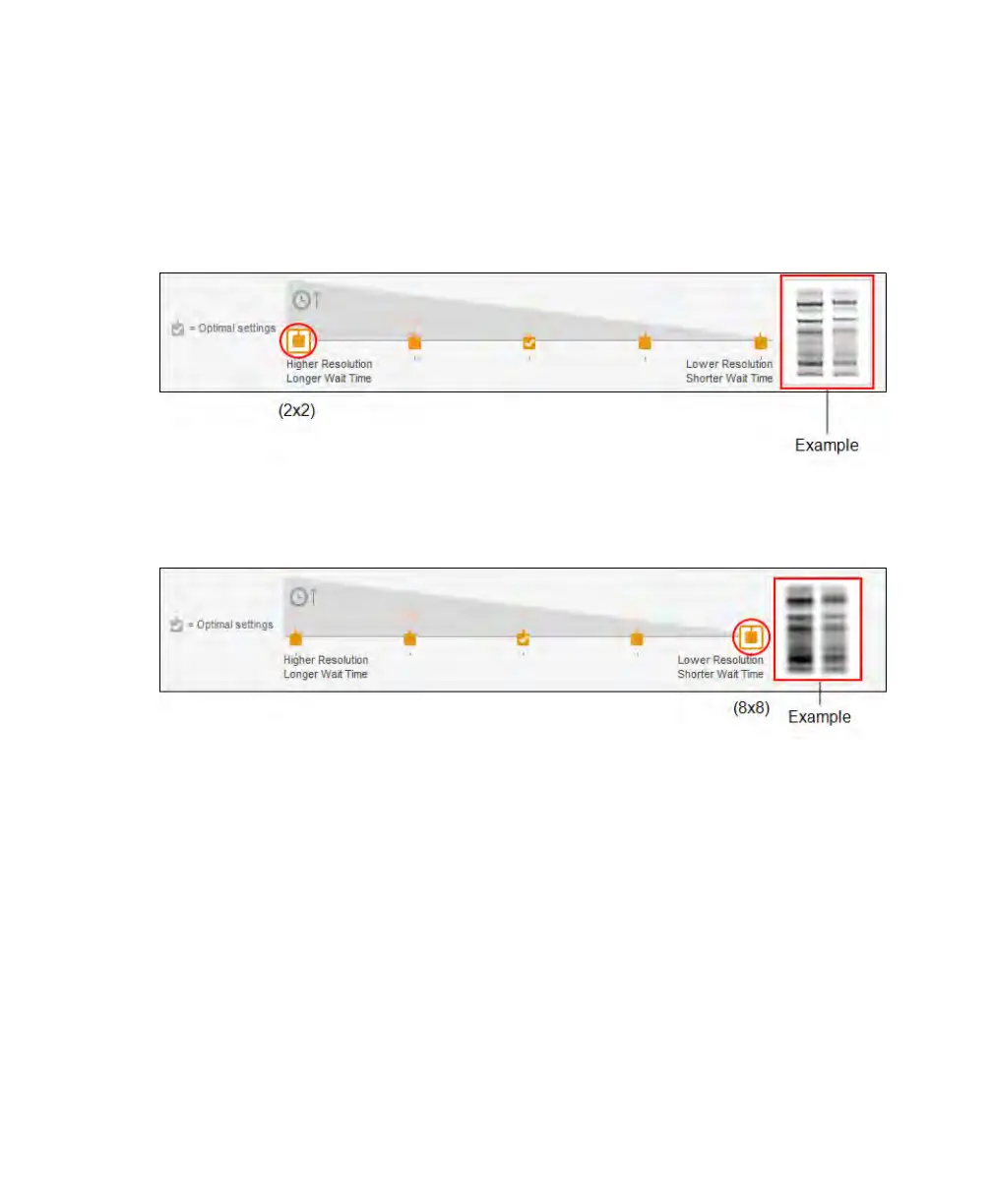
The two gel lanes to the right of the scale are an example of how an image looks given the
selected resolution setting. As you tap on the different binning settings, the displayed lanes
change to show the relationship between the resolution and sensitivity you selected.
More intense bands with higher resolution appear at the lower binning settings.
At the higher binning settings, the faint bands are more prominent but resolution is
reduced.
Specifying the Region of Interest for Auto Exposure
For a chemiluminescent image, you can specify the area of interest in the blot. Image Lab
Touch determines the optimal auto exposure time for this area in the final image. By
focusing on an area, you can decrease the exposure time.
Note: Opening the door at any time during this process returns the imager to Live
View. Close the door and repeat the procedure that follows to return to a preview of the
image.
54 | ChemiDoc Touch Imaging System



 To Next Page