About Exposure Times for Chemiluminescent Images
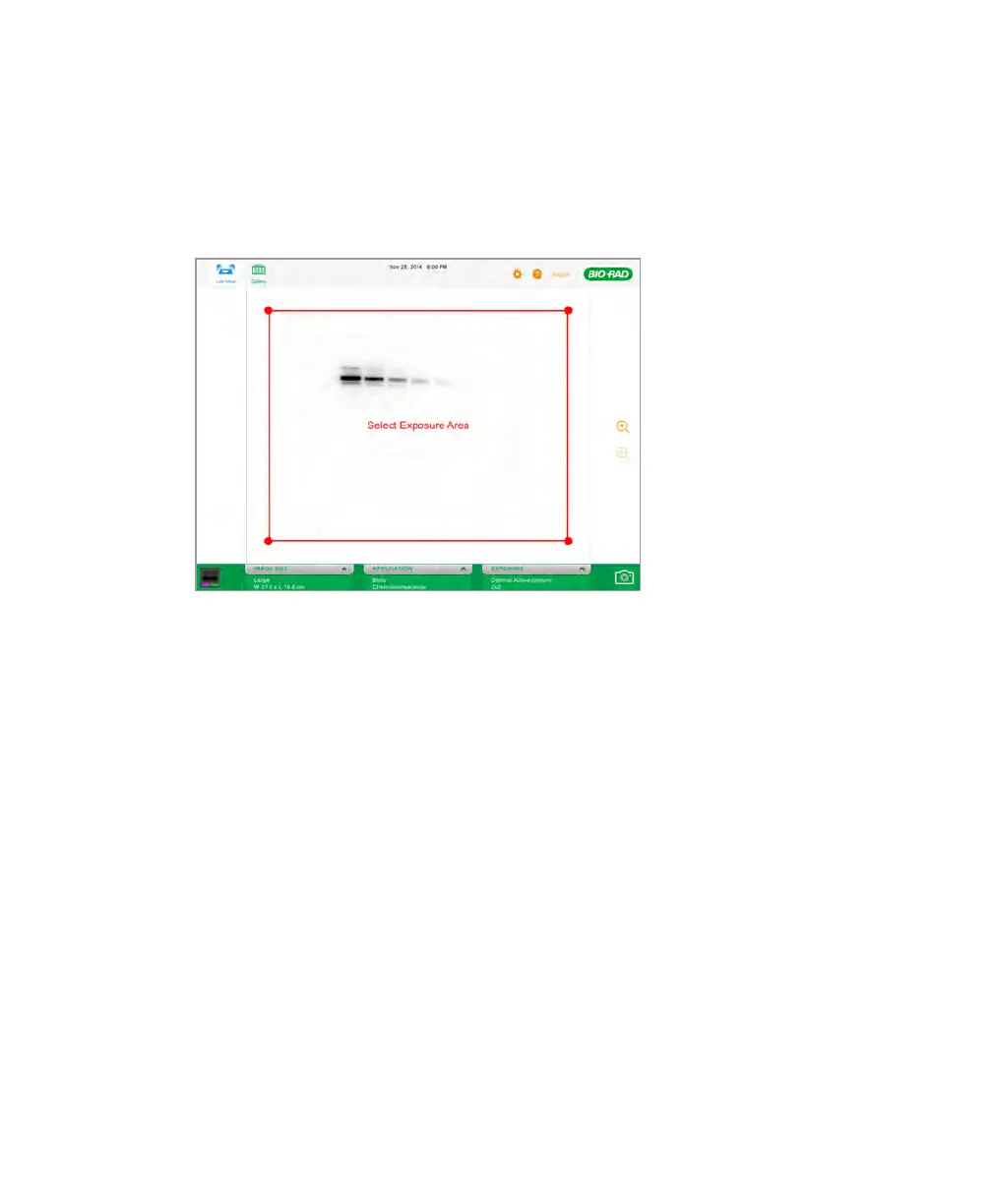
To specify the region of interest in a chemiluminescent image
1. In Live View, tap EXPOSURE.
2. Tap Show Preview.
The imager generates a low-resolution image of the blot. A red rectangle surrounds
the preview image.
3. Move the rectangle to specify the area of interest:
n To resize the rectangle, touch and drag any of its corners.
n To reposition the rectangle, touch inside the rectangle and move your finger.
n To adjust the resolution of the preview image, use the zoom icons or stretch or
pinch your fingers to zoom in or out.
Tip: If you cannot achieve an acceptable image, reposition the blot on the sample
tray and repeat this procedure.
User Guide | 55



 To Next Page