Chapter 2 Image Lab Touch Software Overview
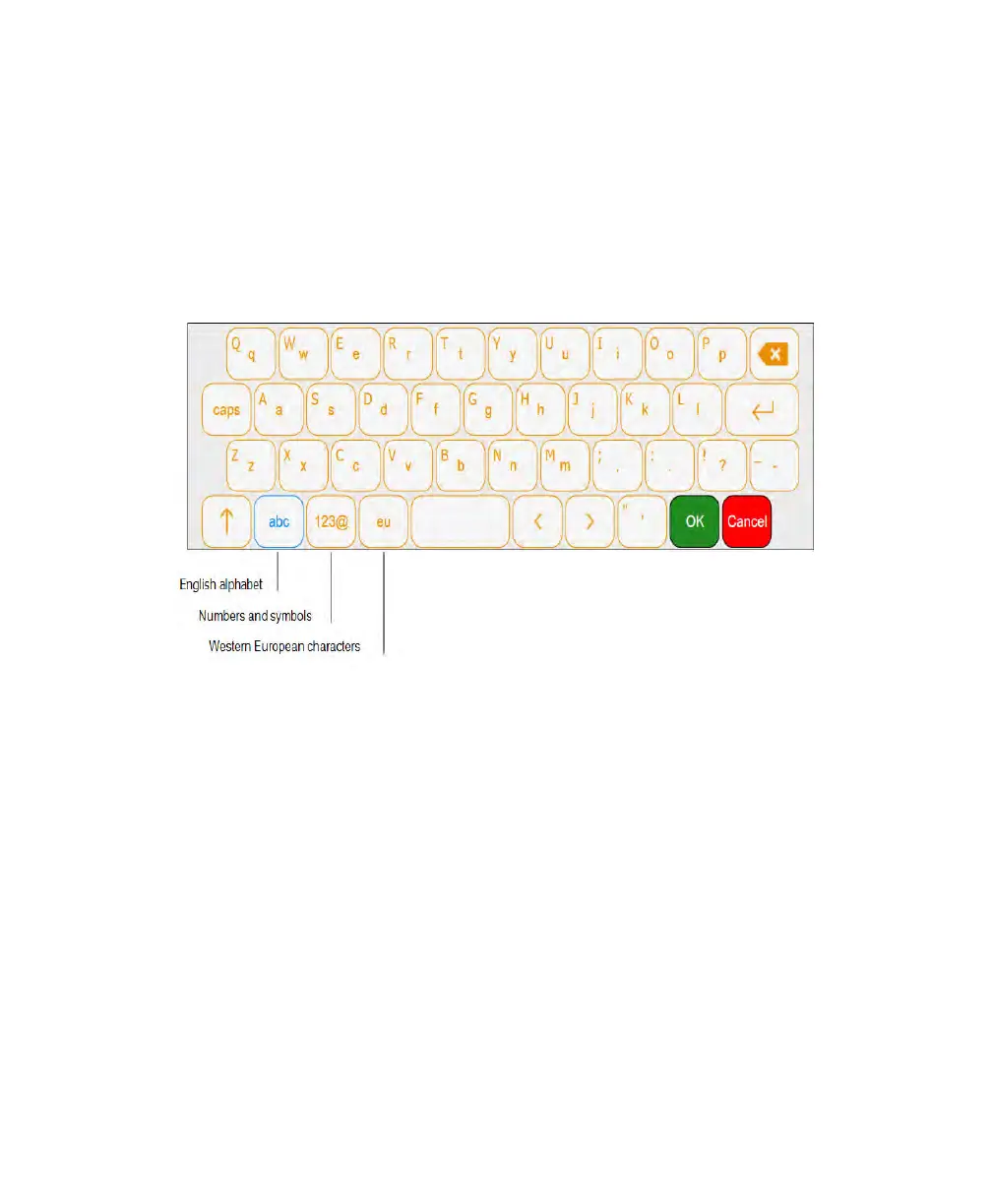
Using the On-Screen Keyboard
Tap in a text box to display the keyboard.
You can select from three keyboards.Tap the keys on the left side of the bottom row to
display the different keyboards and enter English alphabetic characters, numbers and
symbols, and Western European characters.
Choose the keyboard you want and tap keys to enter your input.
Editing the Welcome Screen
When you log on to the ChemiDoc™ Touch imager, Image Lab Touch software starts and a
Welcome screen appears. You can add custom text for your organization in the two boxes
on the screen. For example, you can enter the name of your business or laboratory in the
upper box and add a warning message or other helpful information in the lower box.
40 | ChemiDoc Touch Imaging System



 To Next Page