Chapter 4 Viewing Images
To access the Gallery
u Tap the Gallery icon in the main toolbar.
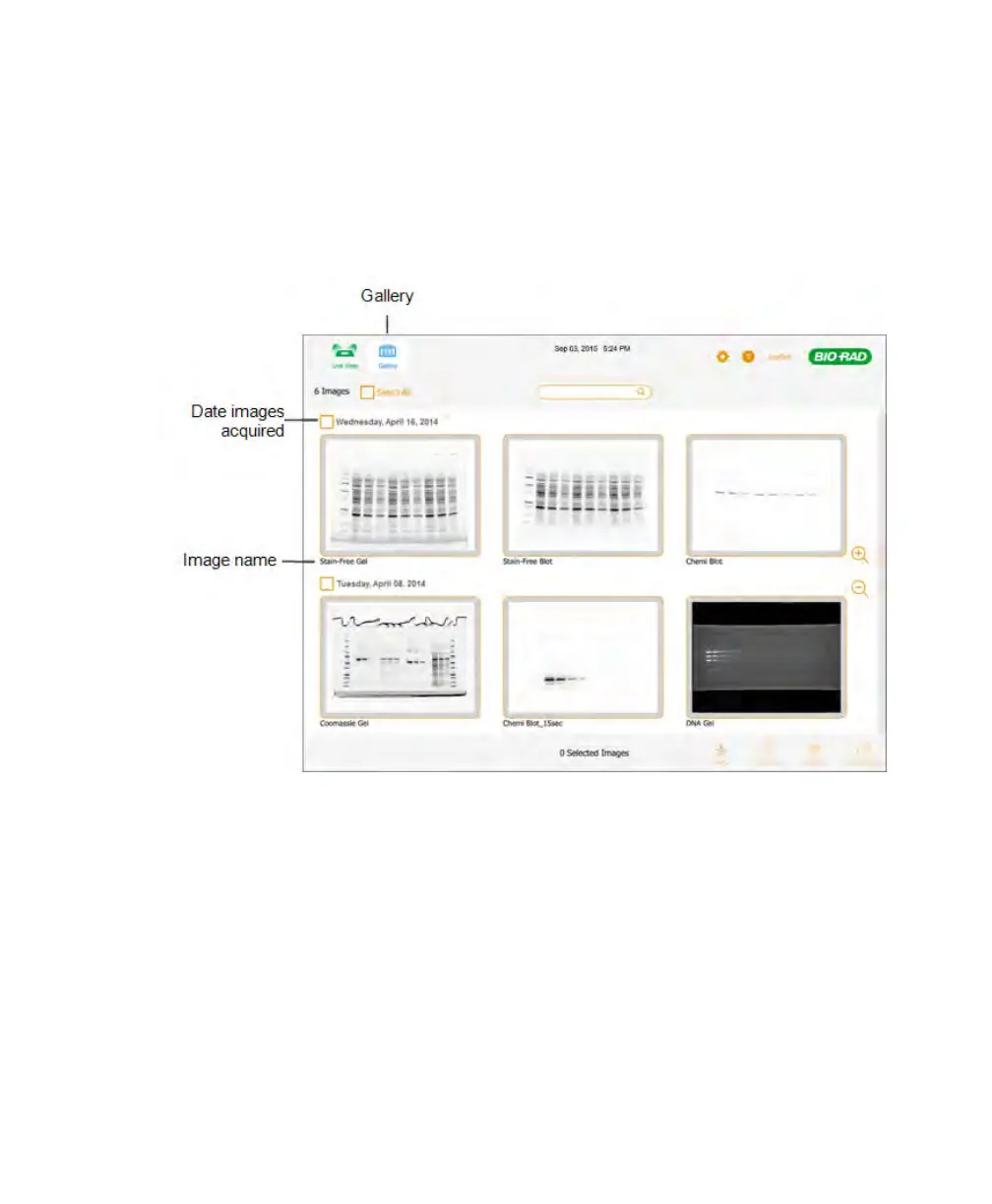
A Gallery similar to the following appears.
The image name appears below each thumbnail image. By default, each name
consists of the date and time of acquisition, for example: 2014-02-18 18hr 30min
51sec.scn. You can change the default name in the Image Info box. For more
information, see Renaming Images on page 87.
68 | ChemiDoc Touch Imaging System



 To Next Page