20–
4. Changing the setting:
: Deletes the entire value and allows you to input one from the beginning.
: Deletes the last input figure.
5. Canceling the numeric key mode:
: Enables setting with step keys ([F1], [F2]) or the encoder again.
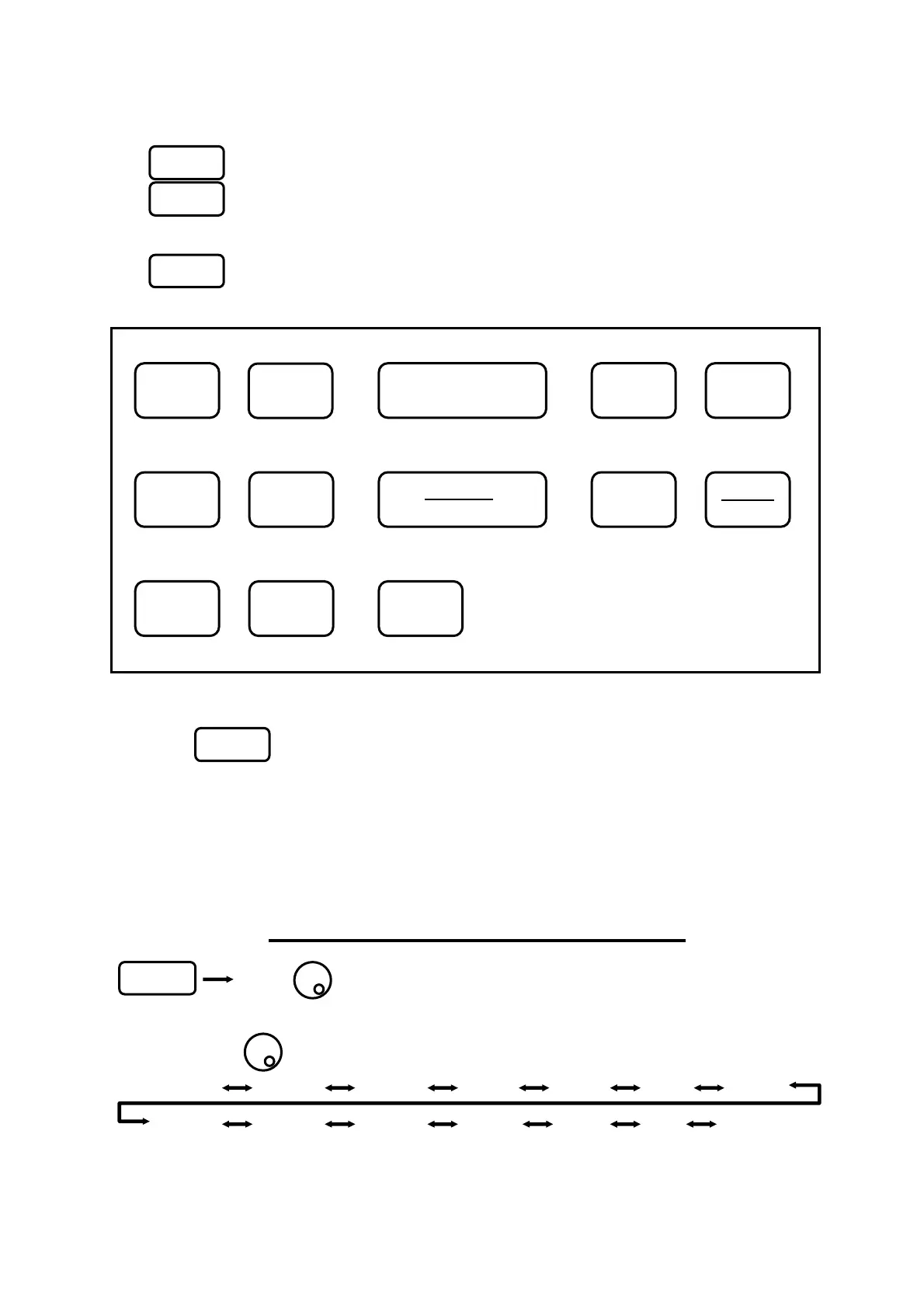
“Numeric Key Mapping Diagram”
7.4 According to the Marker position
1. When is pressed, the center frequency is set according to the frequency of current marker
position.
* Any figures below the resolution (100 kHz) will be discarded.
* This does not operate when the marker is not displayed. (and the function display disappears.)
8. Frequency Span <SPAN>
Press Use to set the frequency span.
*The frequency span can be set only with the encoder. Function keys are not available.
2650/2652: When is turned, the frequency span changes in the specified step.
ZERO 200k 500k 1M 2M 5M 10M
20M 50M 100M 500M 1G 2G FULL (3.3G)
F5
F6
FRE
SPAN
[Hz]
SAVE
MEAS
MKR
CALC
LOAD
45
0 9
RBW
DSPL PRINT
AUTO
TUNE
RUN
HOLD
RS232C
SWEEP SCALE
1 2 3
87 6
.
MH
GH
VBW
F6
Test Equipment Depot - 800.517.8431 - 99 Washington Street Melrose, MA 02176
FAX 781.665.0780 - TestEquipmentDepot.com



 To Next Page