56–
23. Data Output <RS232C>
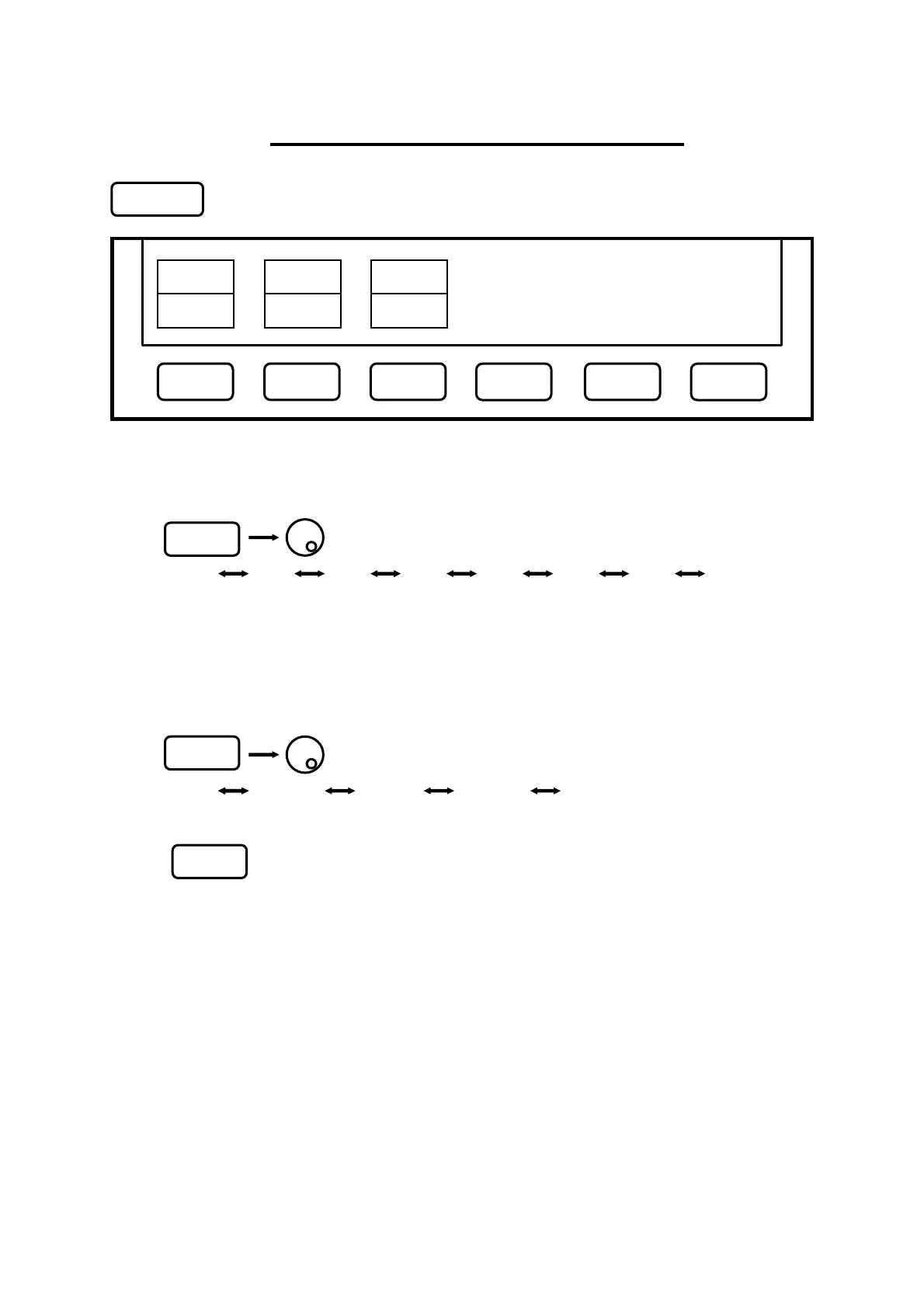
Press to switch over to the function screen shown below:
*
Refer to “25. RS-232C Interface” for “How to connect” and “RS-232C specifications”
23.1 Selecting the trace to transfer
Use to select a trace.
CURR 00 01 02 03 ··· 98 99
*An asterisk (
*
) appears when there is a saved trace at the selected number as well as
“SAVE/LOAD”.
* The trace currently displayed on the screen is transmitted when “CURR” is selected.
23.2 Selecting the communication speed (baud rate)
Use to select a baud rate.
2400 4800 9600 19200 38400
23.3 Transfer the data
Press to start the transfer.
The data are transmitted as ASCII cord character strings.
TRACE BAUD
CURR 38400 EXEC
F2
F3
RS232C
F1
F1 F2 F3
F4
F5
F6
Test Equipment Depot - 800.517.8431 - 99 Washington Street Melrose, MA 02176
FAX 781.665.0780 - TestEquipmentDepot.com



 To Next Page