28–
16.1 NORM mode
1. Press . Calculation is not performed in this mode. The number of sweeps is always
unlimited.
* Usually, please choose this mode.
* “NORMAL” is displayed in the CALC area on the LCD screen.
(Refer to “4. Description of Display” for details)
16.2 MAX HOLD mode
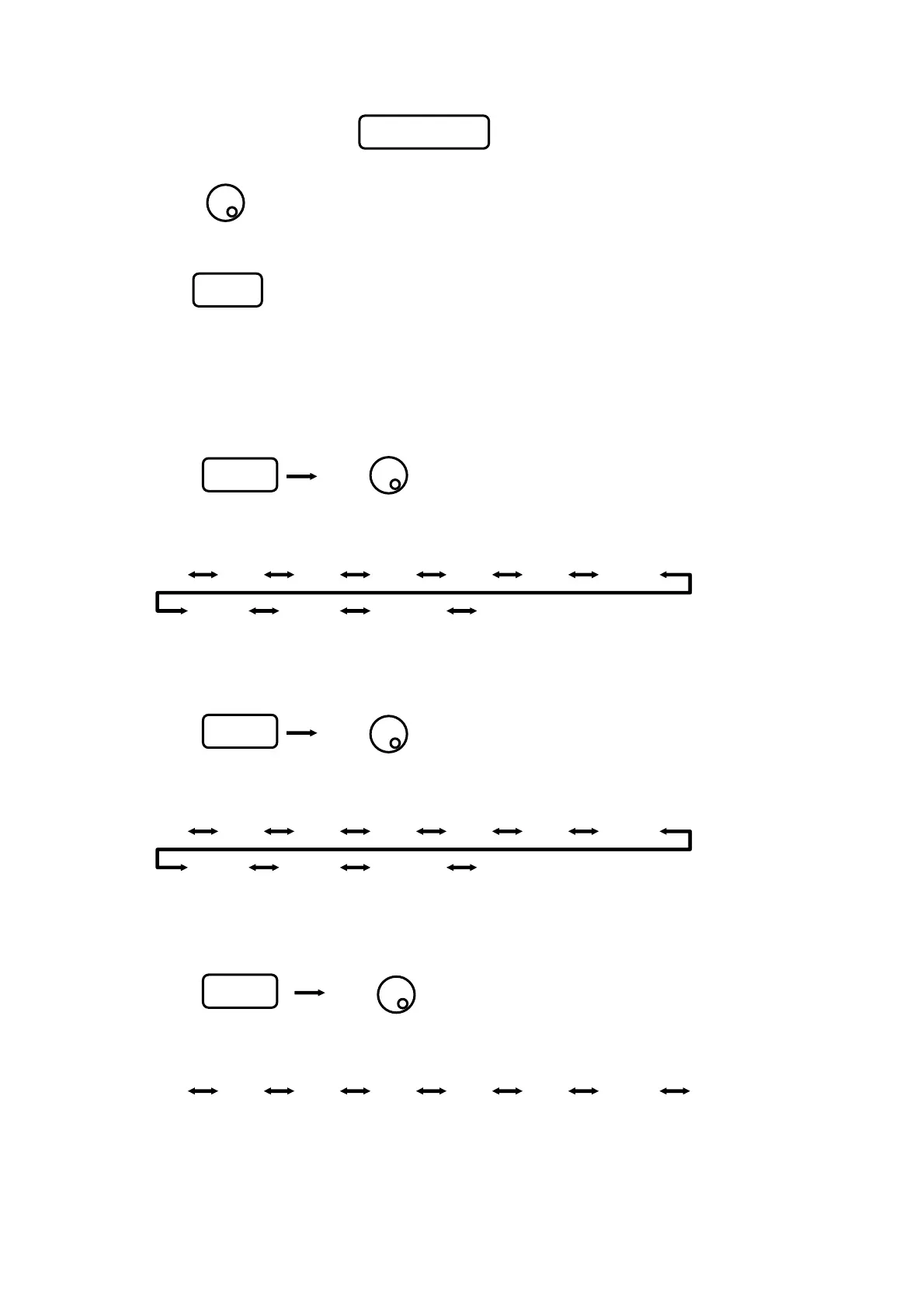
1. Press Use to set the number of sweeps.
2. Sweeps are performed the set number of times, the maximum value of each point of trace data is
displayed as a trace, and then sweep is halted.
2 4 8 16 32 64 128
256 512 1024 (unlimited)
* “MAX --- (number of sweeps)” is displayed in the CALC area on the LCD screen.
(Refer to “4. Description of Display” for details)
16.3 MIN HOLD mode
1. Press Use to set the number of sweeps.
2. Sweeps are performed the set number of times, the minimum value of each point of trace data is
displayed as a trace, and then sweep is halted.
2 4 8 16 32 64 128
256 512 1024 (unlimited)
* “MIN --- (number of sweeps)” is displayed in the CALC area on the LCD screen.
(Refer to “4. Description of Display” for details)
16.4 AVERAGE mode
1. Press Use to set the number of sweeps.
2. Sweeps are performed the set number of times, average value of each point of trace data is
displayed as a trace, and then sweep is halted.
2 4 8 16 32 64 128 256
* “AVG --- (number of sweeps)” is displayed in the CALC area on the LCD screen.
(Refer to “4. Description of Display” for details)
F1
F4
F2
F3
* After sweeps stops, press to restart sweep.
* Press [F1] to [F5] to set the CALC mode.
* Use to set the number of sweeps.
HOLD/RUN
**
**
Test Equipment Depot - 800.517.8431 - 99 Washington Street Melrose, MA 02176
FAX 781.665.0780 - TestEquipmentDepot.com



 To Next Page