35–
When you press the HOLD/RUN key, the loaded and the current traces are displayed
overlapping each other.
* “
*
” is displayed on the right end of the number of location place at which data is saved.
18.2.3 Clearing the data
1. Press to move to a clear menu.
2. Operating
or chooses objects (trace or parameter).
3. Use to set the number of clear.
00 01 02 03 04 ··· 98 99
4. Press to clear the data.
18.2.4 Clearing the loaded trace
1. Press to clear the loaded trace that has been displayed.
18.2.5 Presetting (Initialization)
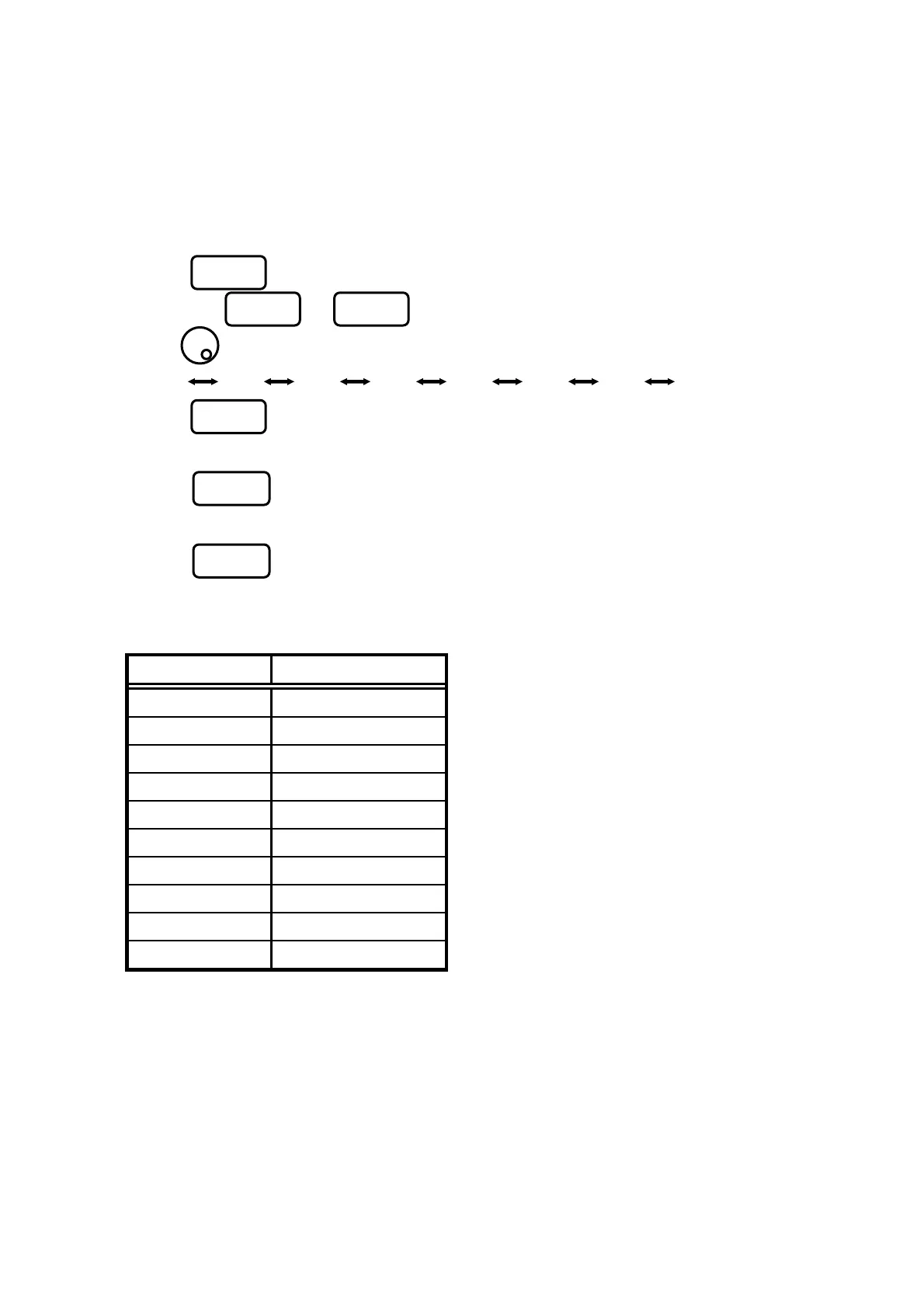
1. Press to preset the setting parameters as the Initialization shown below:
“Initialization”
Items Parameter
Center frequency 1GHz
Frequency span 20MHz
Reference level 10dBm
Offset 0.0dB
Impedance 50Ω
Sweep time 0.3s
Detection mode Positive peak mode
RBW 100kHz
VBW 10Hz
Display scale 10dB/div
F3
F5
F
F1 F2
F3



 To Next Page