46–
Press (ENTER) to confirm it. Press (CLEAR) to delete the entire value and allow
you to input one from the beginning. Press (BACK SPACE) to delete the last input figure.
Press to cancel the probe ID input display.
· Mode selection and measurement
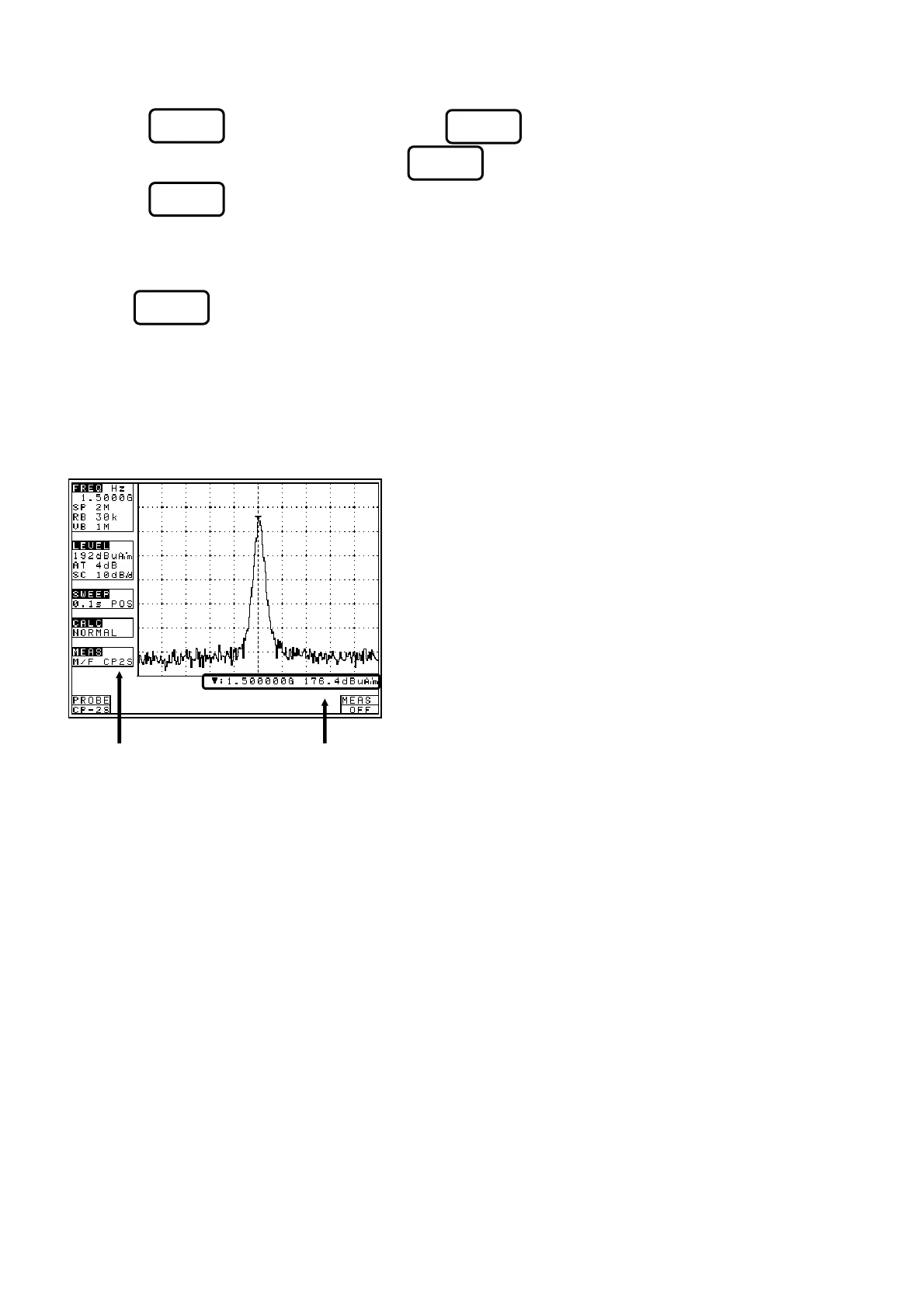
Use (PROBE) to select a probe, PR 26M or USER. As soon as the probe is entered, the
measurement is taken.
* It is each shown on MEAS area of LCD as “M/F PR 26M” or “M/F USER”.
* “USER” is an original calibration table the user creates.
(Refer to “24.3 Command description” for details.)
Unit of amplitude axis are changing to [dBµA/m]
* A trace is not displayed for frequencies
outside those supported by the probe.
F1
[Measuring mode]
[Measured value]
F6
F5
F4
F3



 To Next Page