SERVSWITCH™ OCTET INSTALLER/USER GUIDE
52
To set or change a target device hotkey:
1. Press Ctrl+Ctrl to launch the OSD.
2. Click the User
tab. The User screen displays.
3. Click the down arrow button twice or Ctrl + page end to display the Server
Hotkey screen.
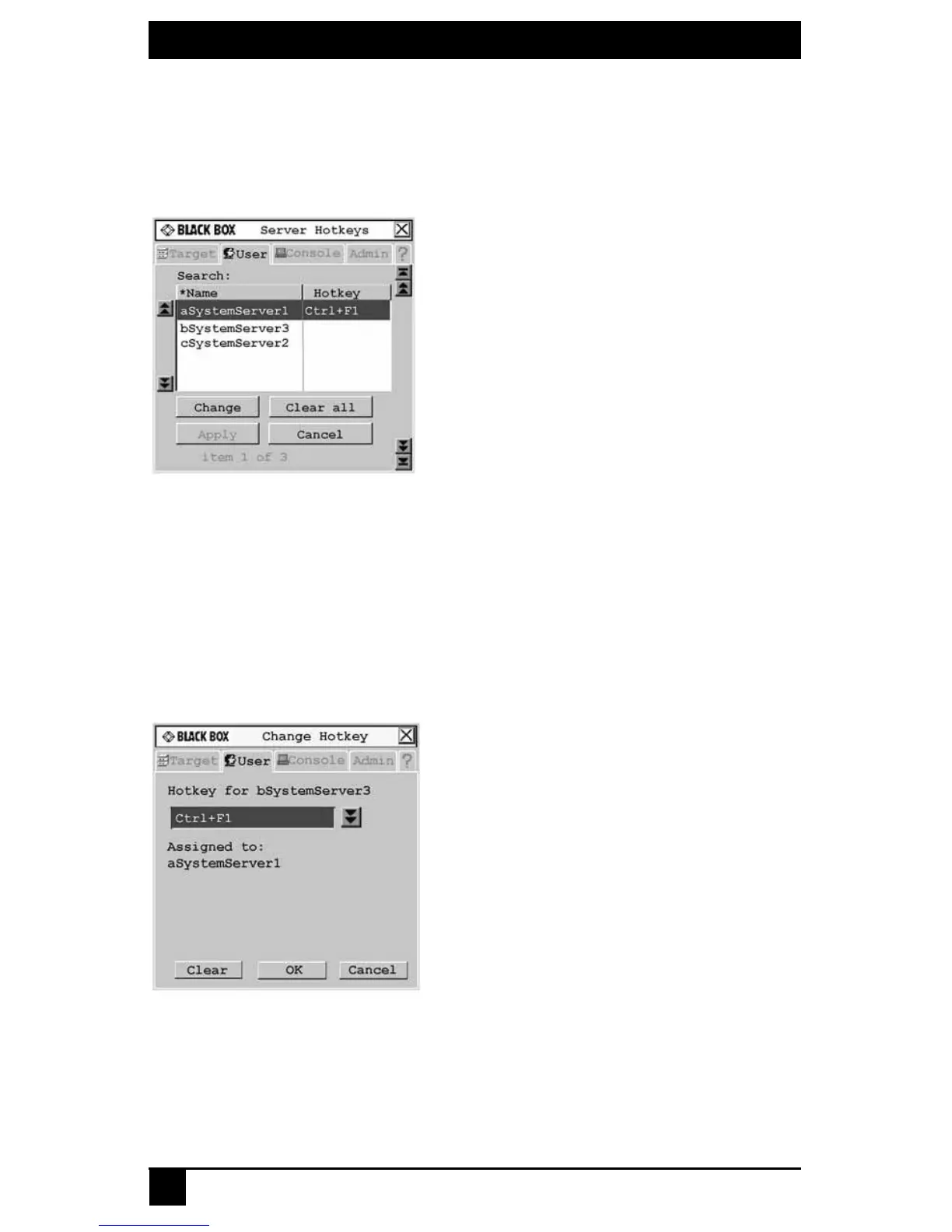
Figure 4-2. Server Hotkey Screen
4. Type the name of the target device for which you wish to set or change the associated
hotkey. A list of target devices displays.
To sort the target device list by name, click Name. To sort the target device list by
hotkey, click Hotkey.
5. If you would like to remove all hotkey assignments, click Clear All.
6. Click the target device you wish to set or change.
7. Click the Change button. The Change Hotkey screen displays.
Figure 4-3. Change Hotkey Screen
8. If the selected hotkey is already assigned to a different target device, you can re-
assign the selected hotkey or return to the Change Hotkey screen to select another
hotkey. To clear a hotkey assignment to a target device, select the hotkey and
click Clear.













 To Next Page