SERVSWITCH™ OCTET INSTALLER/USER GUIDE
70
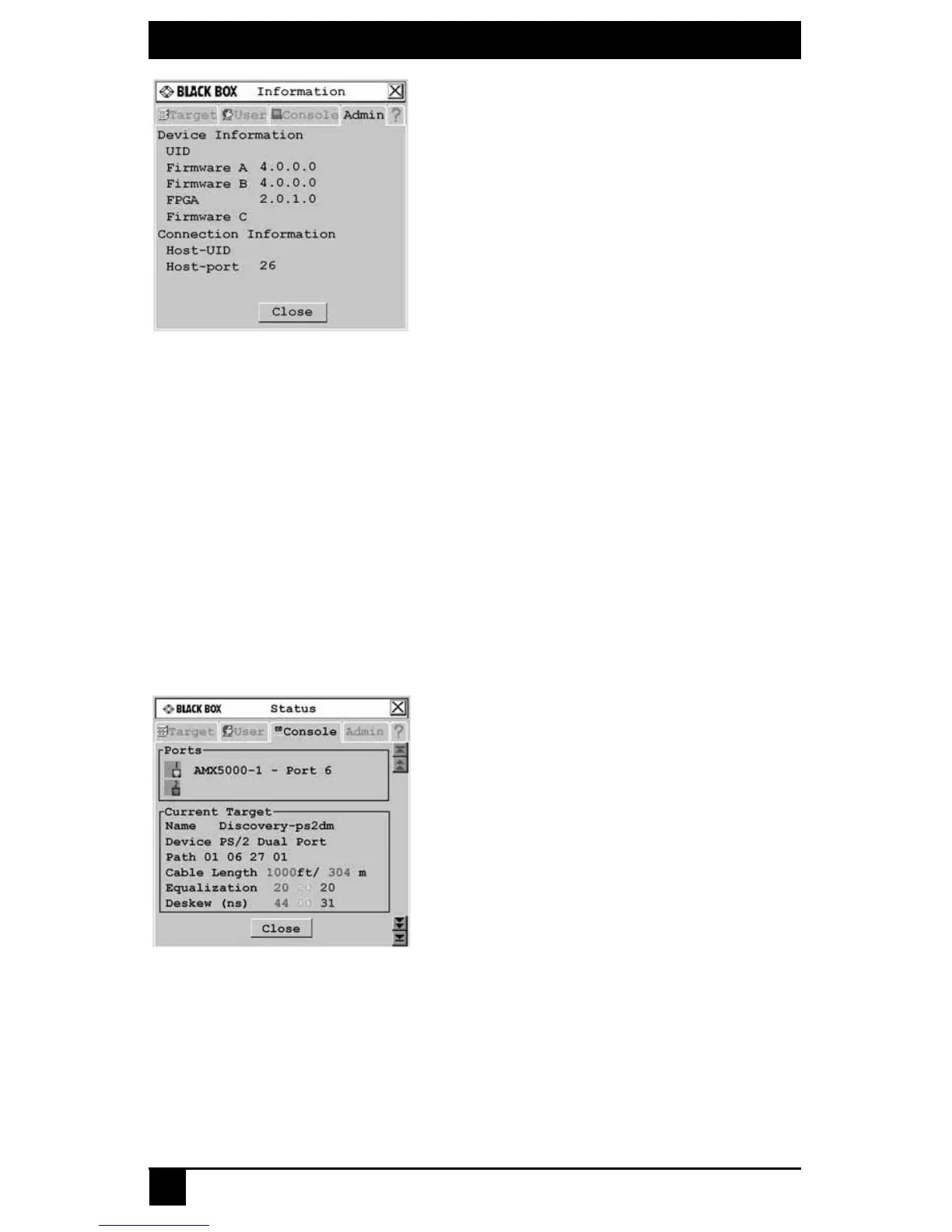
Figure 4-21. Information Screen
6. Click Close to return to the Device Admin screen.
7. Click Cancel or X to exit the OSD.
To modify Octet server access module properties, see Setting Device Properties on
page 73.
4.7 User Stations
You can configure settings specific to your user station by accessing the Console tab.
To view the user station status:
1. Press Ctrl+Ctrl to launch the OSD.
2. Click the Console tab. The Status screen displays the connection status of the Octet
user station.
Figure 4-22. Status Screen
3. Click Close or X to exit the OSD.
Locking user station settings
The Administrator may lock specific settings for each user station. Lockdown settings
cannot be accessed by other users. See Administering security settings on page 61 for
more information.













 To Next Page