CHAPTER 4: OPERATIONS
63
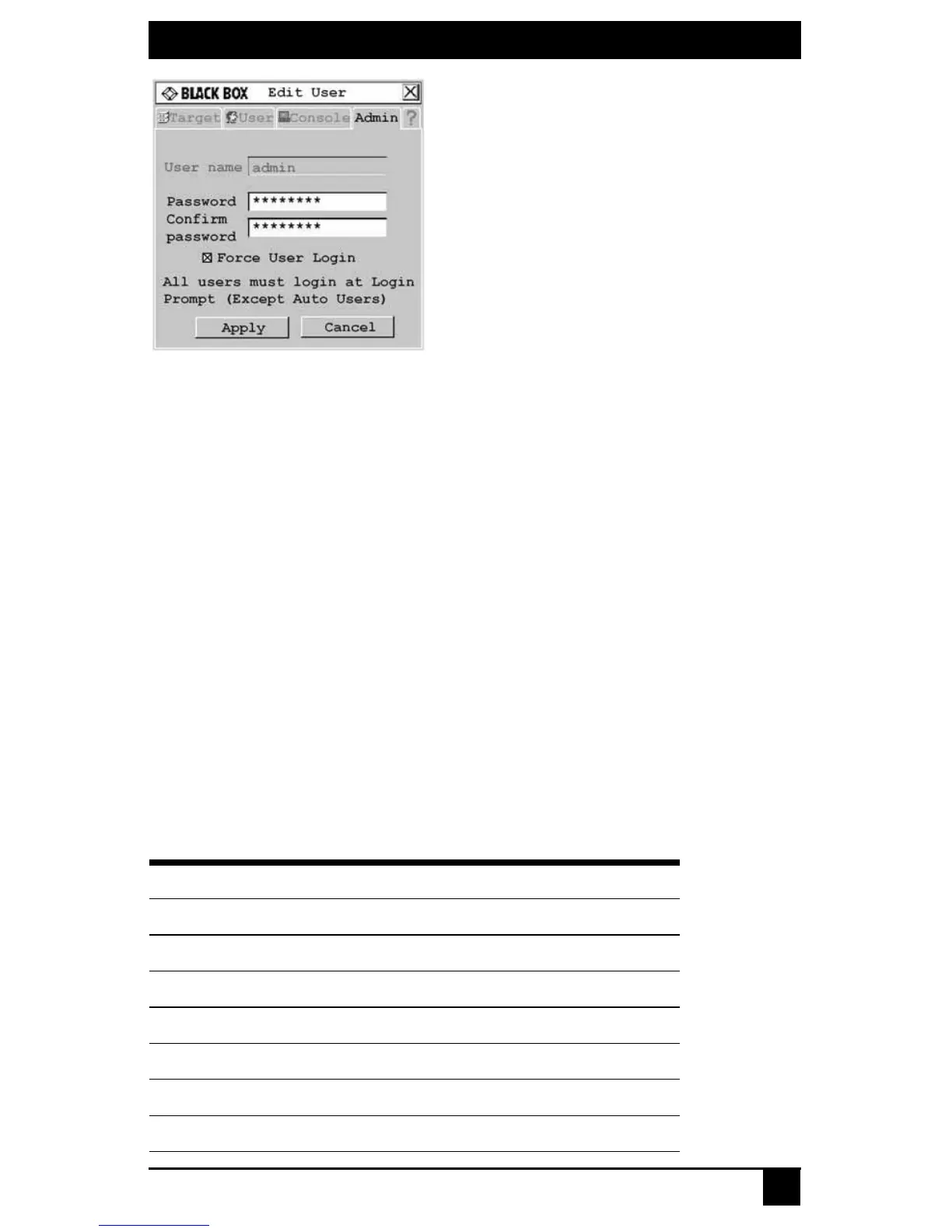
Figure 4-16. Edit User Screen - Admin User
5. If a password has not yet been assigned to admin, create one now by typing a pass-
word in the Password and Confirm Password fields.
6. Select Force User Login to force all users to log in with a username and password.
7. To save changes and return to the User Admin screen, click Apply. To exit the OSD,
click Cancel or X.
4.4 Configuring Keyboard Settings
You can use keyboard layouts from multiple countries and regions in the Octet switching
system. The Octet switch also supports multiple keyboard types, including any PS/2, USB
or Sun keyboard, Pinnacle FAK or Chryon Duet.
Keyboard layout
User station
To designate the country-specific layout for the keyboard attached to the user station,
access the Console tab in the OSD. The following table lists supported keyboard layouts
on the Octet user station.
To change the keyboard type, see Keyboard type on
page 65
.
Available Keyboard Layouts on the Octet User Station
Keyboard Layouts
US English Japanese
Belgian Korean
Canadian-French Norwegian
Danish Portuguese
Dutch Spanish
Finnish Swedish
French Swiss-French













 To Next Page