CHAPTER 4: OPERATIONS
53
9. Click the down arrow button and select the desired hotkey from the drop-down list.
10. To save changes, click OK. To exit the OSD, click Cancel or X.
Setting a quick switch hotkey for target devices
A quick switch hotkey allows you to quickly connect to target devices using a hotkey
sequence relative to the placement of the target device on the OSD list. The Ctrl+Up
hotkey sequence will connect you to a target device one above the currently connected
target device on the OSD list. The Ctrl+Down hotkey sequence will connect you to the
target device directly below the currently connected target device on the OSD list.
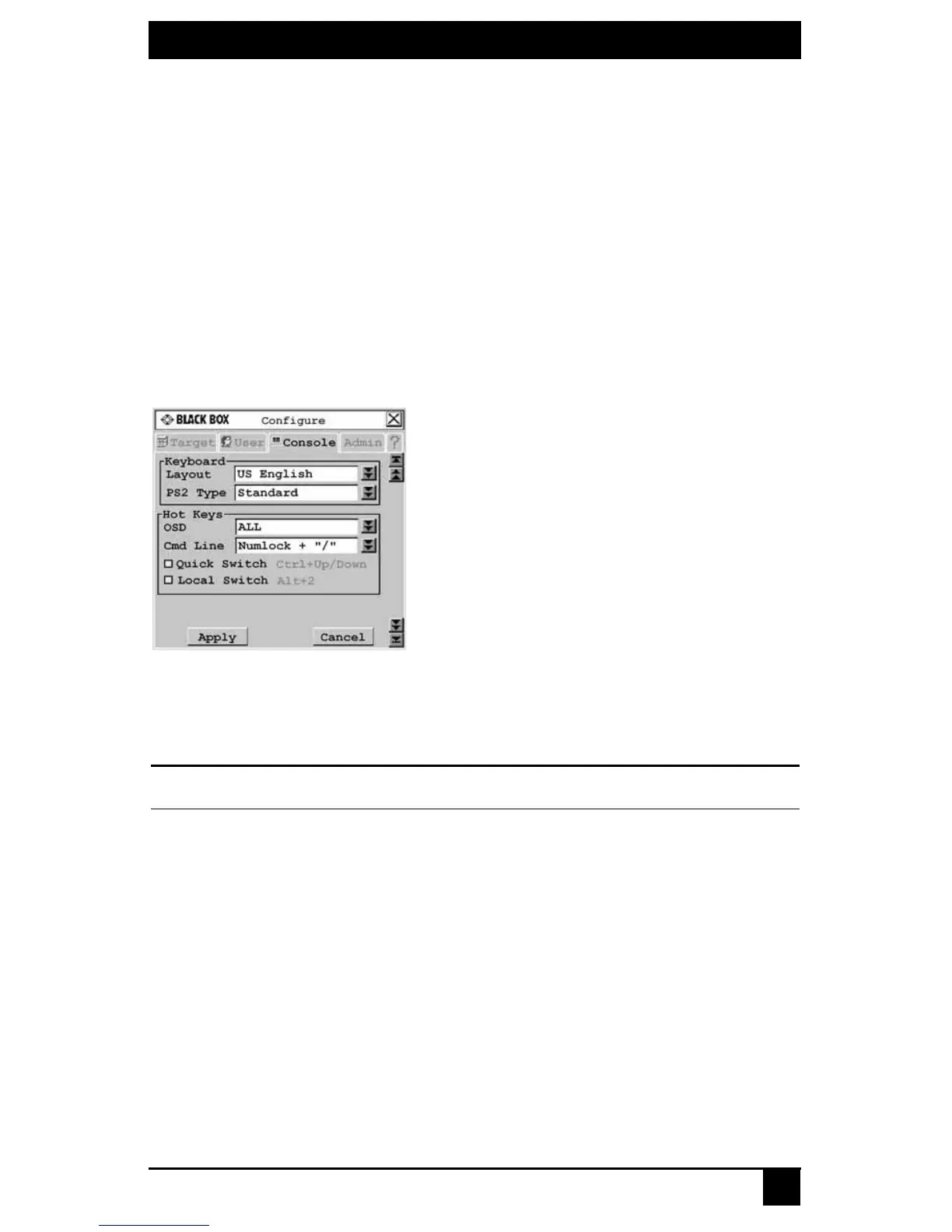
To enable the quick switch hotkey:
1. Press Ctrl+Ctrl to launch the OSD.
2. Click the Console tab, then click the down arrow button to display the
Configure screen.
Figure 4-4. Configure Screen
3. Select Quick Switch.
4. To save changes, click Apply. To exit the OSD, click Cancel or X.
NOTE:
Quick switch hotkeys only work if there is an existing connection and the OSD is not activated.
Setting a local switch hotkey
A local switch hotkey allows you to force a connection to the local server by typing Alt+2.













 To Next Page