CHAPTER 4: OPERATIONS
73
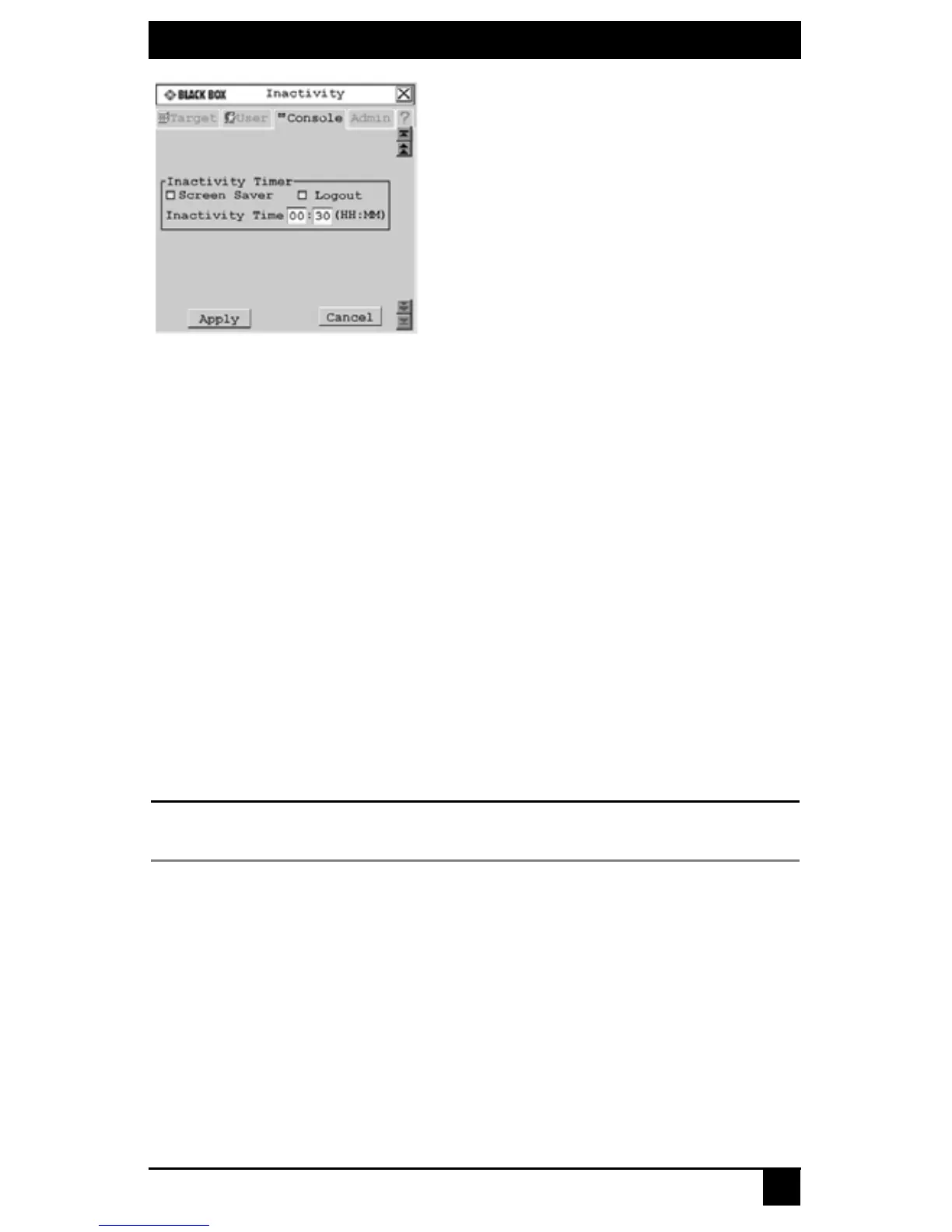
Figure 4-25. Inactivity Screen
3. To hide the use station OSD after the specified period of inactivity time has elapsed,
enable Screen Saver.
4. To log your username out of the switching system after the specified period of inac-
tivity time has elapsed, select Logout.
5. Enter the amount of time the user station will allow inactivity before applying the
logout or the screen saver settings.
6. To save changes, click Apply. To exit the OSD, click Cancel or X.
4.8 Setting Device Properties
The Octet switching system automatically recognizes all attached devices by their UID
numbers, including seamless (MDM) Octet server access modules and MDM target
devices. Depending on the device type and connection, the screens on the Admin tab allow
you to view and change settings for devices in normal and seamless configurations.
To edit a device (normal configuration):
1. Press Ctrl+Ctrl to launch the OSD.
2. Click the Admin tab. The Device Admin screen displays.
NOTE:
The Device Admin screen will display only the devices that are currently attached to the switching system
and powered. Only the Administrator can edit device attributes.













 To Next Page