SERVSWITCH™ OCTET INSTALLER/USER GUIDE
56
After placing the target flag in the desired position, click Set Position to set the
position and return to the Target Flag screen.
-or-
Press Esc to return to the Target flag screen without saving the new position.
5. To save changes, click Apply. To exit the OSD, click Cancel or X.
Viewing MDM target device information
The Octet switch systems supports seamless (MDM) target devices.
To view MDM target device information:
1. Press Ctrl+Ctrl to launch the OSD.
2. Click the Admin tab. The Device Admin screen displays.
3. Select the MDM target device for which you wish to view version, configuration and
connection information.
4. Click the Edit Device button.The Edit Device screen displays.
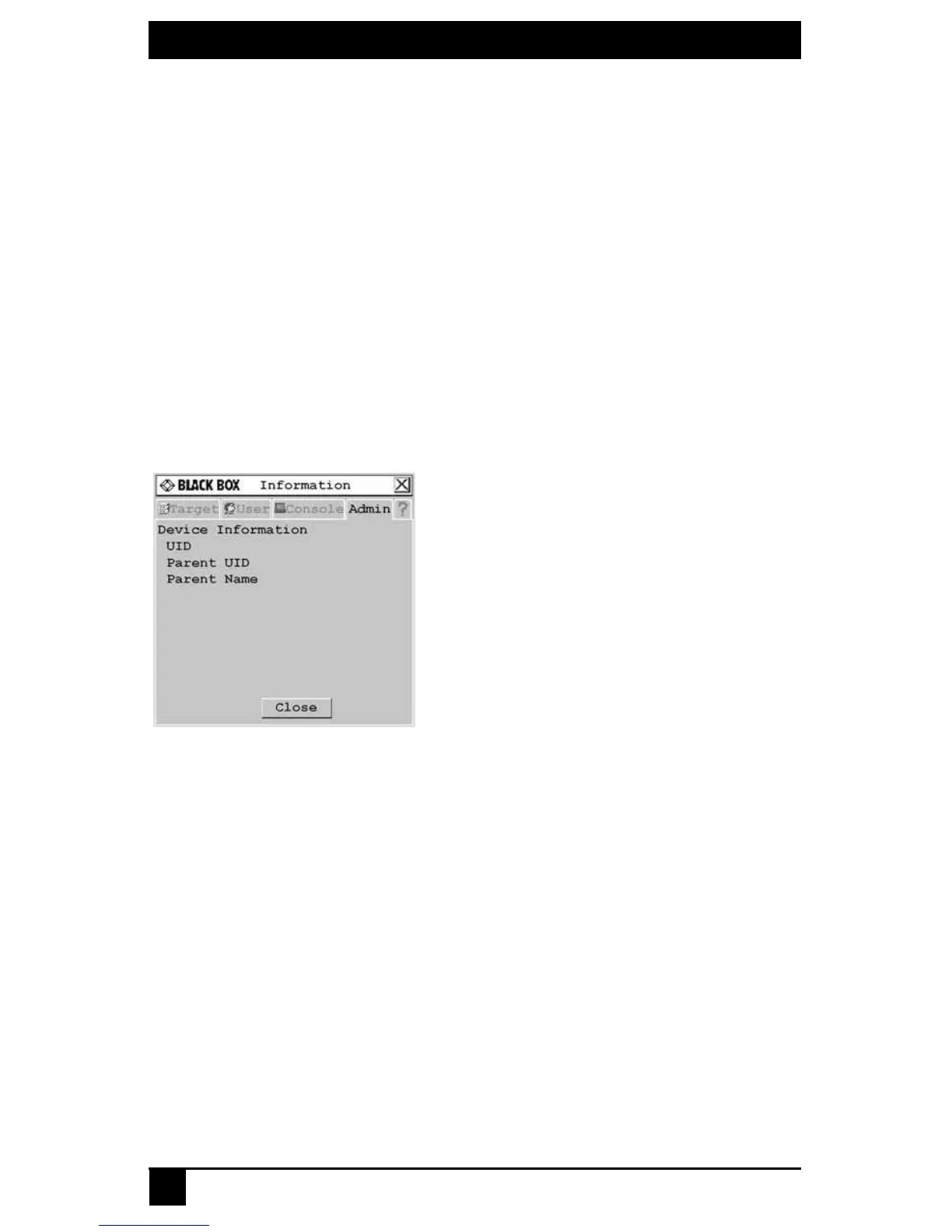
5. Click the Info button. The Information screen displays.
Figure 4-8. Information Screen
6. To return to the Device Admin screen, click Close. To exit the OSD, click X.
Scanning the switching system
You can use the Scan connection mode to monitor multiple target devices in sequence.
To scan an Octet switching system:
1. Press Ctrl+Ctrl to launch the OSD.
2. Click the Target tab, then select Scan.













 To Next Page