CHAPTER 4: OPERATIONS
59
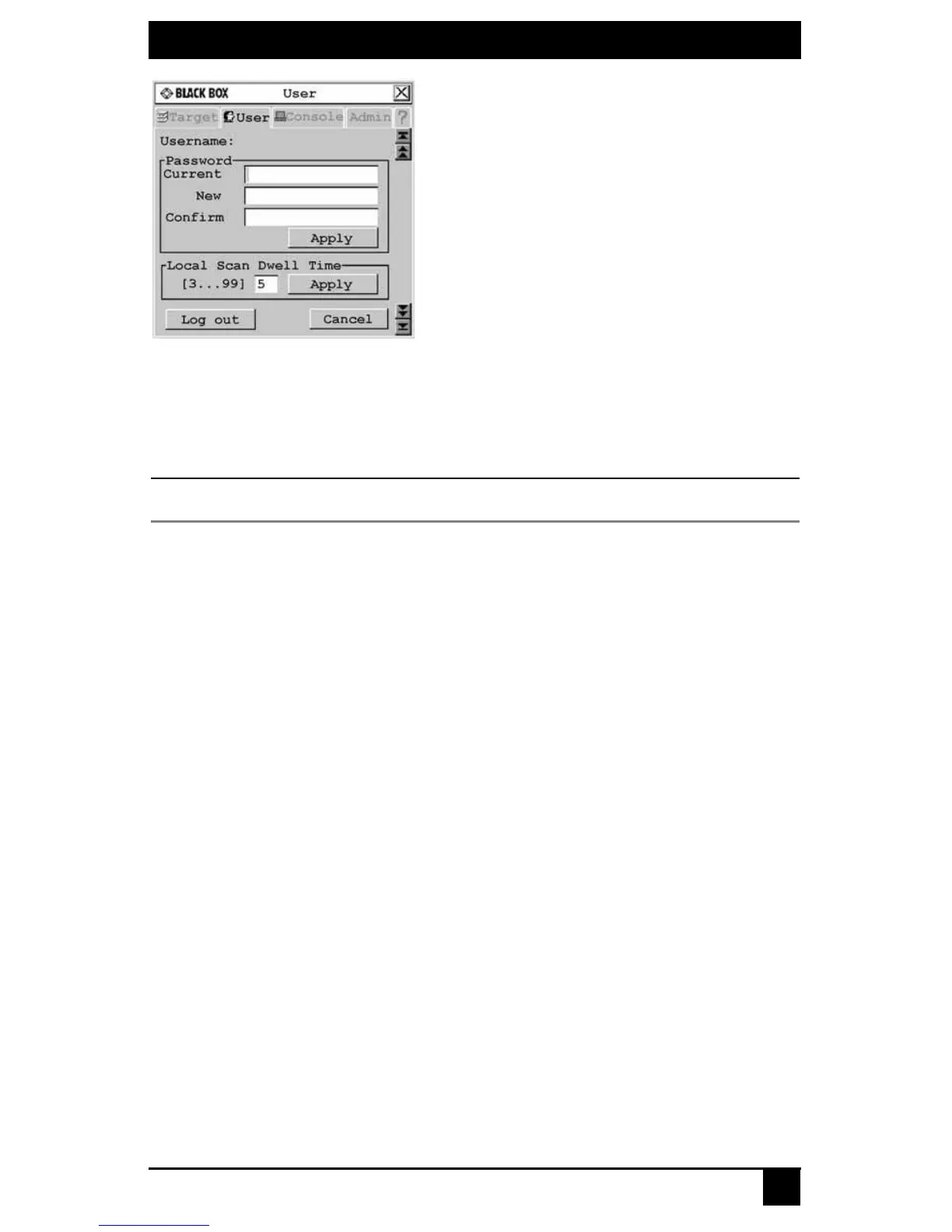
Figure 4-11. User Screen
3. Enter your current password.
4. Enter your new password and verify it in the fields provided. Your password must be
at least six characters in length.
NOTE:
If you lose your password, contact Black Box Technical Support for assistance.
5. To save changes, click Apply. To exit the OSD, click Cancel or X.
Logging out
To log out of the Octet switching system:
1. Press Ctrl+Ctrl to launch the OSD.
2. Click the User
tab.
3. Click Log out. The OSD logs out of the switching system and closes automatically.
Managing the user database
To manage the user database, users must be logged as the Administrator. You may also
use the Octoware software to manage the database.
To add a user:
1. Press Ctrl+Ctrl to launch the OSD.
2. Click the Admin tab.
3. Click the down arrow button to display the User Admin screen. A list of
users displays.













 To Next Page