SERVSWITCH™ OCTET INSTALLER/USER GUIDE
54
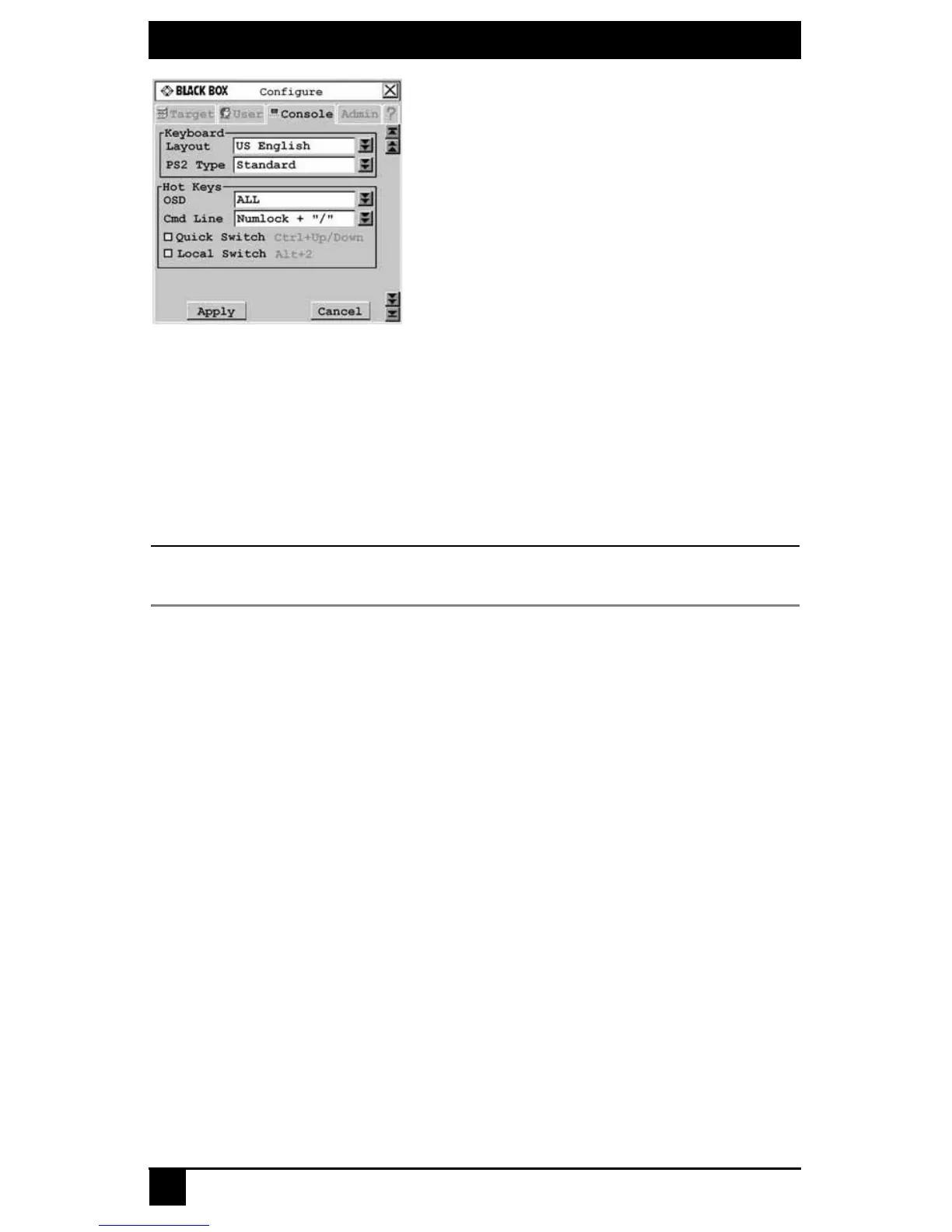
Figure 4-5. Configure Screen
To enable the local switch hotkey:
1. Press Ctrl+Ctrl to launch the OSD.
2. Click the Console tab, then click the down arrow button to display the Configure
screen.
3. Select Local Switch.
4. To save changes, click Apply. To exit the OSD, click Cancel or X.
NOTE:
The local switch hotkey will not force a connection if two local servers are attached to the user station or if
the OSD is open when the hotkey is entered.
Setting a target flag
After a connection is made to a target device, a target flag will appear briefly on screen
and display the name or UID of the selected target device. Each user can configure the
target flag settings according to his or her preference.
To configure the target flag:
1. Press Ctrl+Ctrl to launch the OSD.
2. Click the User
tab. The User screen displays.
3. Click the down arrow button to display the Target Flag screen.













 To Next Page