SERVSWITCH™ OCTET INSTALLER/USER GUIDE
76
8. To save changes, click Apply save changes. The Octet server access module briefly
disappears from the list, then reappears with the MDM target devices that represent
each port on the cascaded switch.
9. Repeat steps 3-5 to rename each MDM target device. Click Apply for each MDM tar-
get device on the list.
10. (Optional) Edit additional MDM Octet server access modules by repeating steps 3-
10.
11. Click Close or X to exit the OSD.
4.9 OSD Command Line Operations
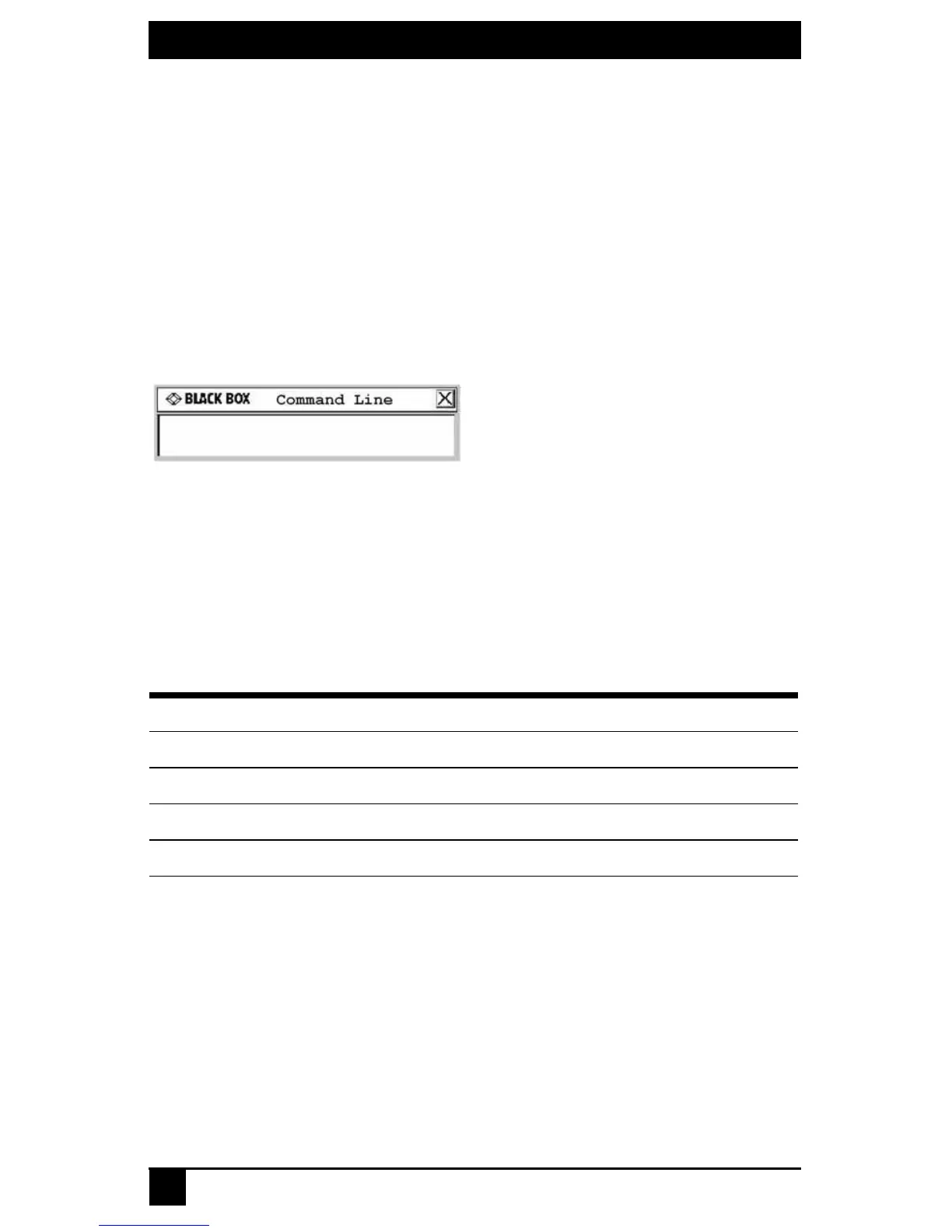
The OSD Command Line allows you to enter commands to administer the Octet switching
system.
Figure 4-29. Command Line Screen
Accessing the Command Line
The following table provides a list of hotkey sequences used to activate the Command
Line. The default Command Line hotkey sequence is the NumLock key pressed and held,
followed by the Minus (-) key. You can set the following hotkey sequences from the list
available on the Console tab.
To change the OSD command line sequence:
1. Press Ctrl+Ctrl to launch the OSD.
2. Click the Console tab, then click the down arrow button to display the
Configure screen.
OSD Command Line Hotkey Sequences
Sequence Keystroke Description
NumLock + “-”
NumLock
key, pressed and held, followed by the Minus (-) key
NumLock + “/”
NumLock
key, pressed and held, followed by the
Slash
(/) key
NumLock + “+”
NumLock
key, pressed and held, followed by the Plus (+) key
NumLock + “*”
NumLock
key, pressed and held, followed by the
Asterisk
(*) key













 To Next Page