Timestamp File Suffix
The timestamp added to the filename is turned off by default. If you would like the date and
time recorded in your filename, toggle the ‘timestamp file suffix’ option to on.
HyperDeck_2201061438_0001
HyperDeck_2201061438_0001 Filename Prefix
HyperDeck_2201061438_0001 Year
HyperDeck_2201061438_0001 Month
HyperDeck_2201061438_0001 Day
HyperDeck_2201061438_0001 Hour
HyperDeck_2201061438_0001 Minute
HyperDeck_2201061438_0001 Clip Number
Remote Settings
The remote setting lets the HyperDeck be controlled remotely by other video equipment,
forexample an ATEM Mini Extreme switcher.
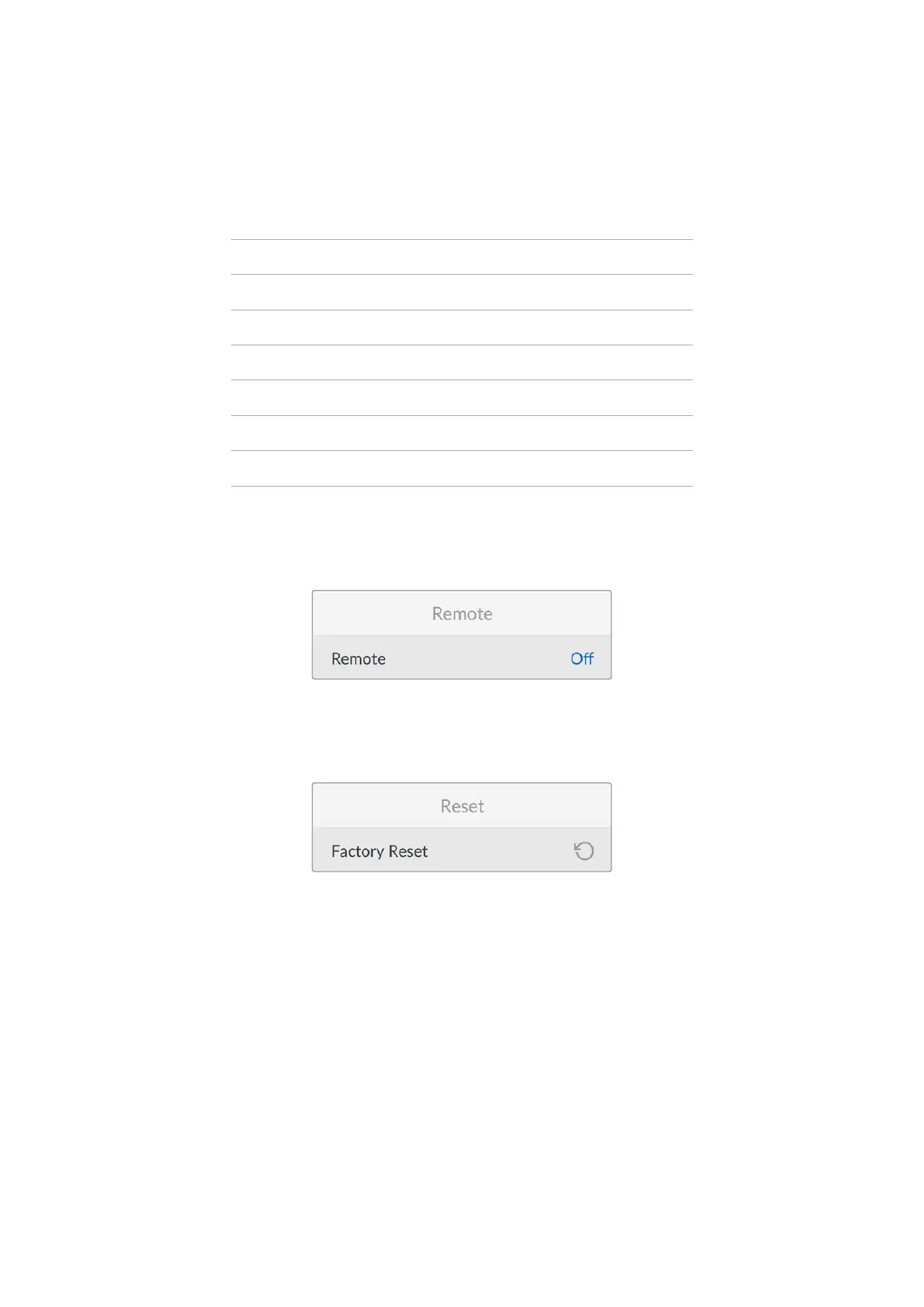
Remote
Select ‘remote’ to enable remote control via Ethernet. Deselect remote to control the unit locally.
Reset Settings
Factory Reset
Highlight ‘factory reset’ in the setup menu to restore your HyperDeck to factory settings. Once
you press ‘set’, you will be prompted to confirm your selection.
20Settings


 To Next Page
 Loading...