Setup
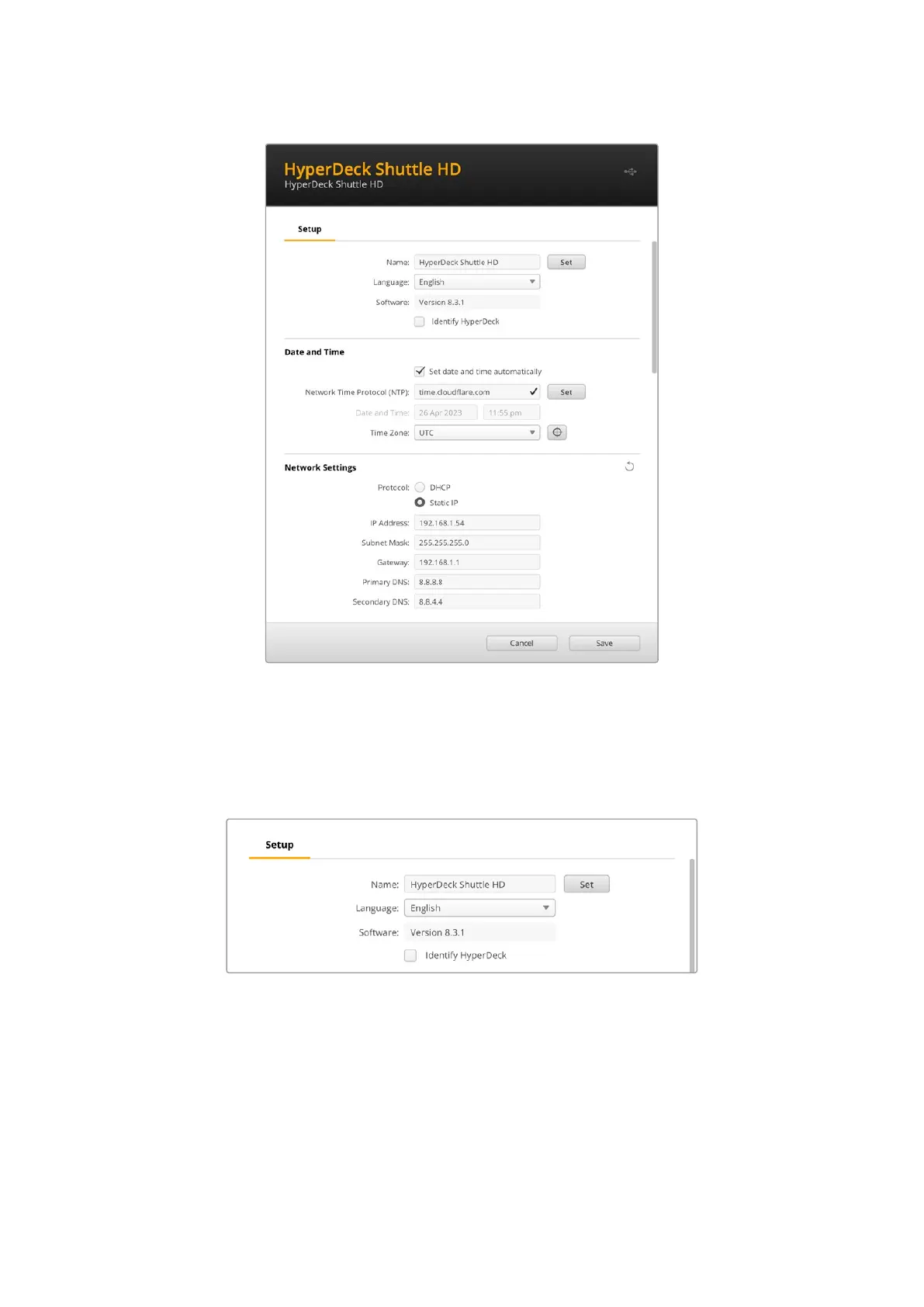
If you have more than one HyperDeck disk recorder, you may wish to give each unit a discrete
name to make them easy to identify. You can do this by entering a new name into the name
field and clicking the ‘set’ button. It’s worth noting that changing the name of the HyperDeck
will invalidate any digital certificates in use, so it’s worth changing the name before generating
acertificate signing request or self signed certificate.
Identify HyperDeck
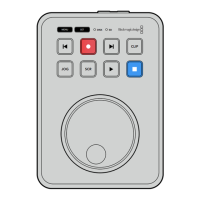
Clicking the checkbox will make the skip buttons on the top of your HyperDeck Shuttle flash.
This can be useful when you have more than one HyperDeck Shuttle and you want to identify
which one you are connected to via the HyperDeck Setup utility.
28Blackmagic HyperDeck Setup


 To Next Page
 Loading...