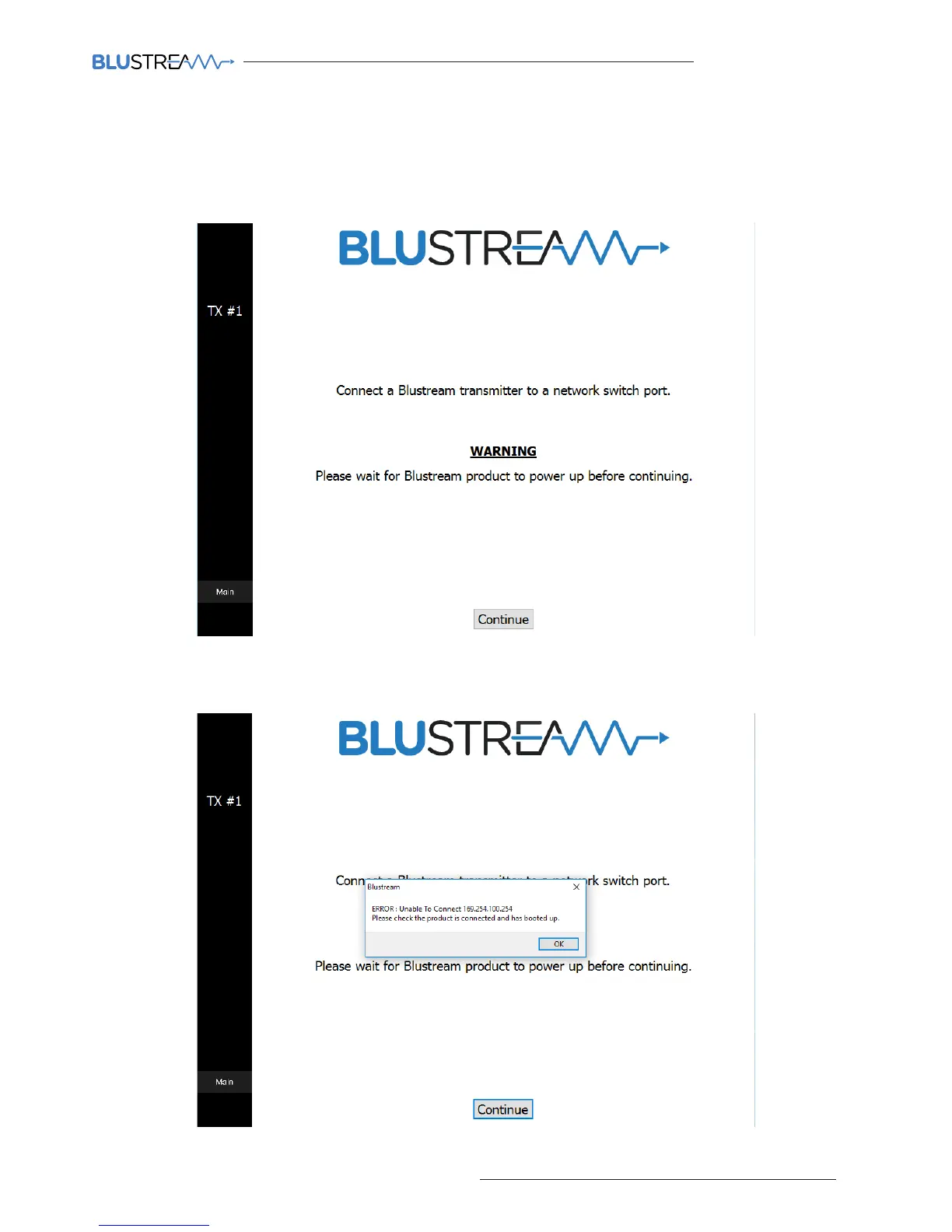
4) Connect the first Blustream IP100HD-TX Transmitter
The PC wizard now prompts you to connect your first Multicast Transmitter.
Please wait for the product to power up (both the CHANNEL ID LEDs and POWER LED should be lit). On connecting the
transmitter, the CH display will rotate until powered and connected.
Once the unit is powered click ‘CONTINUE’
5) Unable to find new product
Should you press ‘CONTINUE’ prior to the Multicast product being connected or powered you will see the below
warning window.
Check the product is powered and connected and click ‘OK’ to try again.



 To Next Page