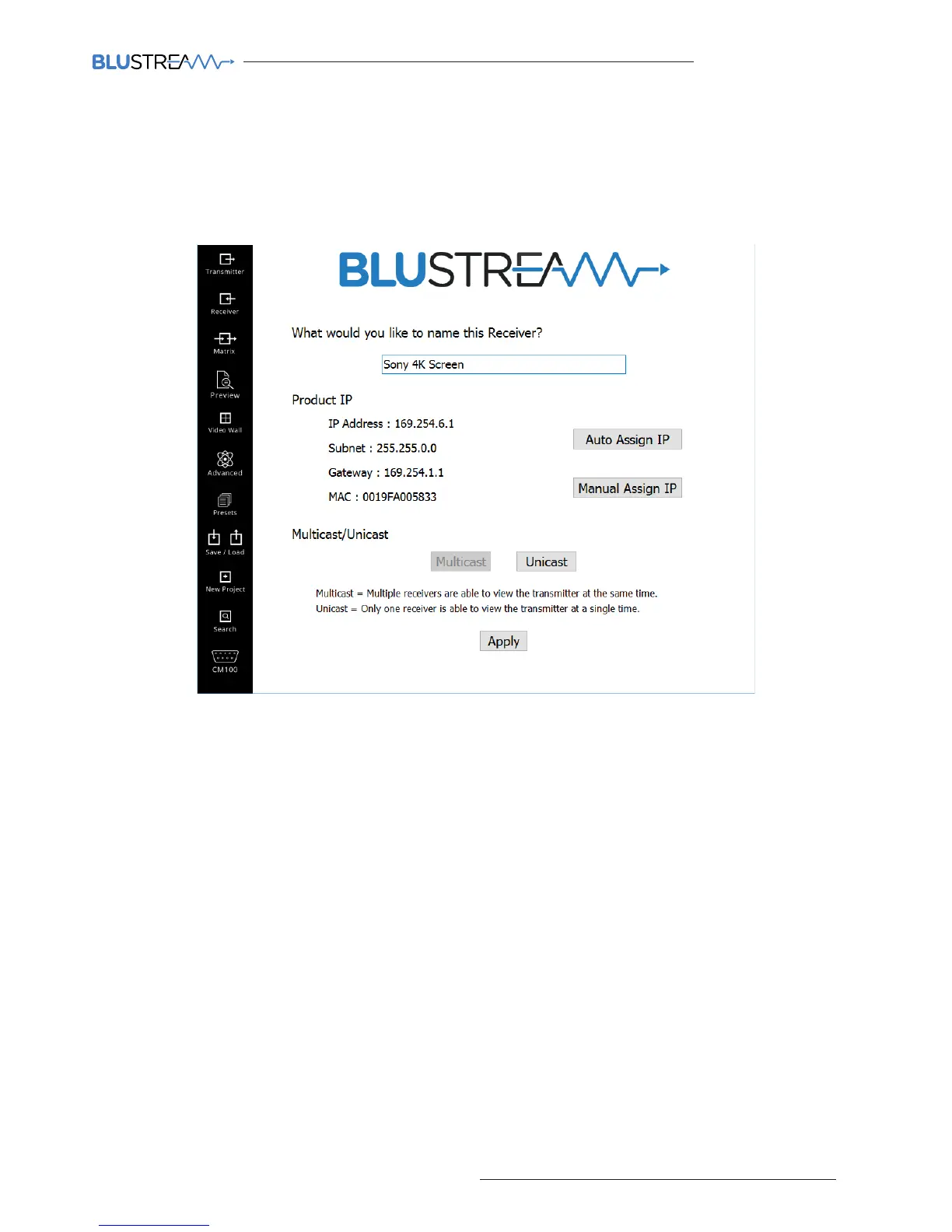
7) Receiver configuration
Once all the Blustream Multicast Transmitters have been configured the PC wizard will automatically move onto
configuring the Receiver products.
Configuration of the Receivers is identical to the Transmitters, simply name the Receivers as required (i.e Study,
Kitchen TV, Gym etc.)
8) Configuration complete!
Once all Transmitter and Receiver products have been configured click ‘FINISH’ which will take you to the Transmitter
summary window.
It is advised that once basic configuration has been completed you review the additional settings in the Multicast
products such as:
• Fixing the EDID values for the Transmitter products (see page 16)
• Adjusting the Scaler resolutions for the Receiver products (see page 17)



 To Next Page