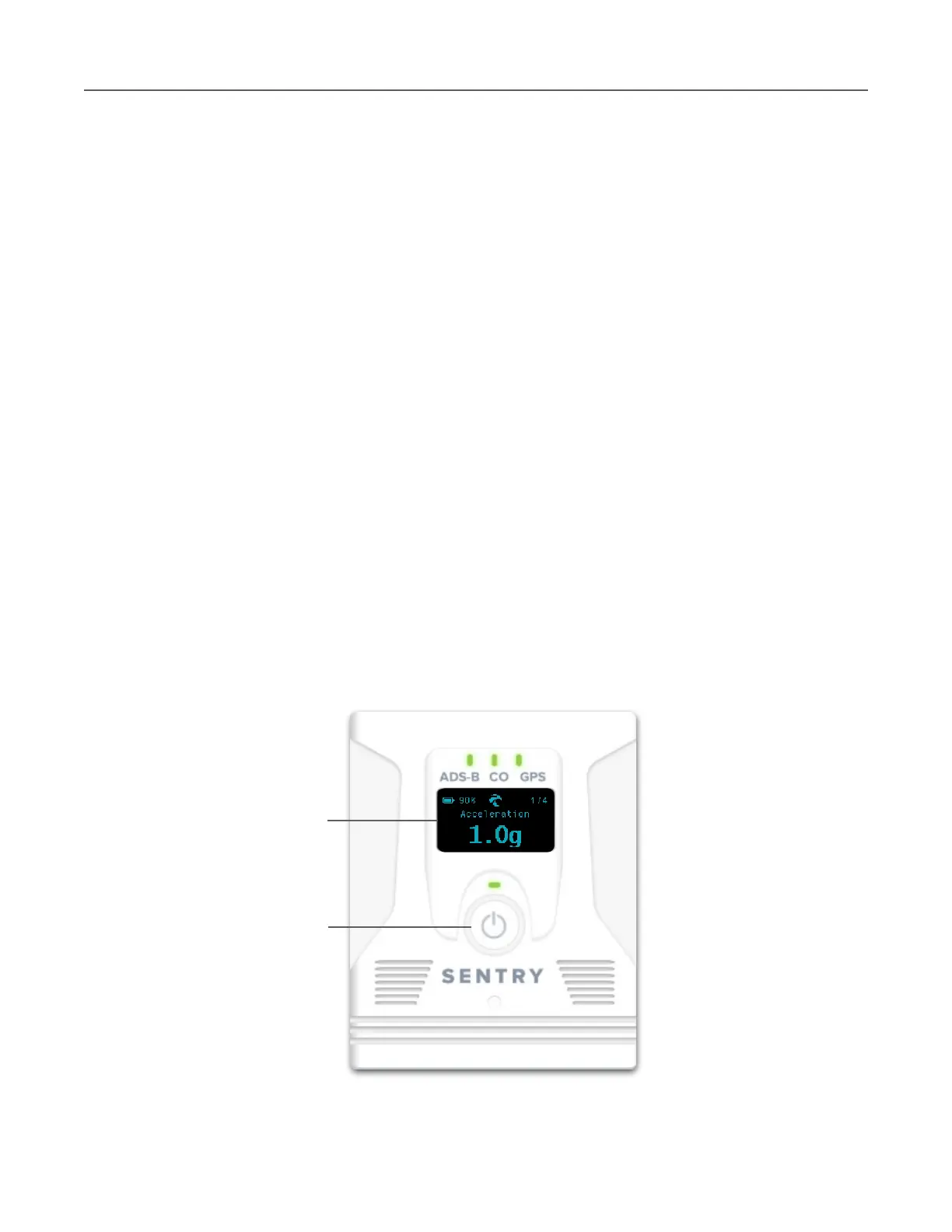
OLED Display
Sentry Plus is equipped with an OLED display. The display is automatically enabled when the
device is powered on and remains on until the device is powered off. When Sentry Plus is
initially powered on, a splash screen depicts the Sentry logo and installed firmware version.
After the splash screen, Sentry Plus displays the first of four possible views.
As various actions occur, additional messages can appear on the OLED display. A list of
possible OLED messages with definitions is found below.
•
Connected! is displayed each time an iPad or iPhone connects to the Sentry Plus
wireless network.
•
Disconnected is displayed each time an iPad or iPhone disconnects from the Sentry
Plus wireless network.
•
Connected to ForeFlight is displayed when ForeFlight Mobile connects to Sentry Plus.
•
Log Download in Progress displays as ForeFlight Mobile downloads Track Logs from
Sentry Plus.
•
Looking for Network is displayed when Sentry Plus is configured to join another
network, and the network is not actively connected.
•
Connected to …. is displayed when Sentry Plus connects to another network.
•
Firmware Updated Successfully appears after Sentry Plus firmware has updated.



 To Next Page